AI for sales follow-up, from first inquiry to signed deal.
Kylon researches each new lead, drafts the prep note, writes the recap after the call and drafts the proposal, then keeps the deal board current. Your sales lead reads every email and sends it.
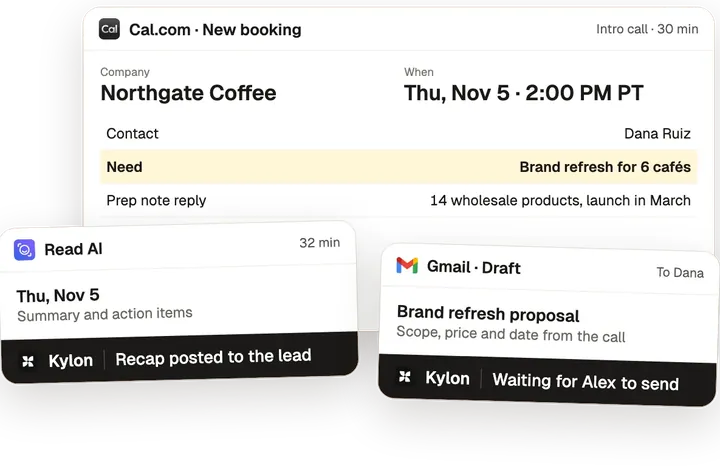
One booking, from first call to signed deal.
From the use case From Customer Inquiry to Closed Deal.
- 01
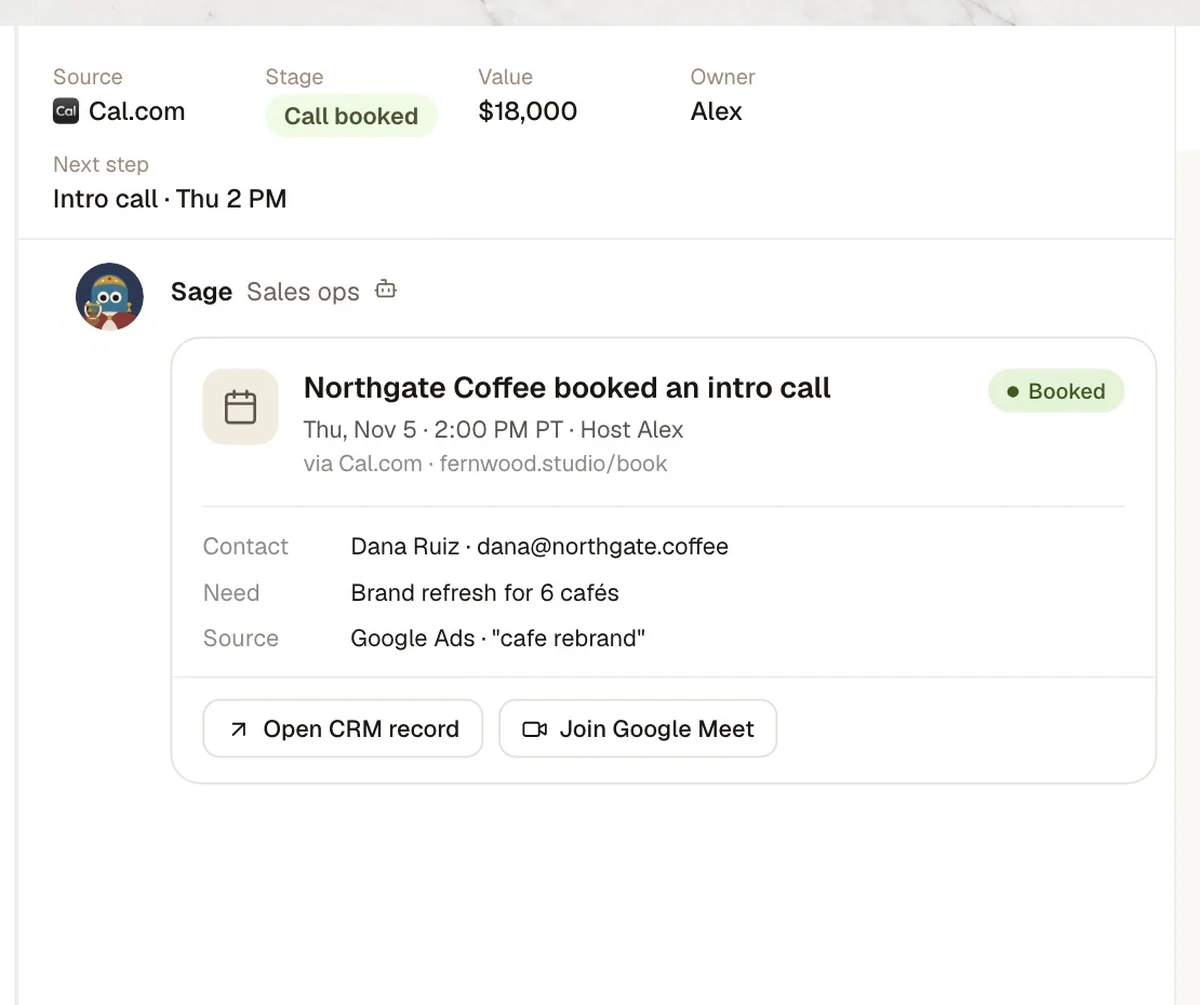
Booking comes in
A lead opens in the sales Room with the form answers.
- 02
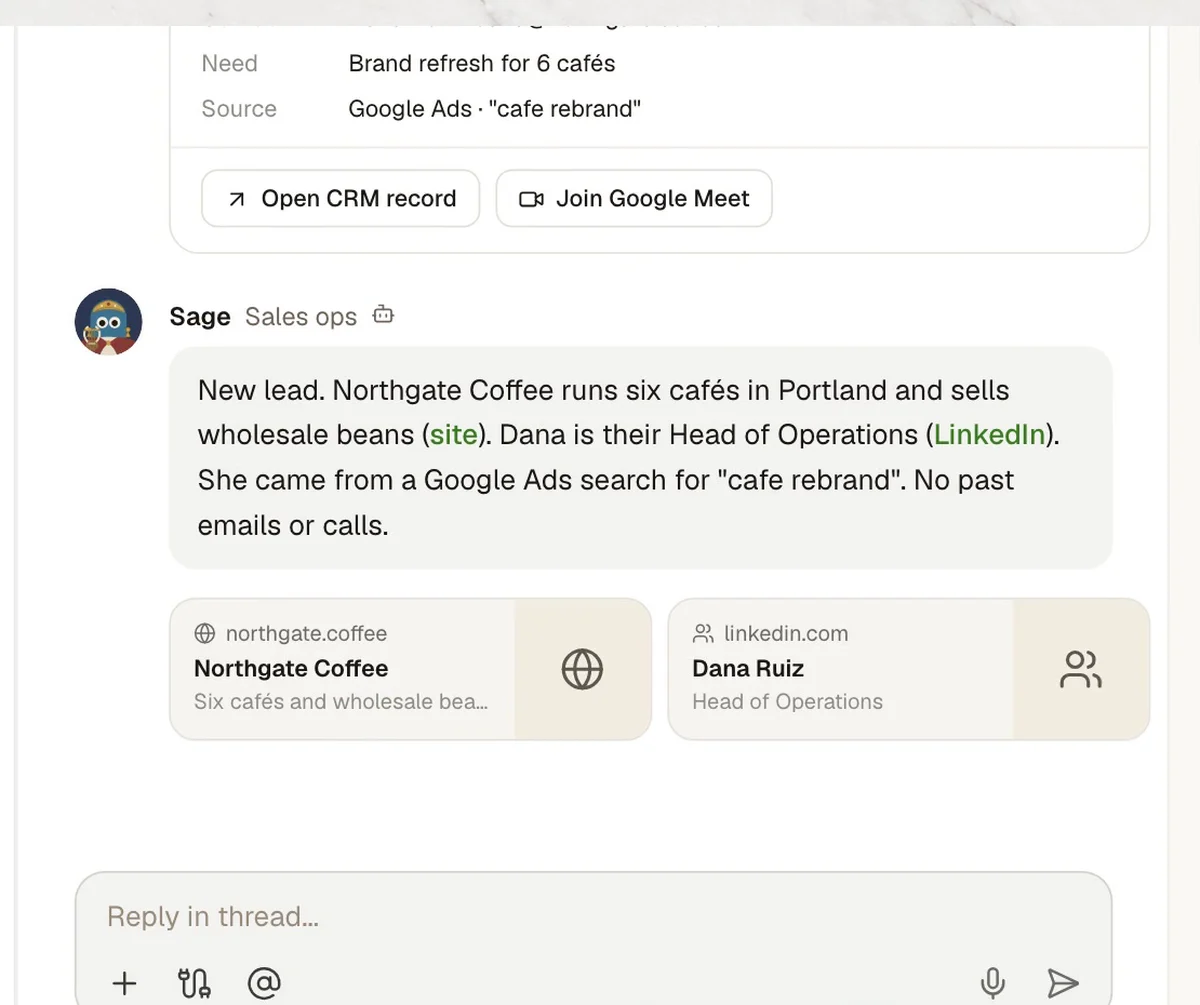
Company and contact
Web research, with a source on every fact.
- 03
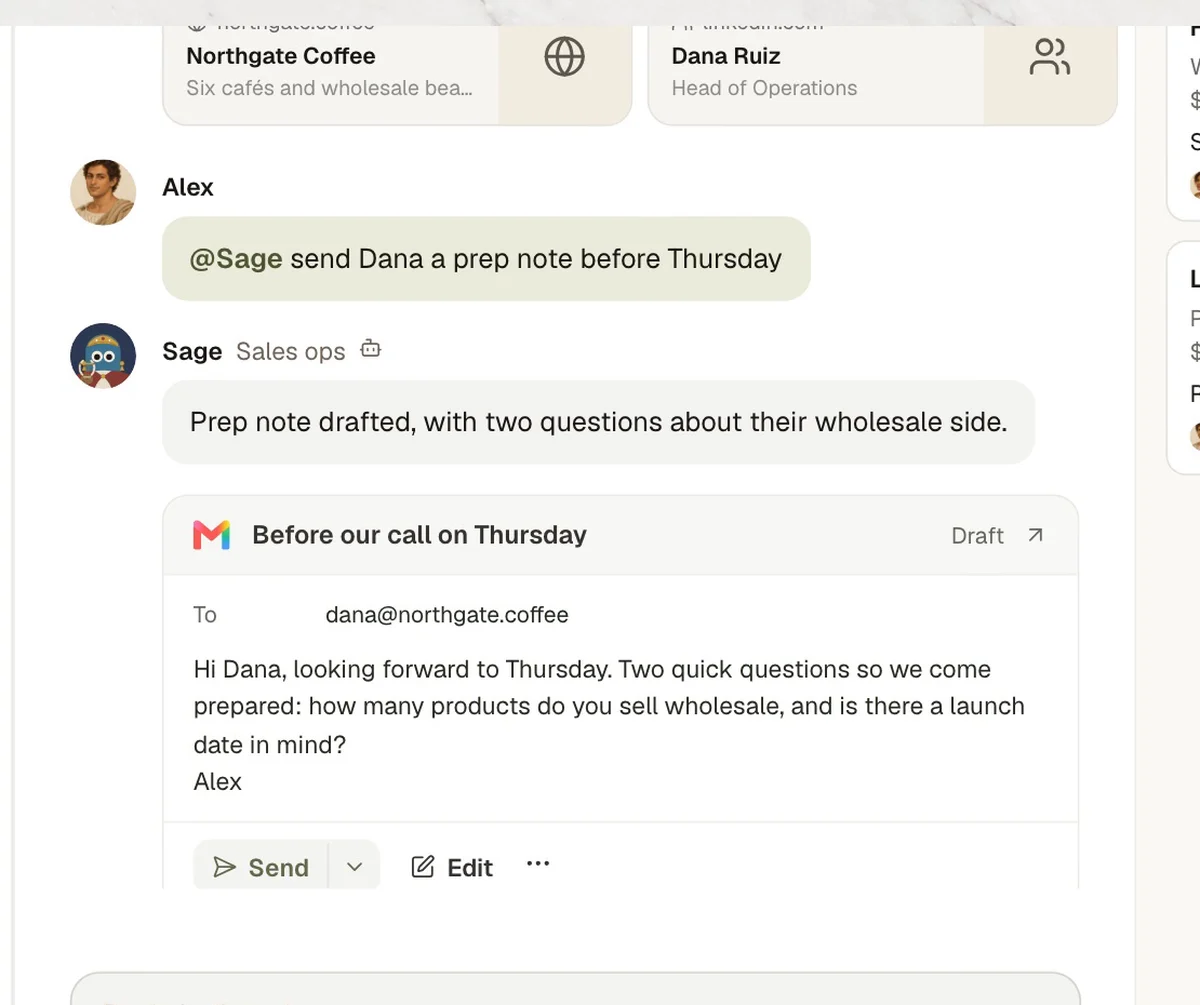
Prep note
Two questions so the call starts prepared.
Who decidesAlex reads it. He sends it from Gmail himself.
- 04
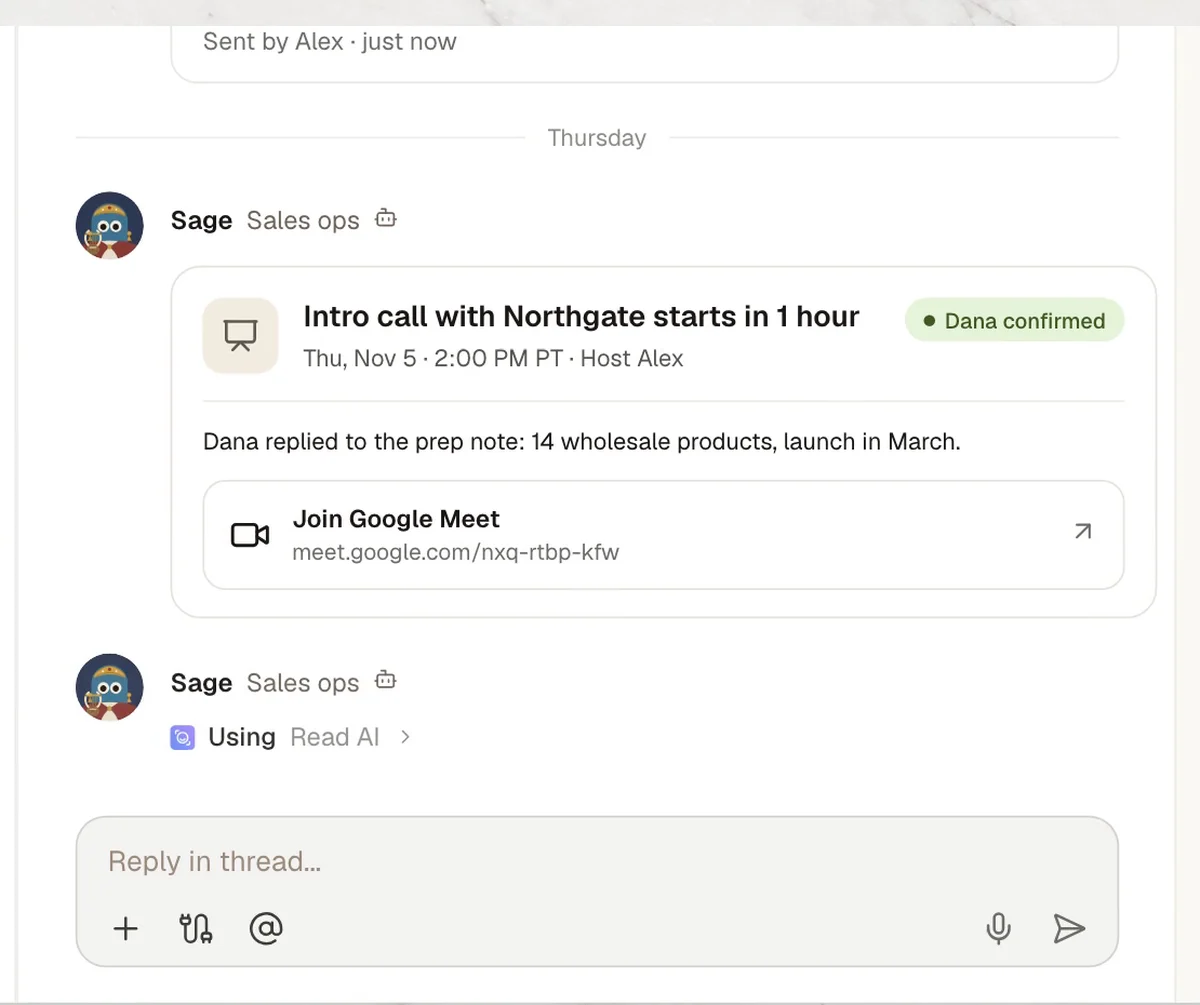
Call reminder
Meeting link posted an hour before.
- 05
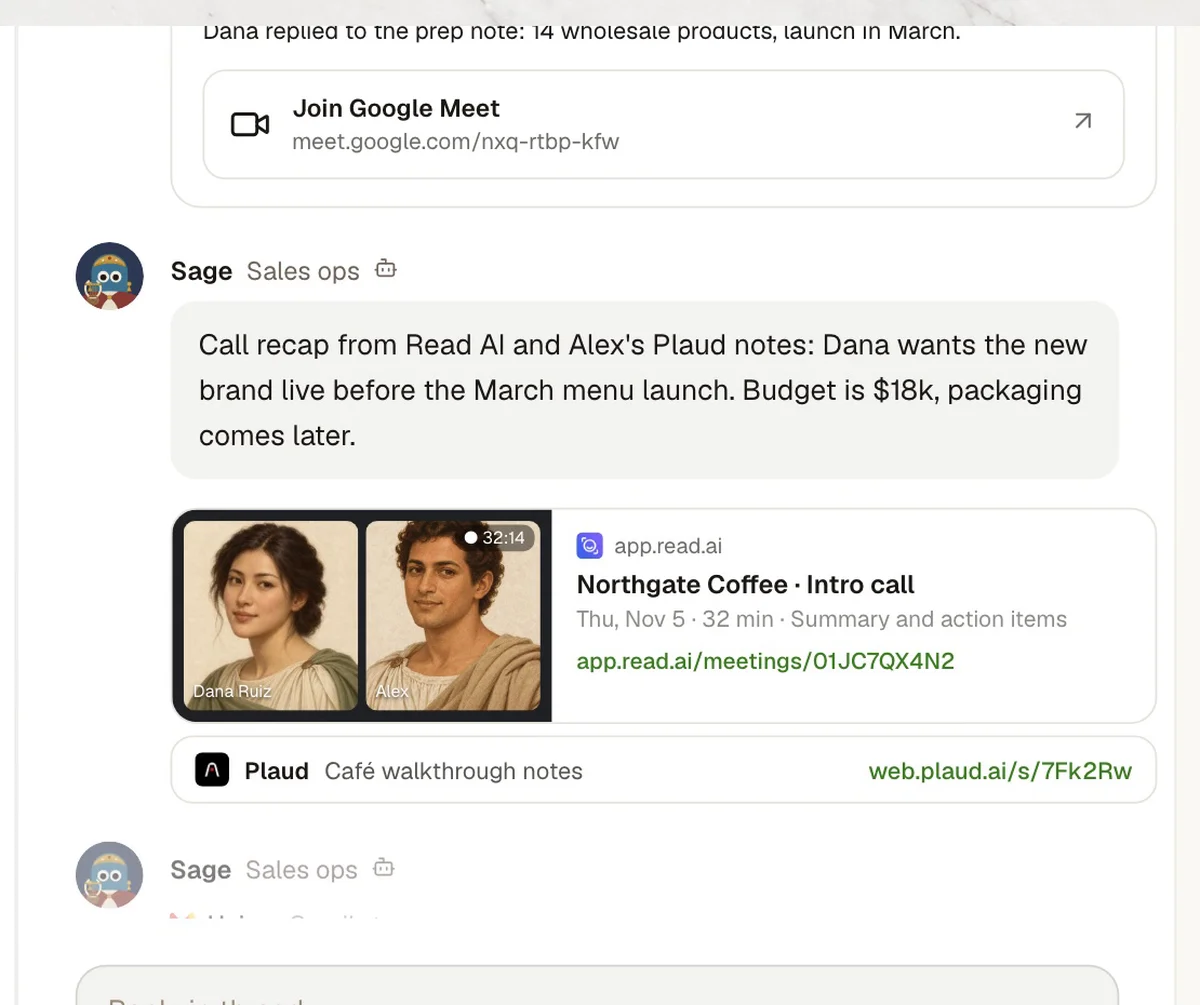
Call recap
Read AI report and Plaud notes, in the thread.
- 06
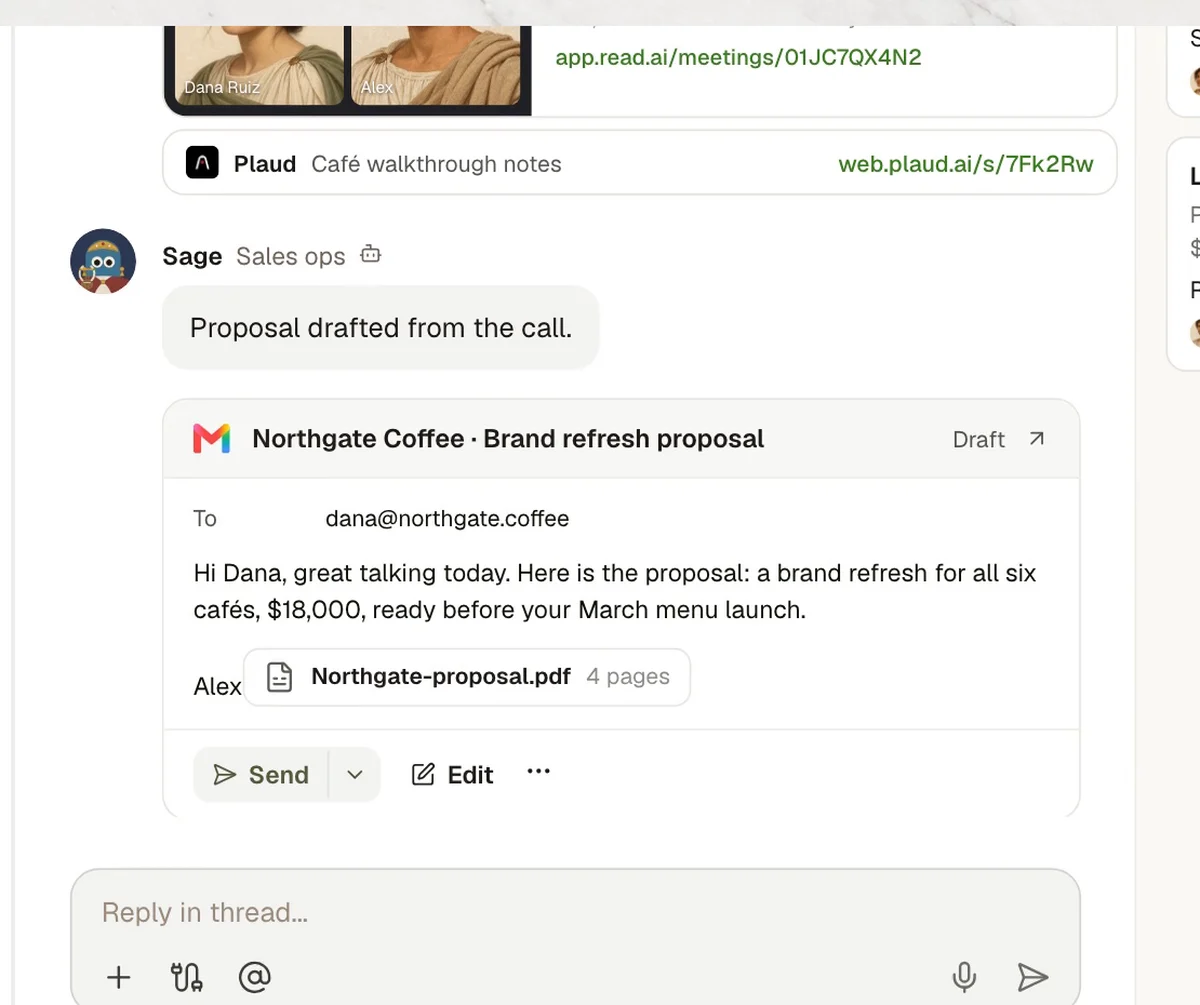
Proposal drafted
Scope, price and date from the call.
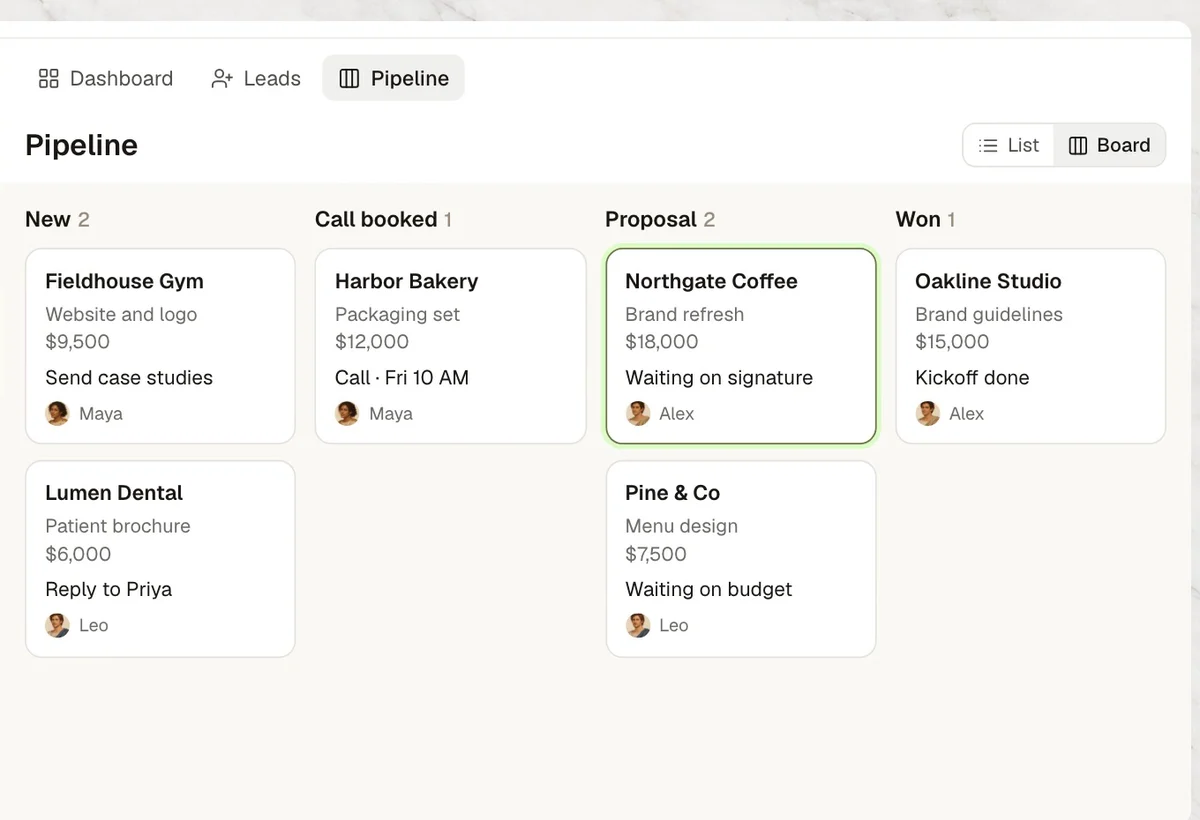
Who decidesAlex reviews. The deal moves to Proposal on the board.
- 07
Won
Onboarding gets the notes and the launch date.
Sales & follow-up, team by team
8 use cases, each with the steps, the tools and a set-up prompt.
Any industry
Sales
Each booking researched, recapped, turned into a proposal.
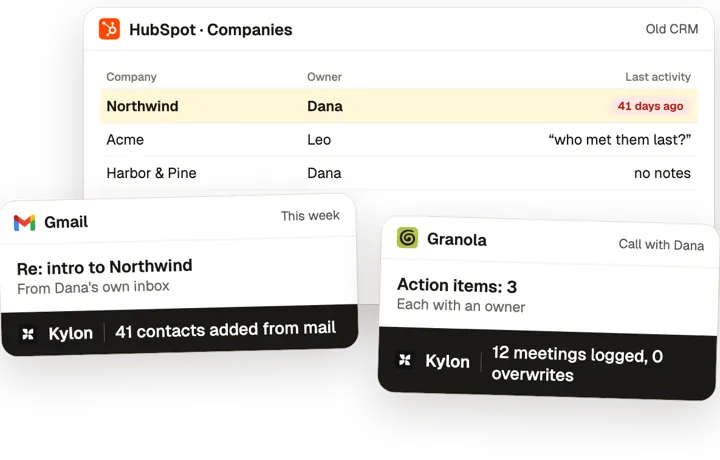
Self-updating CRM
Each person's mail and meetings keep one shared CRM current.
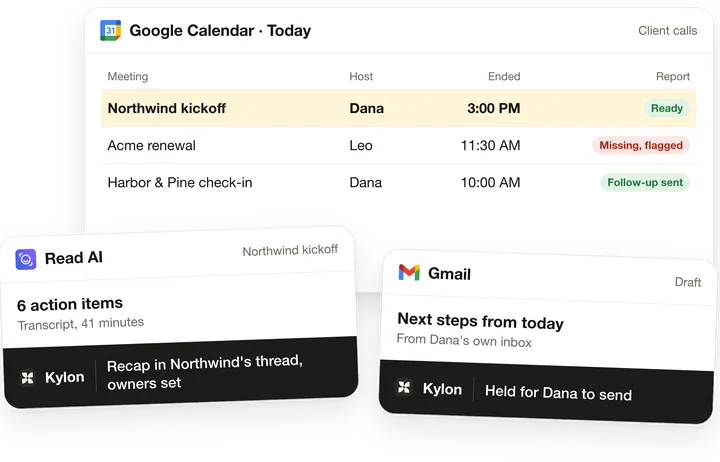
Post-meeting follow-up
Every client call gets a recap, owners and a follow-up draft.
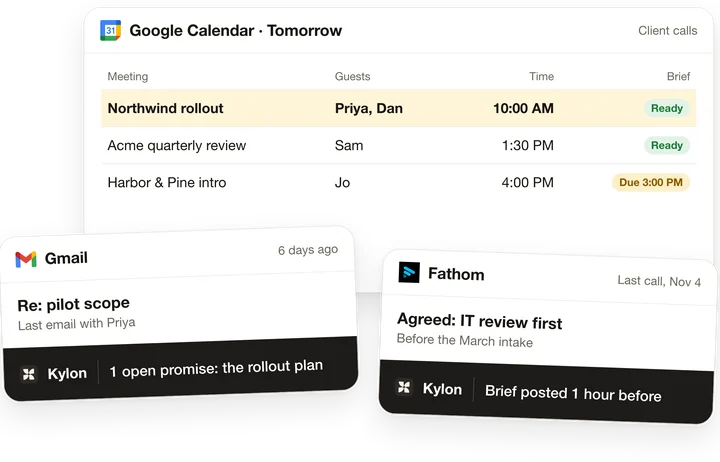
Meeting prep
A brief before every client call: who's coming and what we owe them.
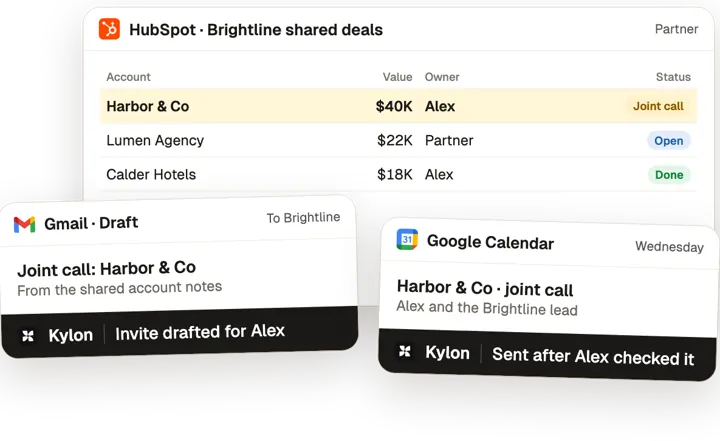
Partner co-selling
Shared deals tracked, joint calls drafted, every partner current.
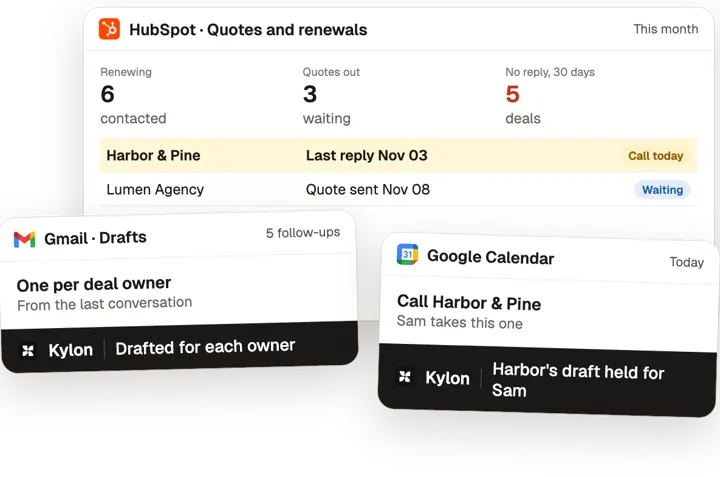
Quotes and renewals
Every quote and renewal followed, quiet deals caught in time.
Before: 32 scans, no owner, unsubscribed?, Re: booth follow-up, SDR slots: none, who got Acme badge?. With Kylon: 12 booth leads in SDR calls. Routed 22 scans by the rules. Workflow tools: Gmail, Google Calendar, Google Drive, Mailchimp, Pipedrive, Slack.
 Atlas
Trade Show Lead Routing: Badge Scans Routed to the Right Owner Within the Week
Agents route badge scans to owners and drop duplicates.
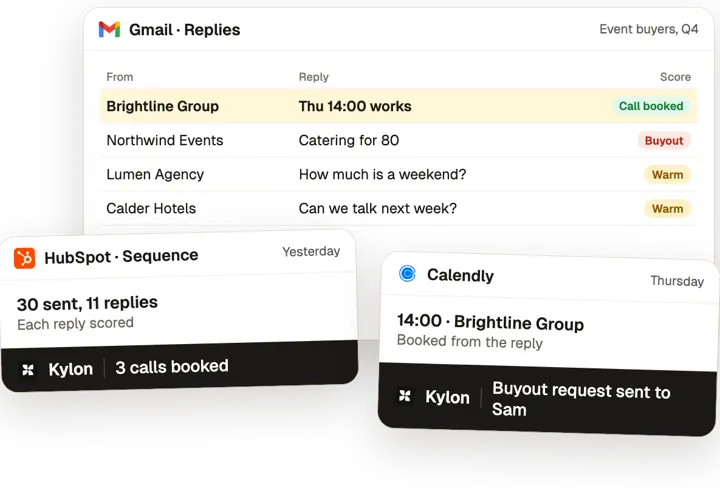
The tools you already use.
Each use case here connects some of these. Anything with an API can be connected the same way.
 Gmail
 Outlook
 Google Calendar
 HubSpot
 Read AI
 Salesforce
 Fathom
 Slack
 Granola
 Fireflies
 tl;dv
 Pipedrive
 DocuSign
 Calendly
 Cal.com
 Plaud
 Stripe
 Notion
 PandaDoc
 QuickBooks
 Mailchimp
 Apollo
 Cloudbeds
Common questions3
Can AI follow up with sales leads for me?
Yes, as drafts. In Kylon an agent researches each new booking with a source on every fact, drafts the prep note, posts a reminder before the call, writes the recap from your meeting notes and drafts the proposal. A person reads each email in Gmail and sends it.
Does it replace our CRM?
No. Kylon works with the tools you already have, such as HubSpot, Salesforce or a shared sheet, and keeps a deal board the whole team can see. The agent updates each record after every step, so nobody rebuilds the status before the weekly review.
Where should a sales team start?
Start with new bookings. Connect your booking tool and Gmail, paste the set-up prompt into a sales Room, and let the agent prepare the next call. Add proposals and renewals once the team trusts the drafts.
Other jobs, other teams.
Start with one job this week.
Open a Room, connect the tools above and paste the set-up prompt from any use case on this page. Kylon builds it with you one step at a time.