AI for travel agencies and hotels.
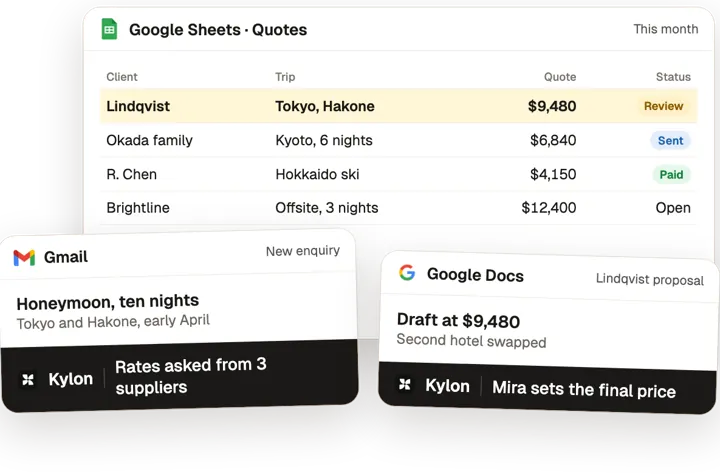
Kylon turns each enquiry into a priced proposal: rates asked from suppliers, a draft itinerary and a quote for you to set, then bookings and documents tracked to departure. Hotels use it for group and corporate sales.
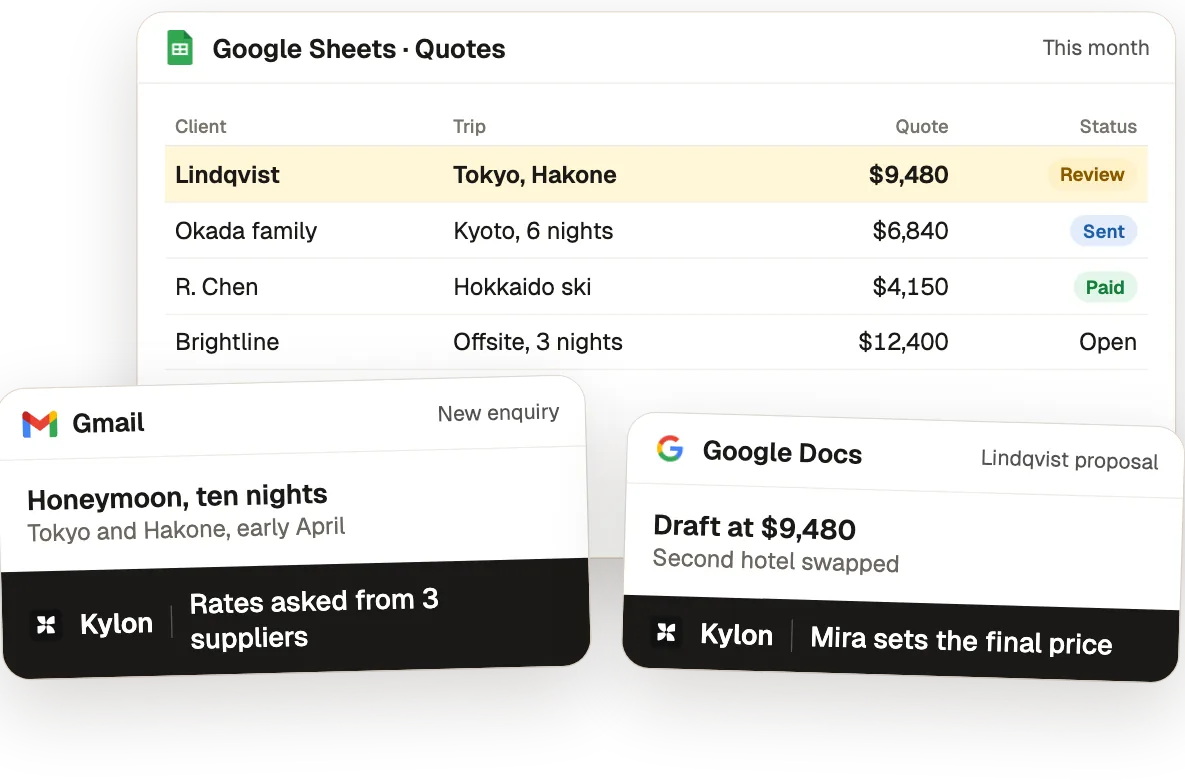
One enquiry, from first email to departure.
From the use case Travel Agencies: From Custom Trip Enquiry to a Priced Proposal the Same Day.
- 01
Read the enquiry into fields
A trip record captures party, dates, budget band and what the brief leaves unsaid.
Who decidesThe advisor decides whether to take the enquiry.
- 02
Draft supplier requests
Each supplier request is drafted from the trip record with the same dates, party and requirements.
Who decidesThe advisor chooses the suppliers and sends each request.
- 03
Compare the quotes
Each reply is read onto the trip record, with unreadable lines flagged rather than guessed.
Who decidesThe advisor makes the selection and sets the margin.
- 04
Assemble the proposal
A proposal is drafted from the selected quotes and the approved itinerary, then held.
Who decidesThe advisor checks every price and inclusion, then sends it.
What Kylon runs for travel & hospitality
3 use cases, each with the steps, the tools and a set-up prompt.
 Iris
Sales & follow-up
All sales & follow-up use cases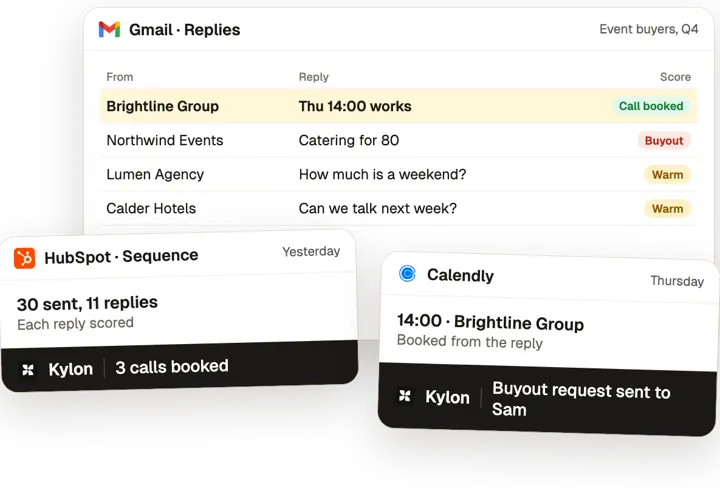
The tools you already use.
Each use case here connects some of these. Anything with an API can be connected the same way.
 Gmail
 Google Calendar
 Google Drive
 Slack
 Outlook
 Zoom
 Box
 SharePoint
 HubSpot
 Apollo
 Cloudbeds
 Fathom
 Calendly
 Google Maps
 Google Sheets
 WhatsApp
Common questions3
Can AI build travel proposals?
Yes. The agent asks suppliers for rates, drafts the itinerary and a quote, and you set the final price before it goes to the client.
Does it track bookings after the sale?
It keeps each trip's bookings, payments and documents on one record and flags what is due before departure.
How do hotels use it?
For sales: the agent researches each account, drafts the outreach and keeps the pipeline current for the sales team.
Other jobs, other teams.
Start with one workflow this week.
Open a Room, connect the tools above and paste the set-up prompt from any use case on this page. Kylon builds it with you one step at a time.