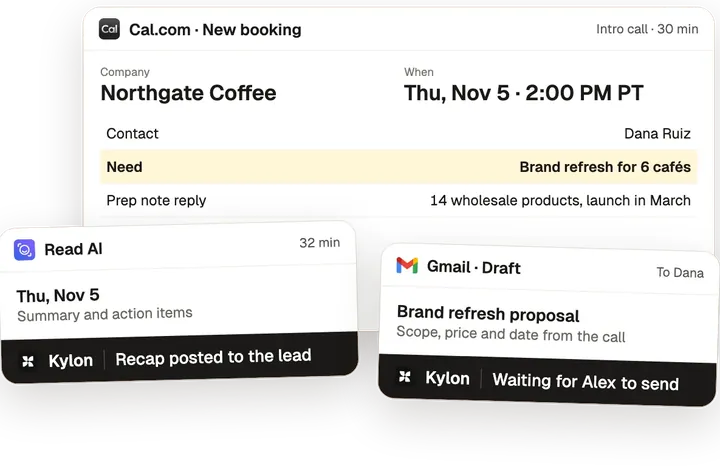
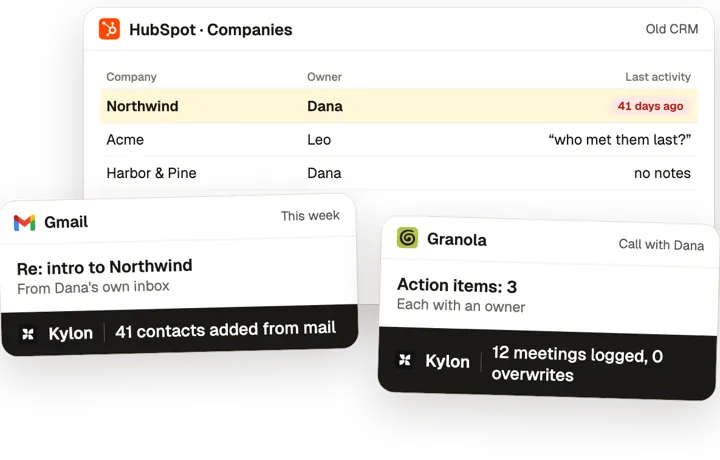
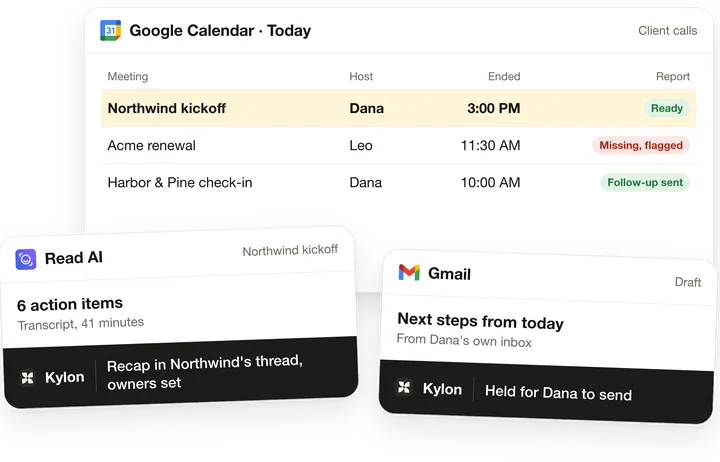
A brief before every client call: who's coming and what we owe them.
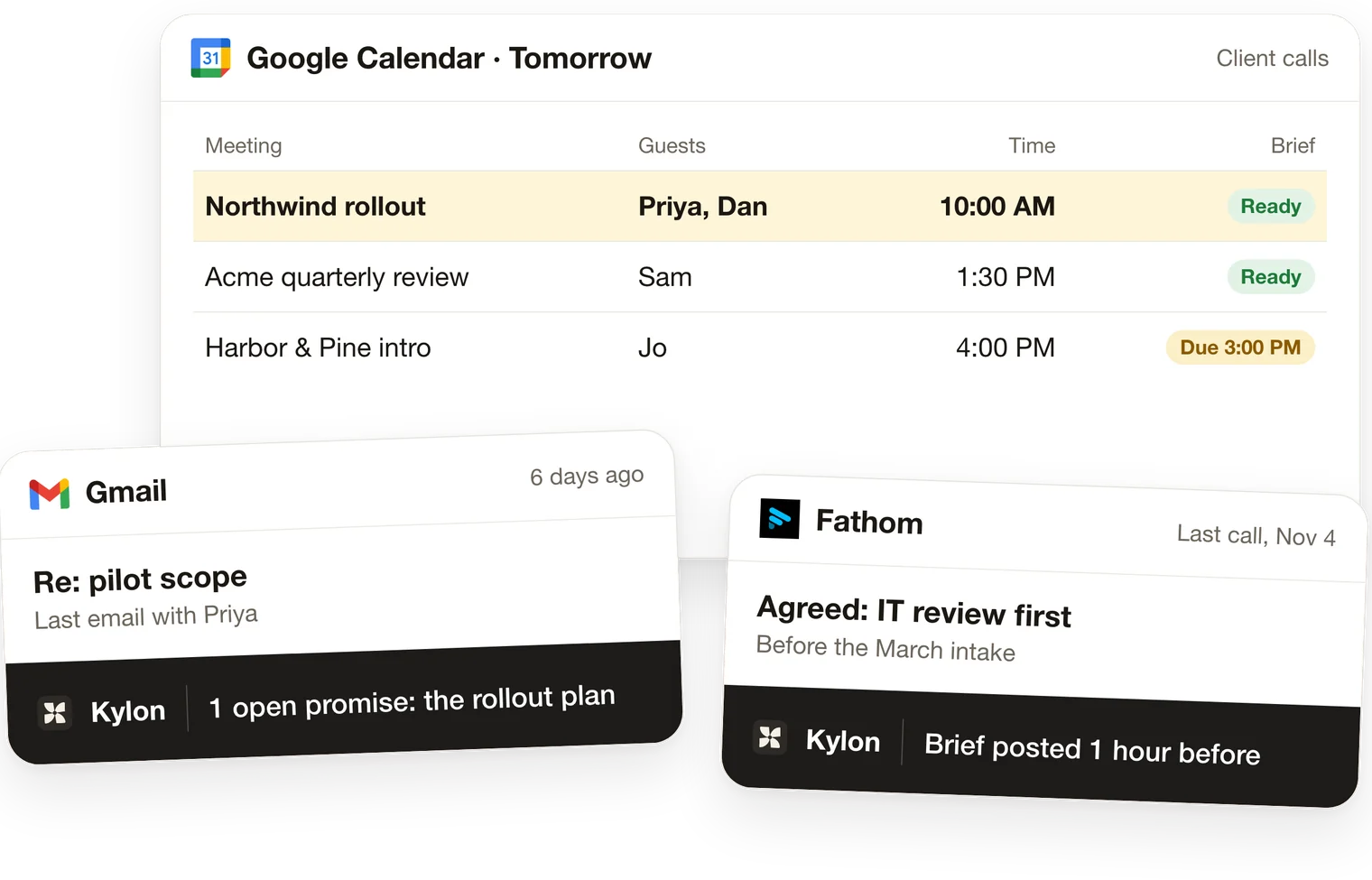
Before each client call, the agent writes a brief from your calendar and email: the attendees and their roles, what their company does, the last meeting, the last email thread and anything you still owe them.
What you'll connect
 Google Calendar
 Gmail
 Outlookoptional
 Read AIoptional
 Granolaoptional
 Firefliesoptional
 Fathomoptional
 tl;dvoptional
Your agent asks for each one in the Room. Nothing is sent or written until a person approves it.
Step by step
From a calendar invite to a brief before the call.
One card per step. The agent prepares, and a named person decides.
01
Pick the meetings
- Today
- Prep happens in the five minutes before the call, if at all.
- In Kylon
- The agent reads the calendar for upcoming meetings that match your rules, such as outside guests only.
- Who decides
- You set which meetings get a brief, how long before and who gets it.
02
Who's coming
- Today
- Attendee names get searched in the waiting room.
- In Kylon
- Each attendee with their role, and what their company does, with a source on every fact.
- Who decides
- The host corrects anything that's off.
03
Last time, and what we owe them
- Today
- Last call's promises sit in a notetaker or an old thread nobody reopens.
- In Kylon
- The last meeting and what was agreed, the last email thread, and anything we still owe them, from email, and from the notetaker and CRM when connected.
- Who decides
- The host decides what to raise on the call.
04
Post the brief
- Today
- The context lives in one person's head.
- In Kylon
- The brief is posted as a card in the Room, or in the client's thread when one exists.
- Who decides
- You review the first briefs before anything runs on a schedule.
What it works with
The tools you already use.
Connection
Google CalendarShows each upcoming meeting, its time and who is attending.
Connection
GmailHolds the last email thread with each attendee and what we promised them.
Optional
OutlookUse instead of Gmail if your team works from Outlook.
Optional
Read AIAdds what was said and agreed in the last meeting.
Optional
GranolaAdds what was said and agreed in the last meeting.
Optional
FirefliesAdds what was said and agreed in the last meeting.
Optional
FathomAdds what was said and agreed in the last meeting.
Optional
tl;dvAdds what was said and agreed in the last meeting.
Set it up
Start with your next client meeting.
1. Start in Kylon
A new Room opens in your workspace with this prompt.
2. Connect what it lists
Google Calendar, Gmail, from the card in the Room.
3. Give it your rules
Your agent asks one at a time and writes them into the Room's guideline.
Set up a prep brief before every client call in this Room. Take it one step at a time and wait for my OK before you move on. 1. Connect Google Calendar and Gmail first (Outlook if we use it). Our notetaker (Read AI, Granola, Fireflies, Fathom, tl;dv or Otter) and our CRM can wait until a step uses them. 2. Ask me which meetings get a brief (only external guests, or also internal), how long before the call, and who should get it. 3. For the next client meeting on the calendar, write a brief: who's attending and their role, what their company does (with sources), the last meeting with them and what was agreed, the last email thread, and anything we still owe them. Show it to me before you post it. 4. Post each brief as a card in this Room, or in the client's thread if one exists. 5. Copy our rules into this Room's guideline: what a brief must include and how long before the call it goes out. 6. After a week of briefs, offer to turn this into an Automation that runs on our calendar. Start with step 1.

Rolling this out with a team? Book a demo
Questions about this use case4
Do I need a notetaker?
No. The brief needs only Google Calendar and Gmail, or Outlook. A notetaker adds what was said in the last meeting, and a CRM adds the account history.
When does the brief arrive?
You choose how long before the call. For the first week the agent writes each brief with you; after that it offers a scheduled Automation that reads your calendar and posts each brief on time.
Where do the company facts come from?
Public sources such as the company's website, each fact with its link, so the host can check anything before the call.
Does it contact the attendees?
No. It reads your calendar and email and posts the brief in your Room, or in the client's thread when one exists. Nothing goes to anyone outside your team.