How a Team Managed Quotes, Renewals, and Silent Opportunities
Keep commercial commitments visible by connecting key dates, account history, documents, owners, and reviewable follow-up.
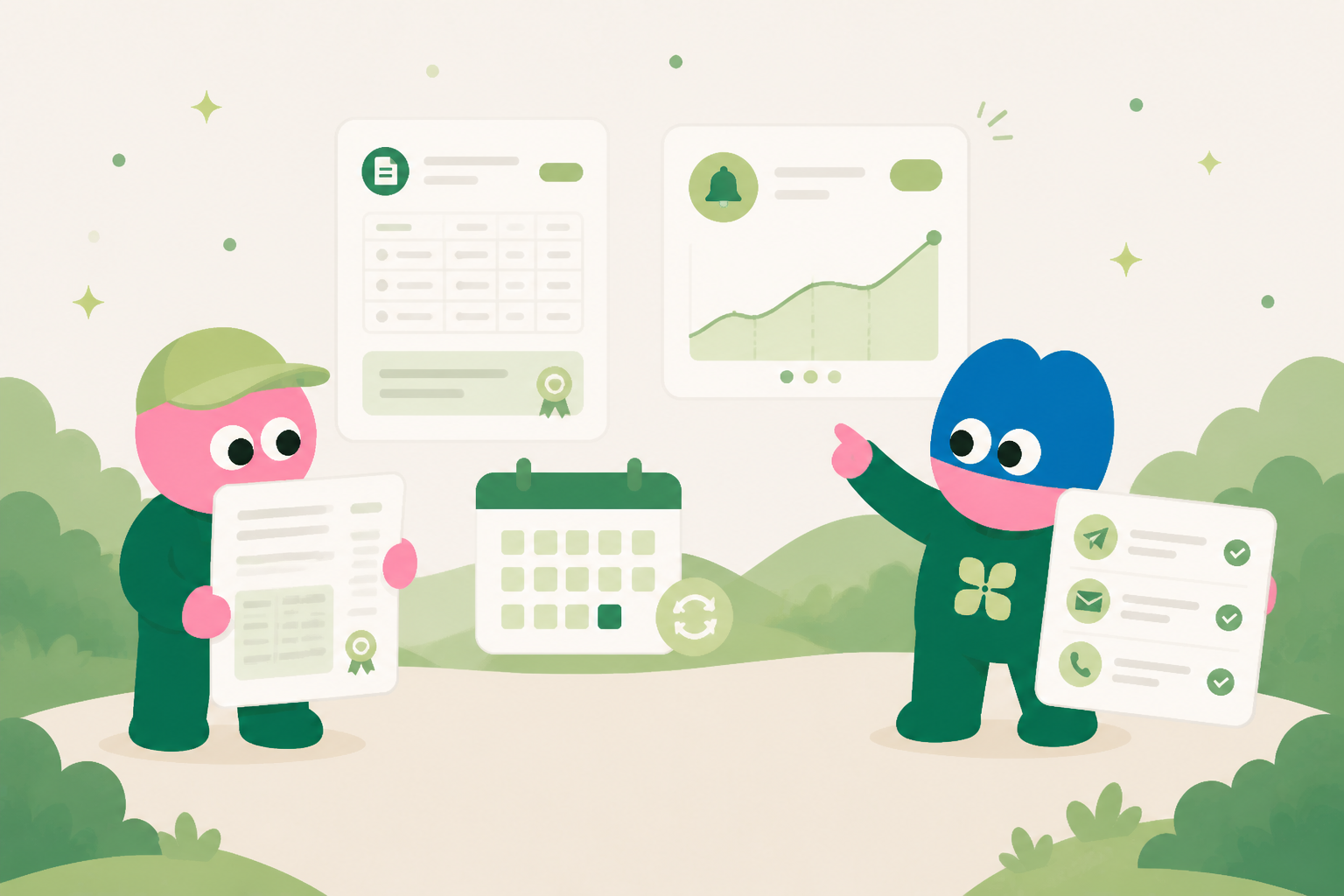
Commercial work should not disappear in email
A quote request, renewal conversation, or contract update becomes a record with the account, key date, owner, commercial document, current stage, and explicit next action.
See the next decision, not only the last message
The team can review upcoming renewals, open quotes, or records without an owner action. Each record points back to the email thread and documents that explain the current position.
Use context before proposing follow-up
The agent can summarize prior conversations and prepare a follow-up draft using the linked account record and documents. It does not decide commercial terms or send without the account owner.
Keep owners accountable
A workflow can surface records approaching a key date or waiting without a recorded next action. The owner reviews the underlying context and decides how to proceed.
Build continuity into the sales system
The record stays useful after a call or renewal cycle because it retains the decision trail, documents, and commitments. The next person starts from the account history, not from a blank inbox.
Surface quote and renewal work before context goes quiet
Quotes and renewals create quiet risk when their context is spread across account notes, document versions, customer feedback, and individual inboxes. A renewal may have a clear date but an unclear owner. A quote may be technically ready while a product question, procurement concern, or customer-requested change remains unresolved. Kylon gives teams an internal operating record for these moments. A database app can track the account, commercial period, quote version, decision date, requested changes, relevant feedback, stakeholders, owner, review stage, and next internal action. It can be used as a practical internal app for records and reviews, not just as an archive. Workflows can collect missing inputs, flag dates approaching a defined review window, and remind the owner to assess the record. The goal is not to claim that every opportunity converts. It is to make the work and evidence available early enough for a responsible team to decide what should happen next.
Review the commercial record before preparing customer communication
A useful review brings commercial and relationship context together. The owner can compare the current quote with prior versions, note feedback received from the customer, identify dependencies on product or finance teams, and determine whether a proposed term needs approval. If relevant connected email context is available, Kylon can prepare a draft reply, quote cover note, or renewal check-in based on the record and conversation. That draft remains internal until a responsible person explicitly confirms the recipient, figures, terms, attachments, claims, and timing for external sending. This protects against sending an outdated quote or making an unreviewed commitment. Internal workflows may request approvals, remind reviewers, and route a record to the right internal queue. They do not independently make offers, negotiate terms, or send messages. For bulk renewal education or larger campaigns, a professional outreach platform manages deliverability and sending controls, while Kylon keeps the account-level reasoning and follow-up record.
- Create a quote or renewal record when commercial work begins, with one owner, the customer decision horizon, current documents, and a clear internal next action.
- Track version history and the reason for each significant change, such as a scope update, customer feedback, approval requirement, or pricing review.
- Use a review checklist for factual accuracy, approved commercial terms, customer-specific commitments, required attachments, and internal sign-off.
- Set workflow reminders around agreed review windows. Treat the alert as a prompt to assess the account, not proof that contact should occur.
- Prepare customer email drafts from connected context only when useful, and require explicit human confirmation before any external send.
- After a decision or a paused discussion, record the learning and next review date so a future owner can understand the account without reconstructing the story.
““The value was not an automatic renewal message. It was seeing the quote, feedback, owner, unresolved questions, and review date in one place before the relationship went quiet.””
Use the record to make renewal learning cumulative
What the team keeps in the internal system
The exact fields differ by workflow, but the system keeps the source context, current status, accountable owner, decision history, related documents, relevant email thread, next internal action, and review date together. That structure gives people and agents a reliable starting point whenever work changes hands.
Start with one repeated workflow
Teams do not need to replace every tool at once. Start with the repeated work that currently requires people to copy information between conversations, inboxes, documents, and spreadsheets. Build a shared record, connect the people who own it, and use a workflow to support the review rhythm. The system becomes more useful as its context and decisions accumulate.
See how Kylon can help your team turn recurring work into a shared operating system.
Talk to KylonYour first company harness. Where humans and agents run your business together.
More Use Cases
View all
How a US Hospitality Firm Built an AI Sales Pipeline with Kylon
A US-based hospitality company used Kylon to automate 1,000-contact outreach, AI reply scoring, and lead routing.

How an AI Startup Automated Talent Sourcing with Kylon
A growing AI startup built a recruiting system where agents parse resumes, score candidates against open roles, and manage outreach, all from one room with a structured database.