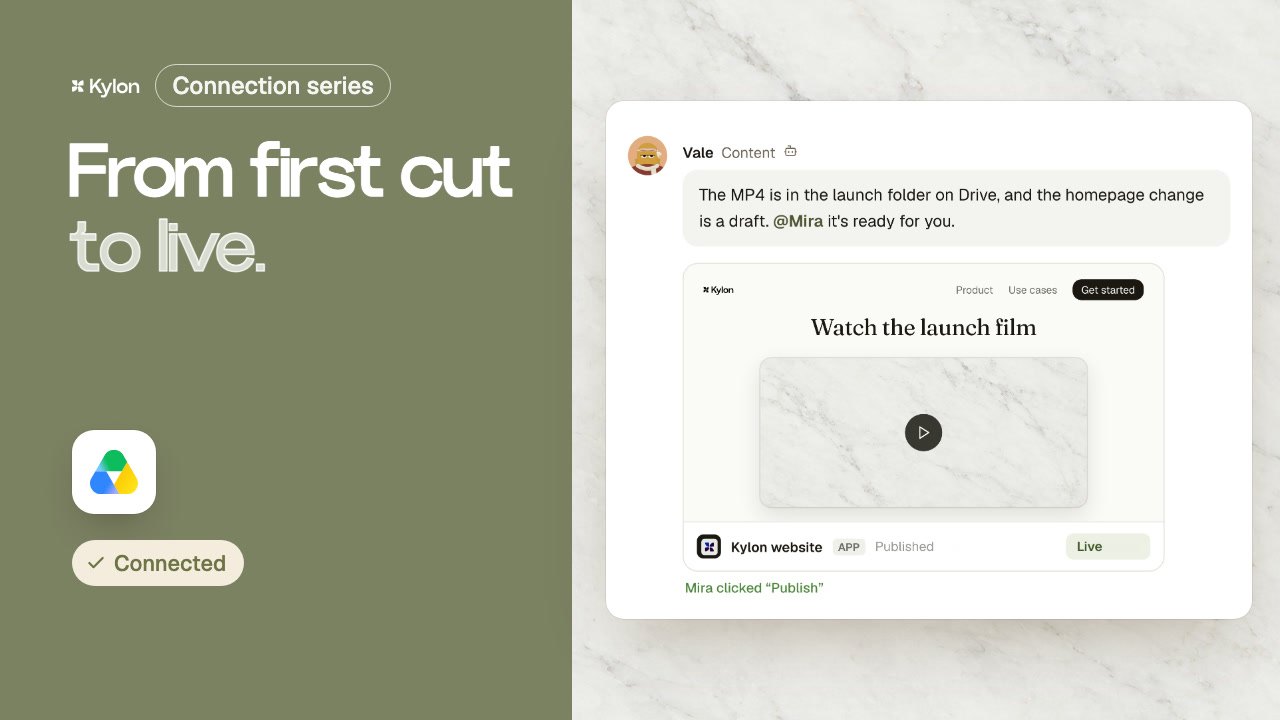
From welcome email to renewal.
A retainer client gets a welcome, a daily usage check, a check-in when requests drop and a call when they run out. The founder fixes the tone once, finance checks the payment reminder, and the retainer renews on a bigger plan.
Fernwood Studio, Northgate Coffee and everyone in the video are fictional, and so are the links and numbers. All six films on YouTube
What each tool does here.
Each person signs in to their own account. The agent works with what that account can already see.
 Steps 01 and 03
Welcome and check-in emails are drafted in Gmail. The team reads each one before it goes.
 Step 05
Every month the agent checks invoices and flags any payment that fails.
 Step 06
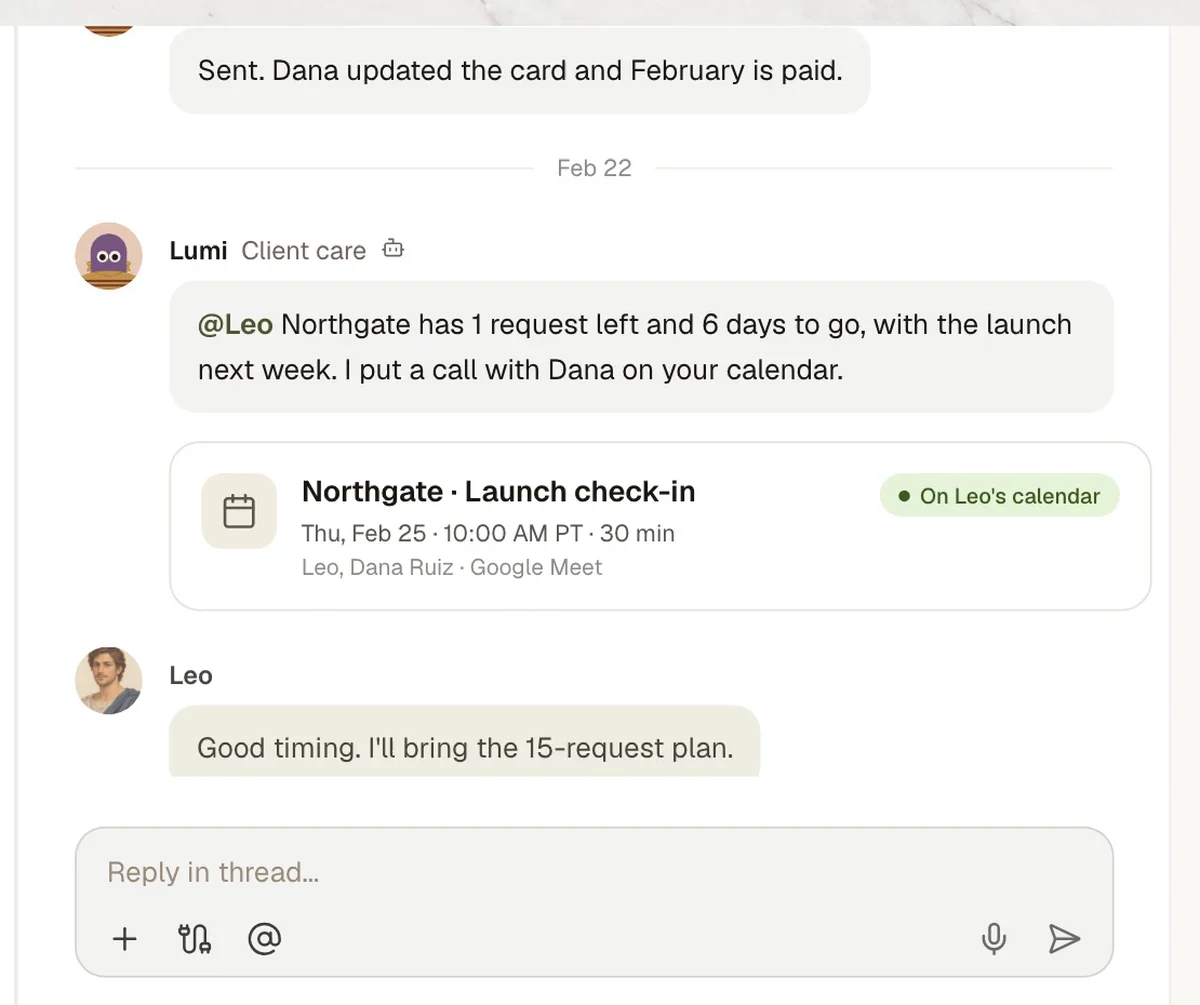
When a client needs a call, it goes on the owner's calendar.
7 steps, one Room.
The same steps as the film. Each one shows what the agent does in the Room and, where it matters, who signs it off.
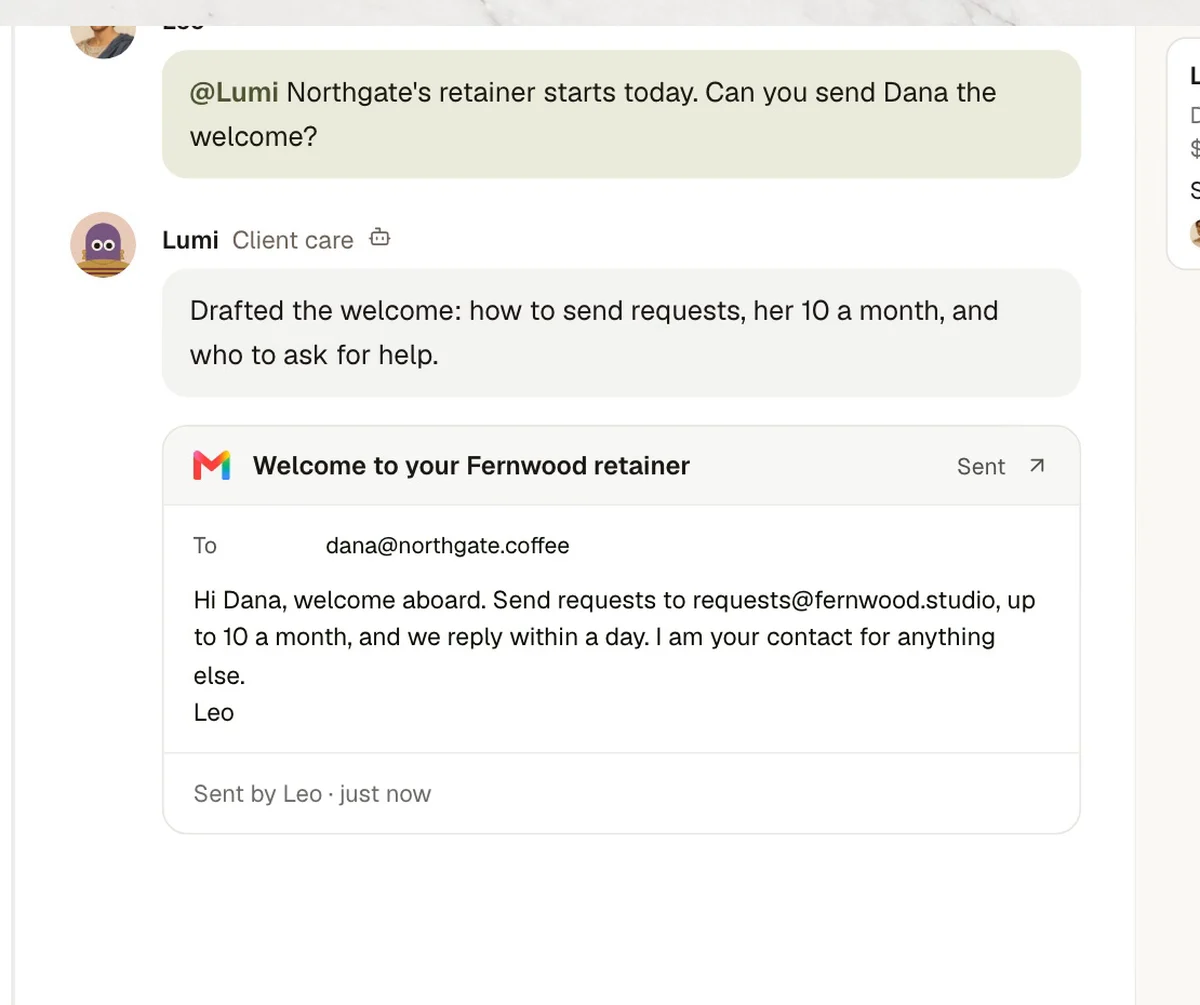
- 01Welcome
Welcome email
- In Kylon
- LumiHow to send requests and who to ask.
- 02Daily check
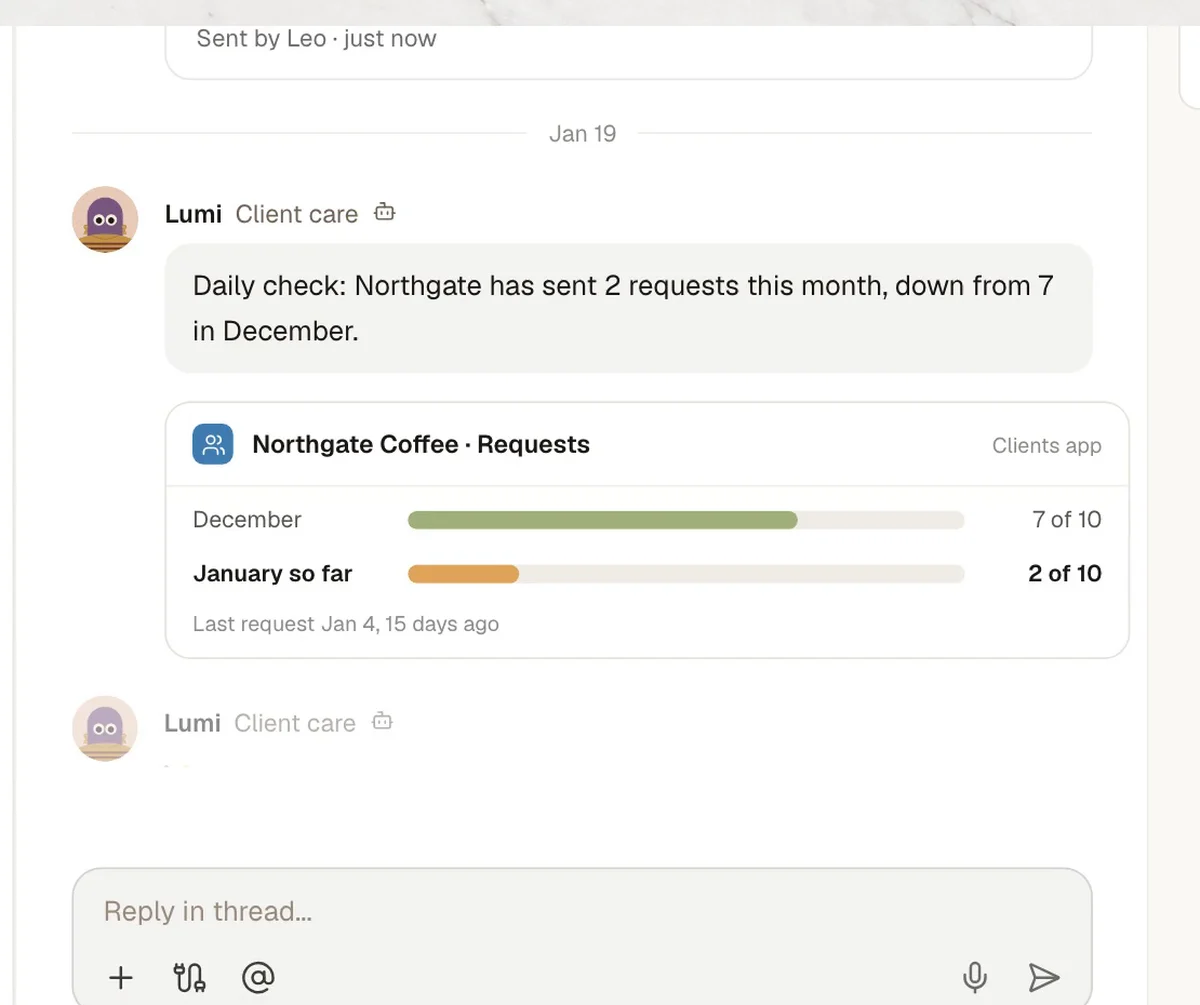
Daily usage check
- In Kylon
- LumiThis month's requests against last month.
- 03Check-in
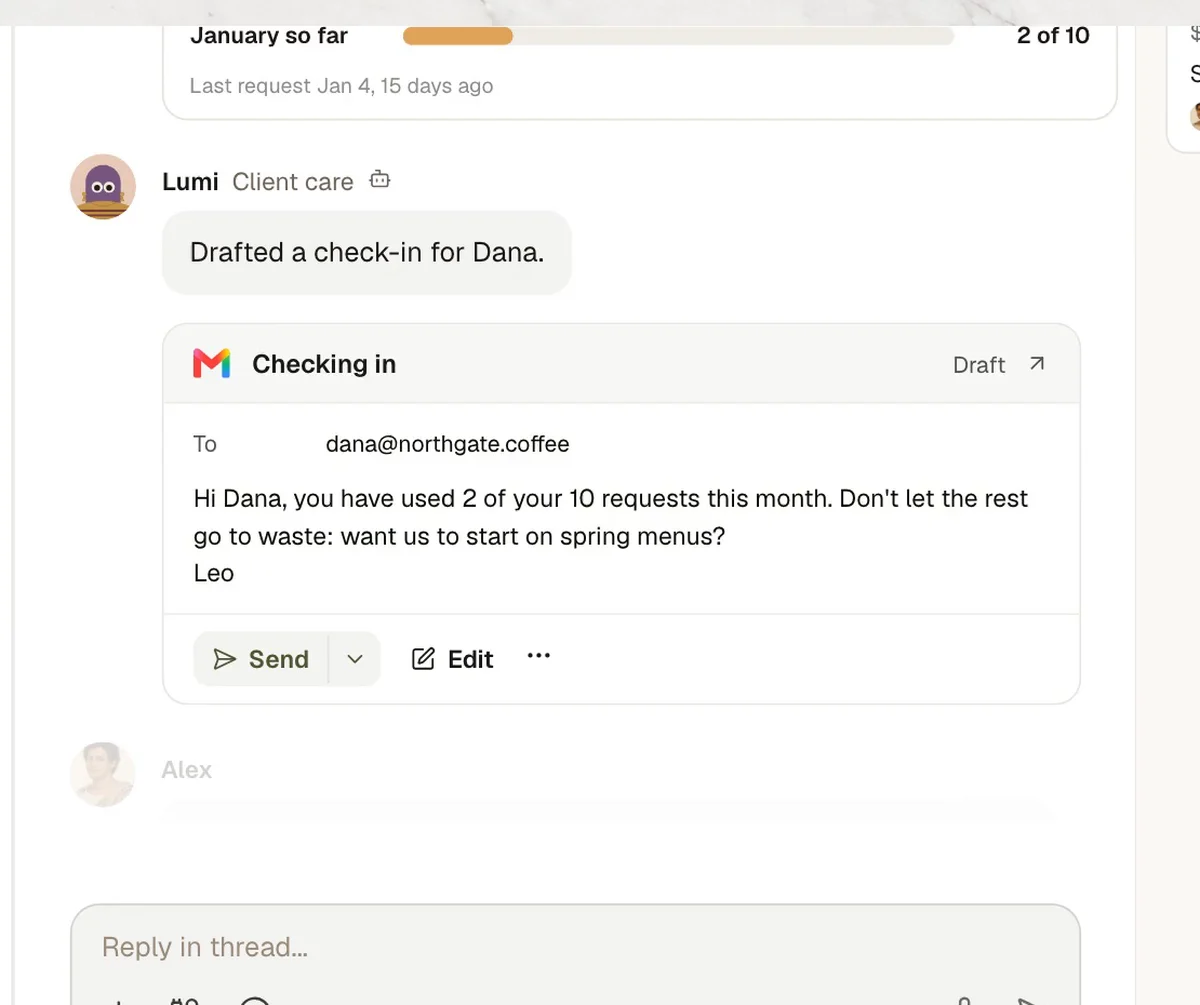
Check-in drafted
- In Kylon
- LumiWhen requests drop.
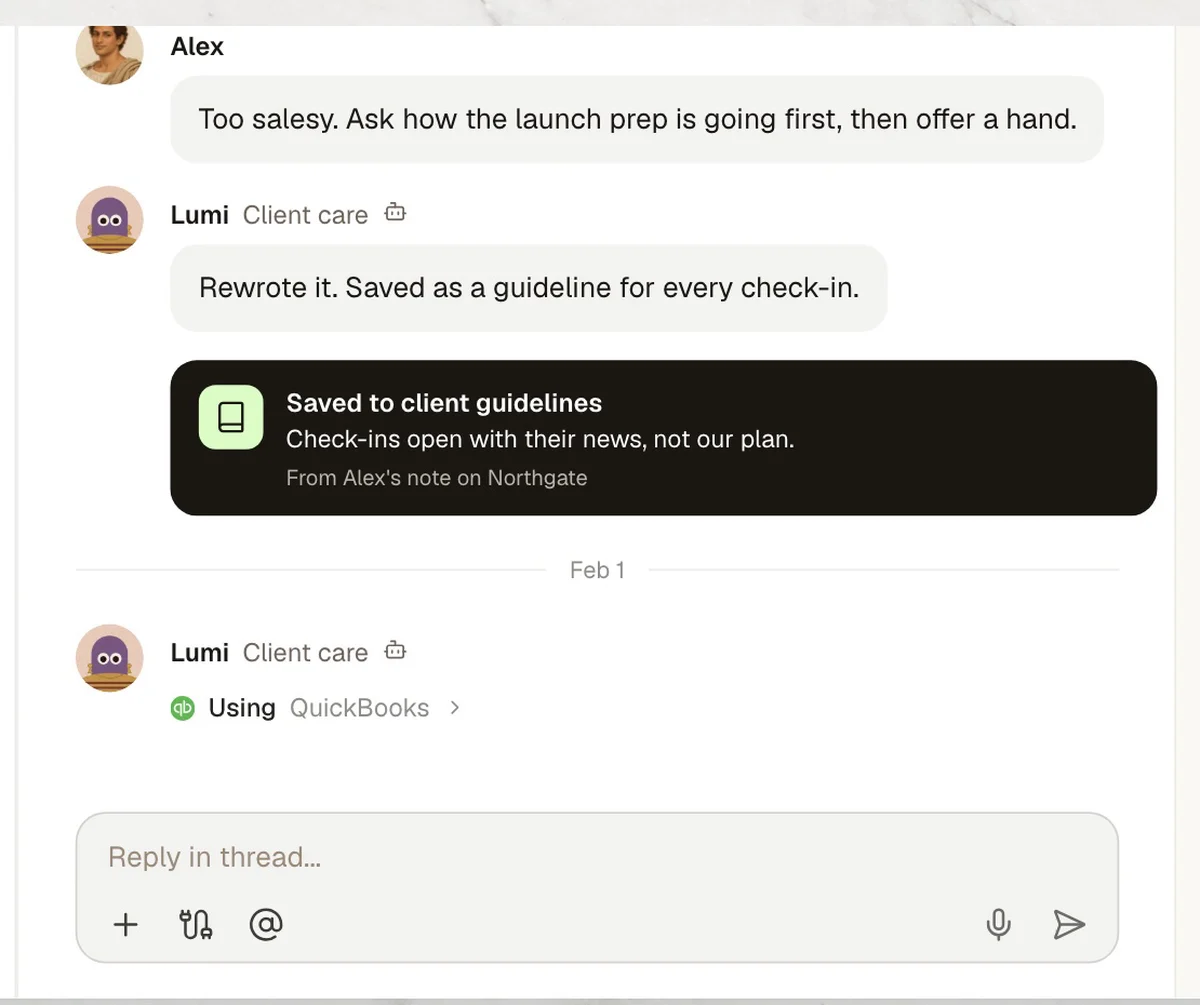
- 04Guideline
Tone fixed once
- In Kylon
- LumiSaved as a guideline for every check-in.
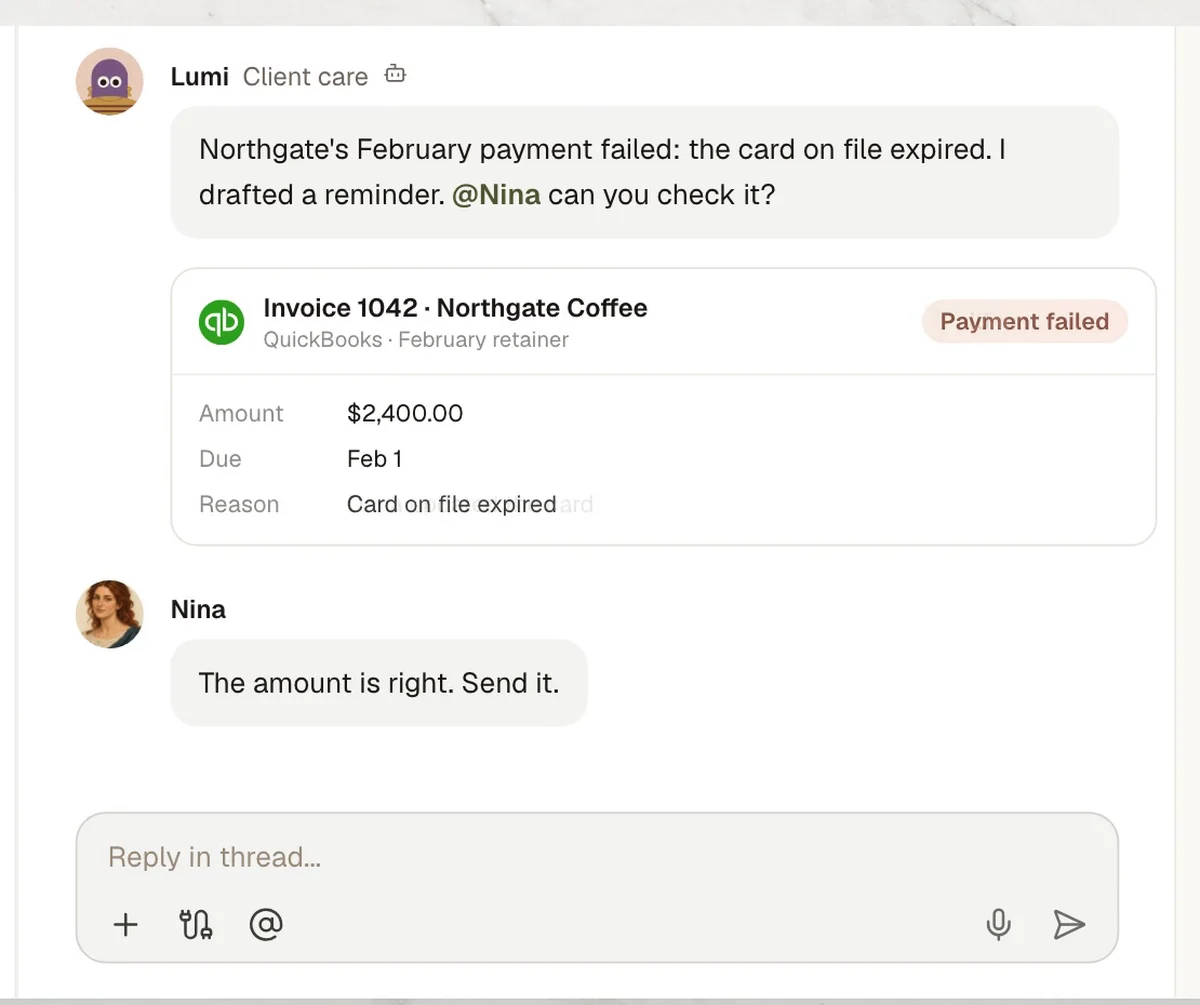
- 05Payment
Payment failed
- In Kylon
- LumiReminder drafted from QuickBooks.
- Who decides
- Finance checks it. Nina confirms the amount, then the invoice is paid.
- 06Upgrade
Upgrade call
- In Kylon
- LumiOn the owner's calendar when requests run out.
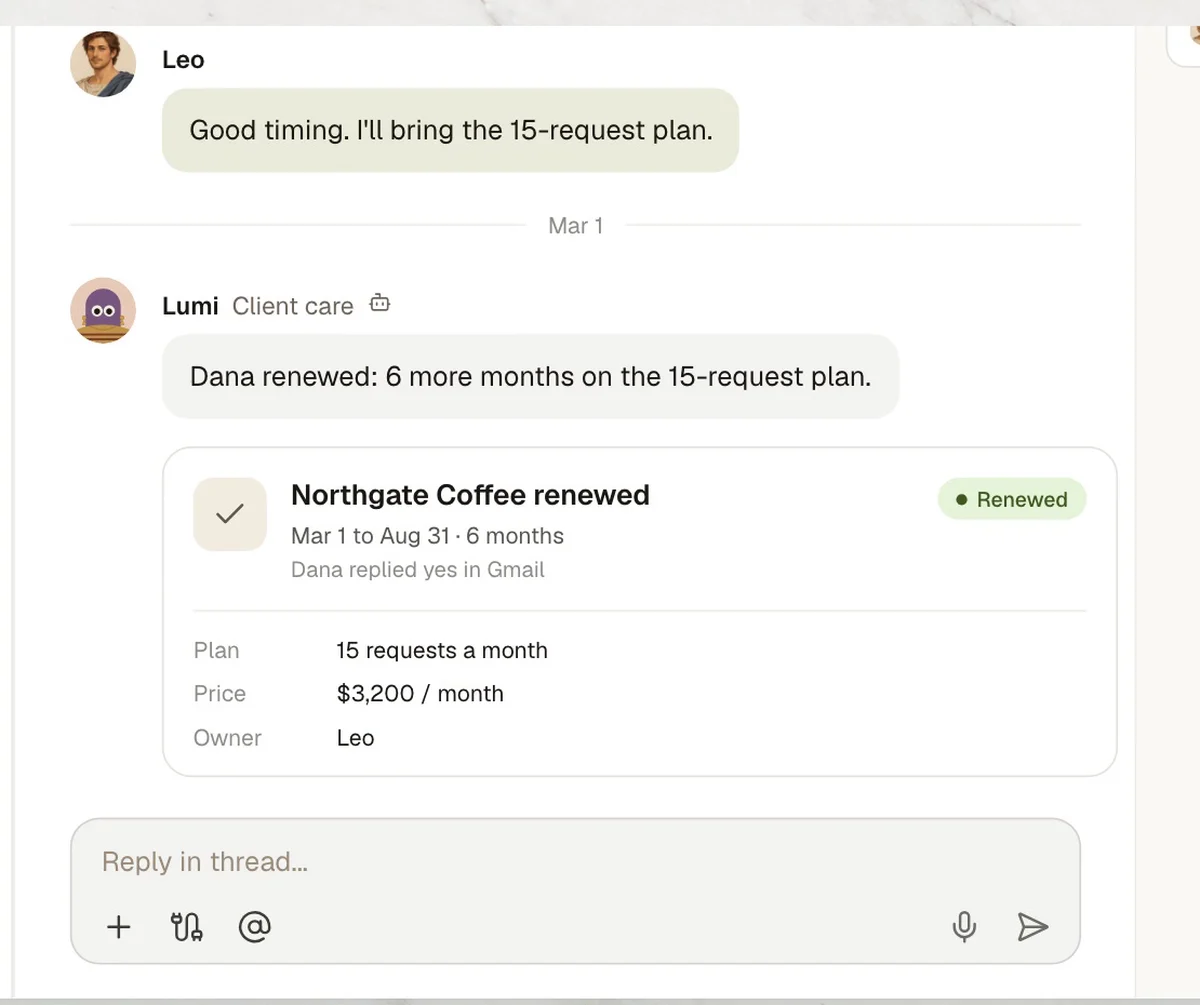
- 07Renewed
Renewed
- In Kylon
- LumiSix more months on a bigger plan.
Four steps to your own version.
- 1Connect your toolsIn Connections, sign in to Gmail, QuickBooks and Google Calendar.
- 2Open a client RoomAdd your agent, the account manager and whoever handles billing.
- 3Paste the set-up promptThe agent asks for your rules one at a time.
- 4Read the first check-inFix the tone once. The agent keeps it for every client.
Set up our client care workflow in this Room. 1. When a client starts, draft a welcome email in Gmail: how to send requests and who to ask. 2. Every day, check each client's requests this month against last month. If they drop, draft a check-in. 3. Every month, check QuickBooks. If a payment fails, draft a reminder and ask finance to check it before it goes. 4. When a client is close to their limit, book a call on the account manager's Google Calendar. Never send an email without our OK. Before you start, ask me for our rules one at a time.

Run it in your own workspace.
Connect the tools you already use, add your team, and paste the prompt. Your agent asks before anything goes out.