Kylon + Plaud: Six Use Cases for the Meetings That Happen in Person
Online calls get a notetaker bot. Site visits, client lunches and workshops get Plaud. Here are six ways to turn a Plaud recording from a meeting with no link into tasks, CRM updates and an approved follow-up in Kylon.
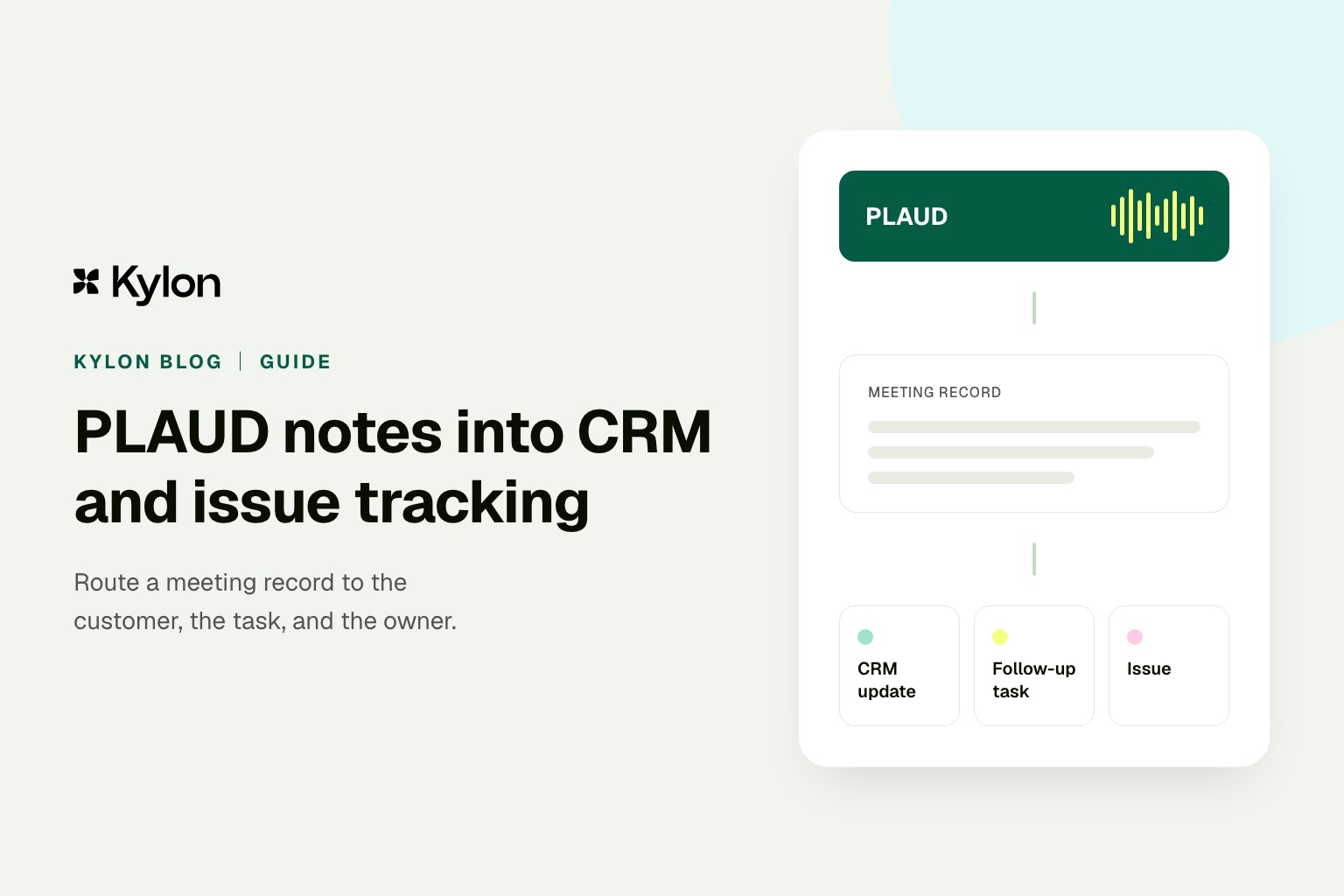
In short. Plaud records the meetings a notetaker bot cannot join: site visits, client lunches, workshops, conversations at a booth. Connect Plaud to Kylon and each recording turns into the same follow-up work we already run on our online calls: tasks with owners, CRM updates, a handoff for whoever was not in the room, and a recap email that waits for approval.
Most meeting AI assumes there is a meeting link. A bot joins the call, records it, and emails a recap. That covers a lot of a team's week. The conversations that decide a job often happen somewhere else, though: in a homeowner's kitchen, on a factory floor, over lunch with a client.
Plaud is built for that room. Plaud describes its wearable NotePin S as recording in-person meetings where no bot joins the session and no phone goes on the table, and its Note Pro switches between in-person and phone call recording on its own. Both transcribe in 112 languages with speaker labels.
Once a Plaud recording reaches Kylon, an agent can do the follow-up work in the Room where the project or the account already lives.
How a Plaud recording reaches Kylon
In Kylon, Plaud is a connection. You authorize your Plaud account once from an authorization card, then choose which agents can use it. Those agents can list recordings, open one, and read its transcript and generated notes in the Room where the project or the account is already being discussed.
Three details from Plaud's documentation shape the setup:
- Turn on Cloud Sync. Plaud MCP works with synced recordings, so a recording reaches the agent once it has synced.
- Generate the summary you want in Plaud first. The MCP is read-only and returns the summaries already generated, including ones built from your custom templates. A site visit template in Plaud means the agent starts from a structured note.
- Name your recordings. Search matches the recording name rather than the transcript body, as our Plaud MCP guide explains. "Alder St kitchen walkthrough" is easy to find. "New Recording 12" is hard to find.
Six use cases
1. Site visits and in-home consultations
A contractor, inspector or designer walks a property with the client. Measurements, preferences and "while you are here, can you also" requests come out in conversation, and the estimate gets written hours later from memory.
After the visit, the agent reads the Plaud transcript, turns each scope item into a task with an owner in the project's Tasks App, lists the open questions for the estimator, and drafts the recap to the client. The person who walked the site approves the recap before it goes out.
One remodeling firm we work with mapped its estimating process at eleven steps across a recorder, an estimating tool and a chat assistant. The first part it moved into Kylon was intake: the site conversation, the project context and the status in one Room, so the estimate starts from what the client actually said.
2. Client meetings that happen in person
After a client lunch, an office visit or a conversation at a conference, the agent matches the recording to the account in your CRM App, proposes the field updates (stage, next step, who else is involved), and drafts the follow-up in your connected Gmail. The CRM changes and the email both wait for the person who was there to confirm them.
3. Handoffs to someone who was not in the room
The sales lead meets the client on site, and the delivery team runs the project. Or a site manager hands a job to the next crew. The agent writes the handoff from the recording, with the lines it came from, so the new owner reads the commitments in the client's own words.
4. Checking numbers before they go out
In-person meetings are full of numbers said out loud: square footage, unit counts, delivery dates, prices. The agent compares what was said with the records in the Room, such as the CRM App, the last quote or the project sheet, and lists every mismatch for a person to settle before anything is sent.
5. Turning repeat questions into a shared answer set
The same questions come up across a counter, at a booth or during an open house. Over a few weeks of recordings, the agent collects the questions, merges the duplicates, and keeps a draft answer list that a person edits and approves.
6. Workshops, trainings and internal meetings in more than one language
Record a workshop, an offsite or a training session in any of the 112 languages Plaud transcribes. The agent posts the decisions and tasks in the Room, and a recap in the language each reader works in.
AI meeting notesTurn the notetaker you already use into follow-up workRecaps from Plaud and other notetakers become tasks, CRM updates and drafts in the Room where the work happens.See how meeting notes work in KylonRunning it every day
Once a use case works by hand, put it on a schedule. An Automation in the Room can check for new Plaud recordings each evening, post each one to the matching thread, and start the same steps: tasks, a CRM proposal, a recap draft. People review in the morning.
Keep a person on the decisions that change customer records, commitments or what a client receives. In Kylon those stay as proposals in the thread and drafts in your mailbox until someone approves them.
Tell people you are recording. Plaud's own guidance is to inform all participants and confirm consent before recording.
Start with one meeting type
Pick the in-person meeting your team repeats most, such as a site visit, a client review or a weekly walkthrough, and run it end to end for two weeks. Name the recordings, set a Plaud template for that meeting, and let the agent handle the follow-up in the Room. Then add the next meeting type.
For setup details, read our Plaud MCP guide. For the CRM and issue tracking workflow in depth, read Plaud to CRM and issue tracking.
Your first company harness. Where humans and agents run your business together.