Recruiting Firms: Less Admin Between the Job Order and the Placement
Job orders are coming back, and the admin around each search grows with them. This is how intake, screening, submittals, interview scheduling and client updates run in one Kylon room, with a recruiter approving everything a client or candidate sees.
Search is the job, and the admin around it fills the week
Ask a recruiter where the day went and the answer is rarely the placement. It is the screening notes typed up after each call, the submittal rewritten for a client who wants it in their own format, the three emails it took to land one interview time, and the hiring manager who has gone quiet since Tuesday.
That order of work has been measured. Bullhorn's 2026 GRID report, based on a survey of nearly 2,300 recruitment professionals, found recruiters say searching for candidates takes the most time in their day, followed by screening applicants. Asked what AI has done for them so far, 51 percent of leaders and 44 percent of recruiters named identifying better candidates faster, and the second biggest impact was more time to connect with clients and candidates (Bullhorn, 2026 GRID Industry Trends Report, checked 29 September 2026).
Most firms are early. In the same survey, 30 percent of firms had moved to some level of agentic AI tools, and 10 percent reported AI embedded throughout their workflow (Bullhorn, 2026 GRID Industry Trends Report, checked 29 September 2026). Speed shows up in the results: 56 percent of the highest-growth firms report average placement times under 10 days (Bullhorn, 25 February 2026, checked 29 September 2026).
The demand is coming back. The American Staffing Association reported total staffing revenue up 3.3 percent year over year in the second quarter of 2026, the first quarter of year-to-year growth in employment, sales and payroll its survey has recorded since late 2022 (American Staffing Association, 22 September 2026, checked 29 September 2026). In an average week of 2024, nearly 2.2 million temporary and contract employees worked for America's staffing companies (American Staffing Association, staffing industry statistics, checked 29 September 2026).
On the client side, hiring teams are stretched by the same calendar. GoodTime's 2026 study of more than 500 US talent acquisition leaders found recruiters spend 38 percent of their time scheduling interviews, and 60 percent of organizations saw time to hire increase (GoodTime, 2026 Hiring Insights Report, checked 29 September 2026). A client whose own team is buried in scheduling notices the agency that makes the next interview easy.
One room per client, one record for every search
The setup stays small. The firm keeps a Kylon room for each client account, or one per desk when a desk runs many smaller clients, and one Database App behind all of them. Every search is a job order record: client, role, requirements, salary band, fee terms, hiring manager and stage. Candidates, submittals and interviews are records linked to it.
What changes is that the agent working a search reads the same record the recruiter reads, and writes to it. When a hiring manager replies with feedback, the submittal moves forward instead of waiting in one recruiter's inbox until the Monday meeting.
- Job order records holding the requirements, salary band, fee terms and the hiring manager
- Candidate and submittal records linking each person to each search, with the date sent and their consent to be put forward
- Interview stages with a feedback due date, so a quiet client is a field rather than a memory
- Room guidelines setting tone, what may be said about pay, and what a recruiter must approve
What arrives, what gets prepared, who decides
The rule on this page is the same one on every Kylon page: an agent prepares, a person commits. In recruiting the line matters more than usual, because every message carries the firm's name to a client, or lands in the middle of someone's career.
| What arrives | What is prepared for you | What a person decides |
|---|---|---|
| A client emails a new job order as a paragraph and a PDF | A structured job order record with requirements, must-haves, salary band and the questions the brief leaves open | Whether to take the search, the fee terms, and the intake questions |
| Applications and referrals land in the mailbox | Each candidate screened against the job order, with a short note on where they match and where they fall short | Who gets a call, and who moves forward |
| A shortlist is ready | A submittal drafted per candidate from the screening notes, in the client's preferred format | Every candidate and every word before it reaches the client |
| A hiring manager offers three interview times | A proposed slot checked against the recruiter's calendar, with confirmation drafts to both sides | The booking, and anything that needs a phone call |
| Feedback is three business days late | A follow-up draft naming the candidate, the interview date and what the candidate is waiting to hear | Whether to chase, and whether to call instead |
| An offer is accepted | The placement recorded with start date, fee terms and guarantee period, ready for invoicing | The invoice, and anything that goes back to the client |
Screening notes that become submittals
The submittal is where a recruiter's judgement shows, and also where evenings go. Every client wants the same questions answered: does this person meet the must-haves, what are they looking for, when can they start. The answers already sit in the screening notes. Retyping them for each client is the slow part.
In the room, the agent drafts each submittal from the job order and the screening notes, so every candidate summary answers the client's requirements in the same order. Gaps in the notes are flagged for the recruiter to fill. The recruiter writes the line that sells the candidate, and the recruiter sends it. Consent to be put forward is a field on the submittal record, and a room guideline holds the draft until it is filled.
See it in action
The recruiter names the shortlist in one line, and the submittal comes back written from the screening notes, held until she sends it.
Scheduling and feedback, where searches go quiet
Between the submittal and the offer, a search lives in two calendars and two inboxes. The agent proposes interview times from the recruiter's connected calendar and the slots the hiring manager offered by email, and drafts the confirmation to both sides. When a feedback due date passes, it drafts the chase: the candidate, the interview date, and what the candidate is waiting to hear.
Candidates hear something on a schedule too. When a client is slow, the agent drafts a short update to each candidate still waiting, so fewer people learn about a closed role from silence. The recruiter decides what goes out, and which conversation needs a phone call.
Client updates without the Friday rebuild
The weekly client update is usually reconstruction: someone opens the tracker, the inbox and the calendar and rebuilds the week. When every submittal and interview already carries its own history, the update is a read of the record.
A Workflow drafts it on a schedule: roles open, candidates submitted, interviews held, feedback outstanding, and the next step on each search. The recruiter reads it, adjusts the tone for the client and sends it. Clients notice by the third week, when the update matches what they heard on the phone.
What has to be connected
Kylon sits across the tools the desk already runs and holds the coordination between client, candidate and recruiter.
- Email through Gmail or Outlook, so job orders, candidate replies and client feedback attach to the search instead of one person's inbox
- Calendars, so interview times are proposed against real availability
- A Database App holding job orders, candidates, submittals and interview stages that the team and its agents both read
- File storage such as Google Drive for resumes, screening notes and signed terms
- Scoped permissions, so an agent works its own client's searches and nothing else
For a head start on the records, the Recruiting Workspace template already links jobs, applications by stage and interviews with scorecards, and a firm adds a client table and a submittal table on top. Winning the next job order runs on email too, and that pattern is in sales email as a managed pipeline.
Where to start
Take one client and its open job orders. Put the job orders, candidates and submittals into a Database App, connect the mailbox that client already writes to, and write the one rule that matters: an agent may screen, draft and propose times, and a recruiter sends every submittal and every candidate message.
“The recruiter still makes the match. What changed is that nobody has to remember which hiring manager owes feedback on which candidate.”
Your first company harness. Where humans and agents run your business together.
More Use Cases
View all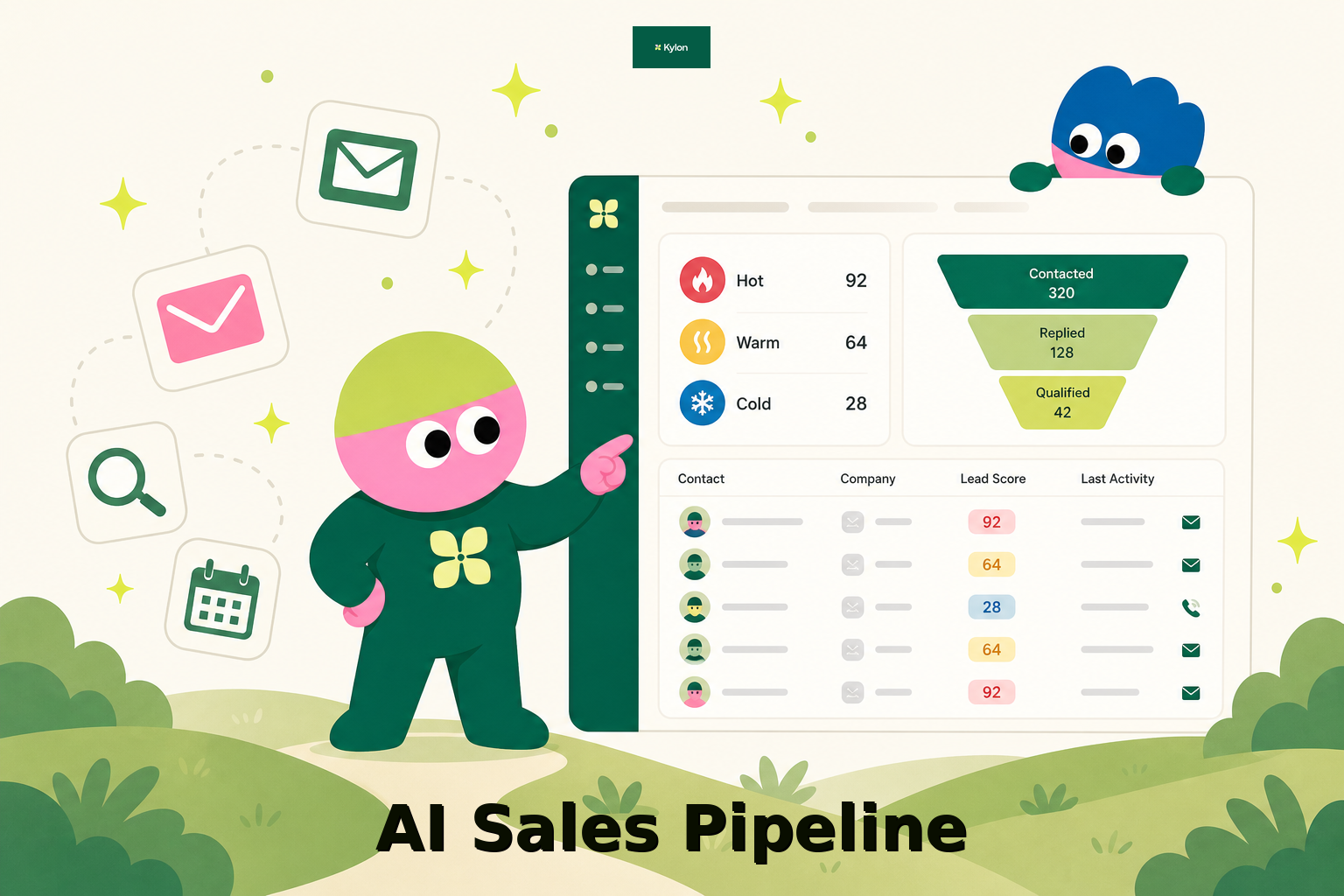
How a US Hospitality Firm Built an AI Sales Pipeline with Kylon
A US-based hospitality company used Kylon to automate 1,000-contact outreach, AI reply scoring, and lead routing.
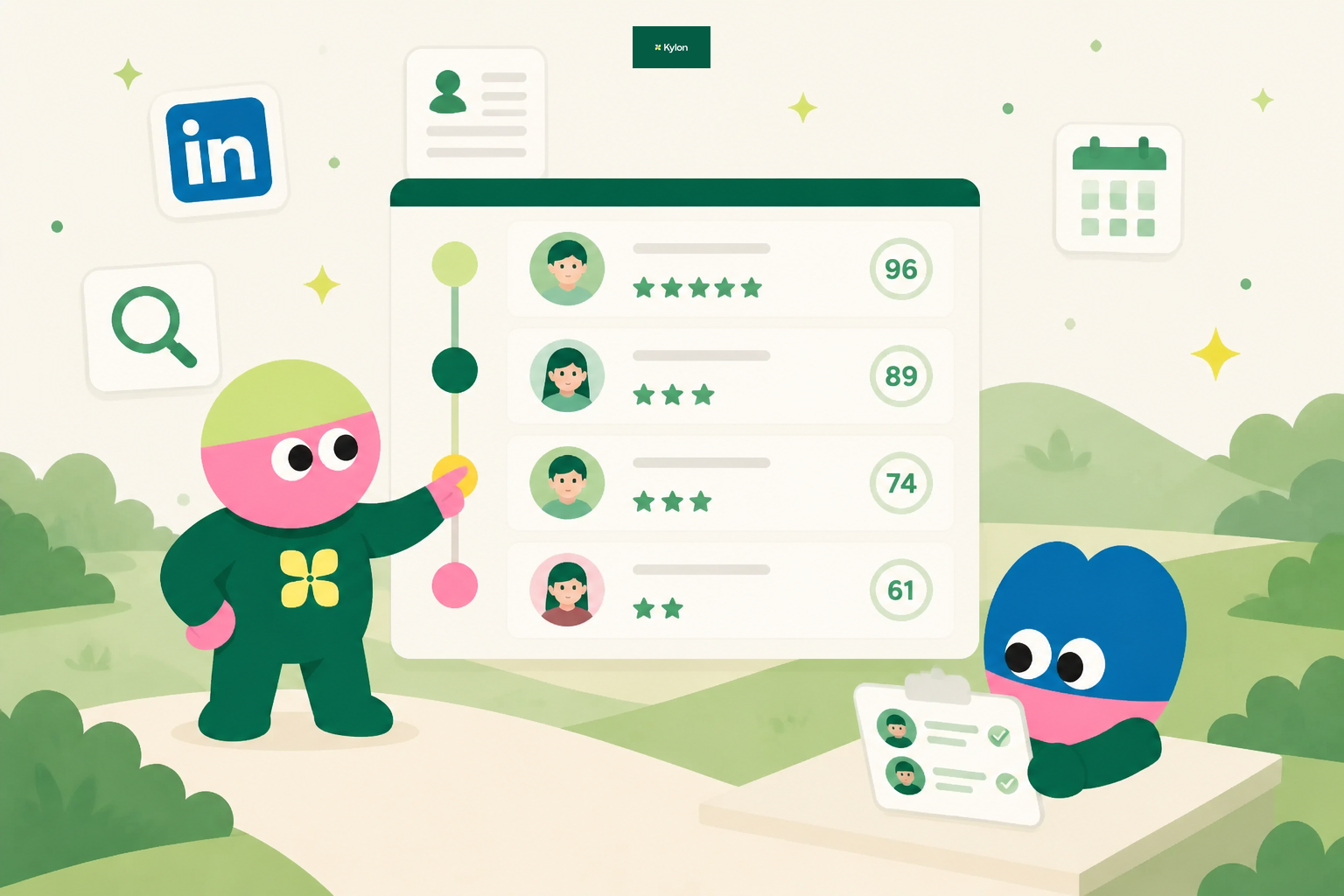
How an AI Startup Automated Talent Sourcing with Kylon
A growing AI startup built a recruiting system where agents parse resumes, score candidates against open roles, and manage outreach, all from one room with a structured database.