How a Team Built a Living Onboarding and Knowledge System
Connect role processes, training material, current projects, internal apps, and everyday questions in a shared workspace that improves with use.
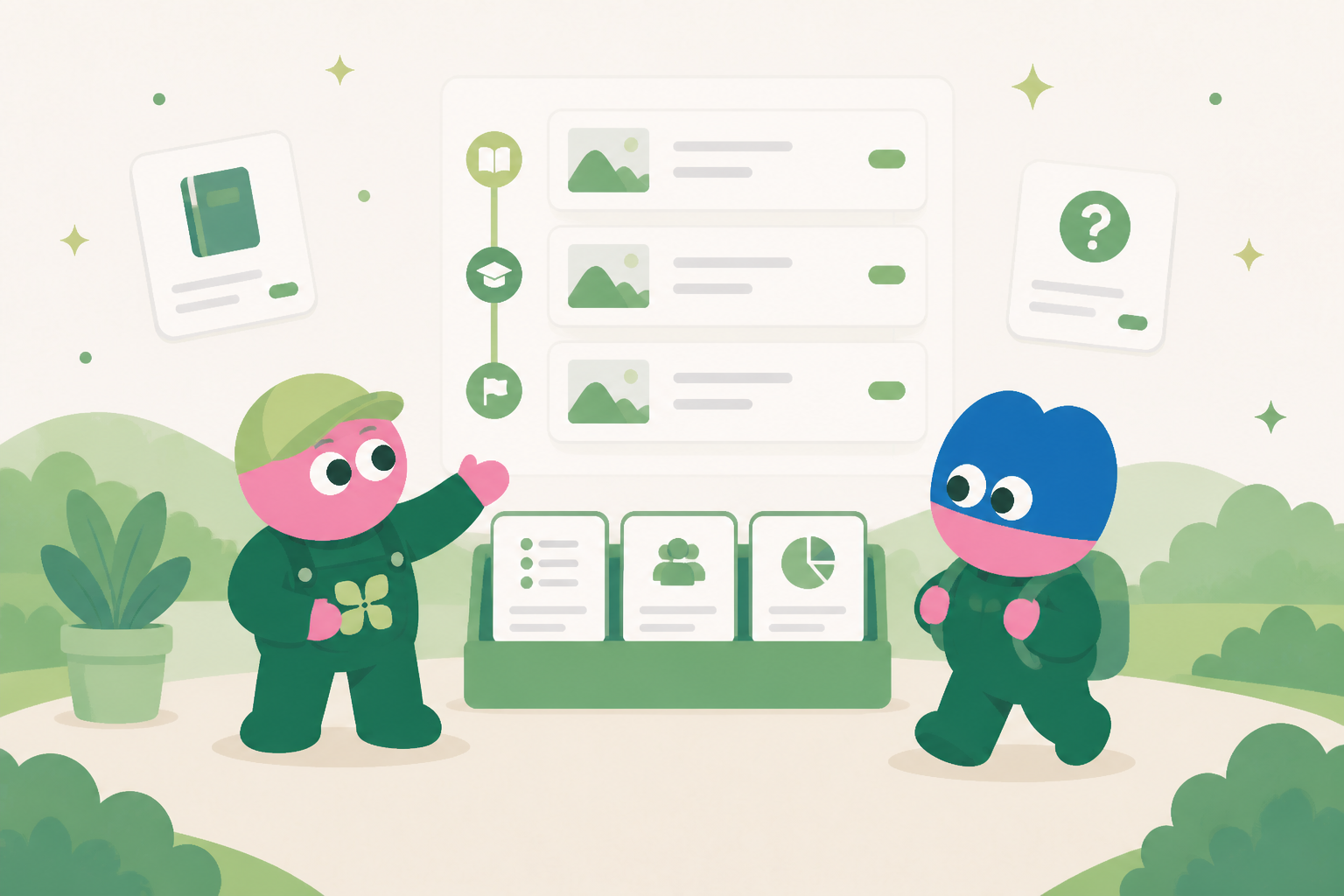
Start new teammates in real context
A new teammate needs more than a handbook. Their onboarding record links the people, process notes, current projects, internal apps, and first working tasks that apply to their role.
Keep knowledge connected to the work
Policies, process notes, decisions, and email context remain attached to the work they explain. The agent can prepare a role-specific learning plan from the current source material rather than a static document.
Create a usable onboarding app
A database app can show the first-week checklist, knowledge owners, core documents, recurring workflows, open questions, and progress for each role.
Use questions to improve the system
When a new teammate cannot find an answer, the question can be routed to an owner with the relevant source. The answer improves the record for the next person.
Keep external communication reviewed
An agent can draft a welcome message or request for missing access from the linked context. A manager reviews and confirms any external message before it is sent.
Turn onboarding knowledge into an active system
New employees need more than a folder of reference documents. They need to understand which information applies to their role, where to ask questions, what good work looks like, and how their learning connects to real responsibilities. Kylon brings those elements together in a living onboarding knowledge system. Teams can organize guidance, policies, examples, checklists, role-specific tasks, and discussion in the same workspace where work is already taking place. Instead of treating onboarding as a one-time download of information, the organization can maintain a system that develops as processes, customers, and team practices change. New joiners receive a clearer path, while experienced colleagues have a more reliable way to share current knowledge.
Connect guidance to the work it supports
Static documents become difficult to use when they do not show the context behind a rule or a decision. In Kylon, a knowledge page can be linked to the conversation, workflow, database record, or project where it is applied. A new team member can see the approved process alongside a practical example and the person responsible for review. Subject specialists can update the source material without asking every employee to manage separate copies. This approach supports knowledge sharing without implying that one document has every answer. It gives people an orderly place to start, a route for asking questions, and a visible record when guidance has been clarified or changed.
Make progress visible without turning it into paperwork
A strong onboarding system gives managers enough visibility to support people without requiring constant status meetings. Kylon can provide a shared view of onboarding tasks, pending reviews, assigned mentors, and role-specific resources. A workflow can collect progress from the new joiner, invite a reviewer to check a completed task, and send a reminder when an agreed milestone has not yet been revisited. Database apps are usable internal systems for tracking the onboarding journey and linking it to the actual work the person is learning to do. The team can adjust the path for different roles or locations while retaining a common structure for the material that matters across the organization.
Some onboarding work includes communications that must go outside the organization, such as a welcome message to a customer, a request to a partner, or a draft for a vendor. Kylon can prepare an email draft from the relevant linked context, but it does not remove the need for judgment. A person must review the content, make any necessary edits, and explicitly confirm before the email is sent externally. That distinction allows the system to reduce repeated preparation work while keeping accountability with the appropriate employee. As questions, examples, and feedback accumulate, the onboarding space becomes a maintained operational resource rather than an archive that is consulted only on a first day.
What the team keeps in the internal system
The exact fields differ by workflow, but the system keeps the source context, current status, accountable owner, decision history, related documents, relevant email thread, next internal action, and review date together. That structure gives people and agents a reliable starting point whenever work changes hands.
Start with one repeated workflow
Teams do not need to replace every tool at once. Start with the repeated work that currently requires people to copy information between conversations, inboxes, documents, and spreadsheets. Build a shared record, connect the people who own it, and use a workflow to support the review rhythm. The system becomes more useful as its context and decisions accumulate.
See how Kylon can help your team turn recurring work into a shared operating system.
Talk to KylonYour first company harness. Where humans and agents run your business together.
More Use Cases
View all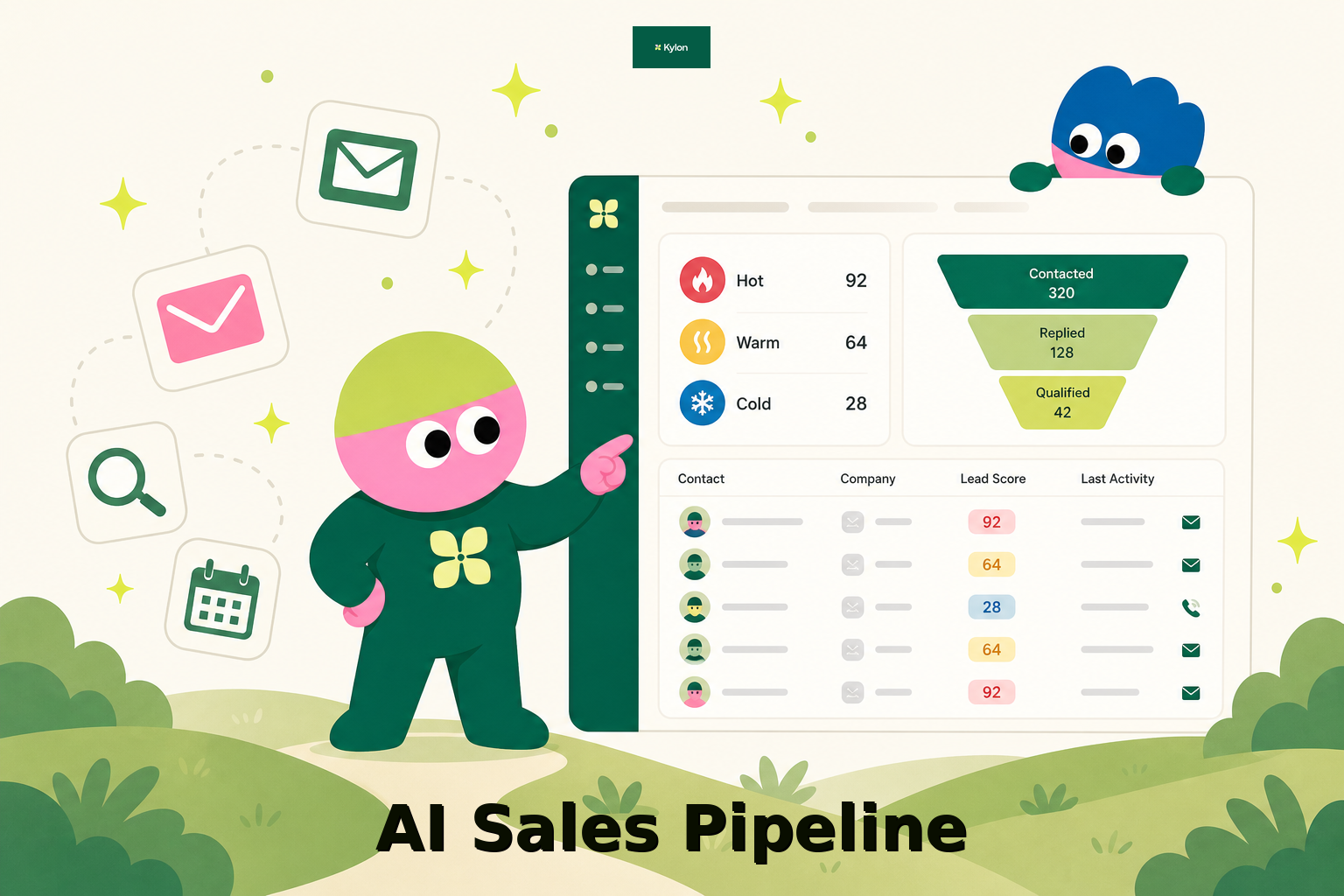
How a US Hospitality Firm Built an AI Sales Pipeline with Kylon
A US-based hospitality company used Kylon to automate 1,000-contact outreach, AI reply scoring, and lead routing.
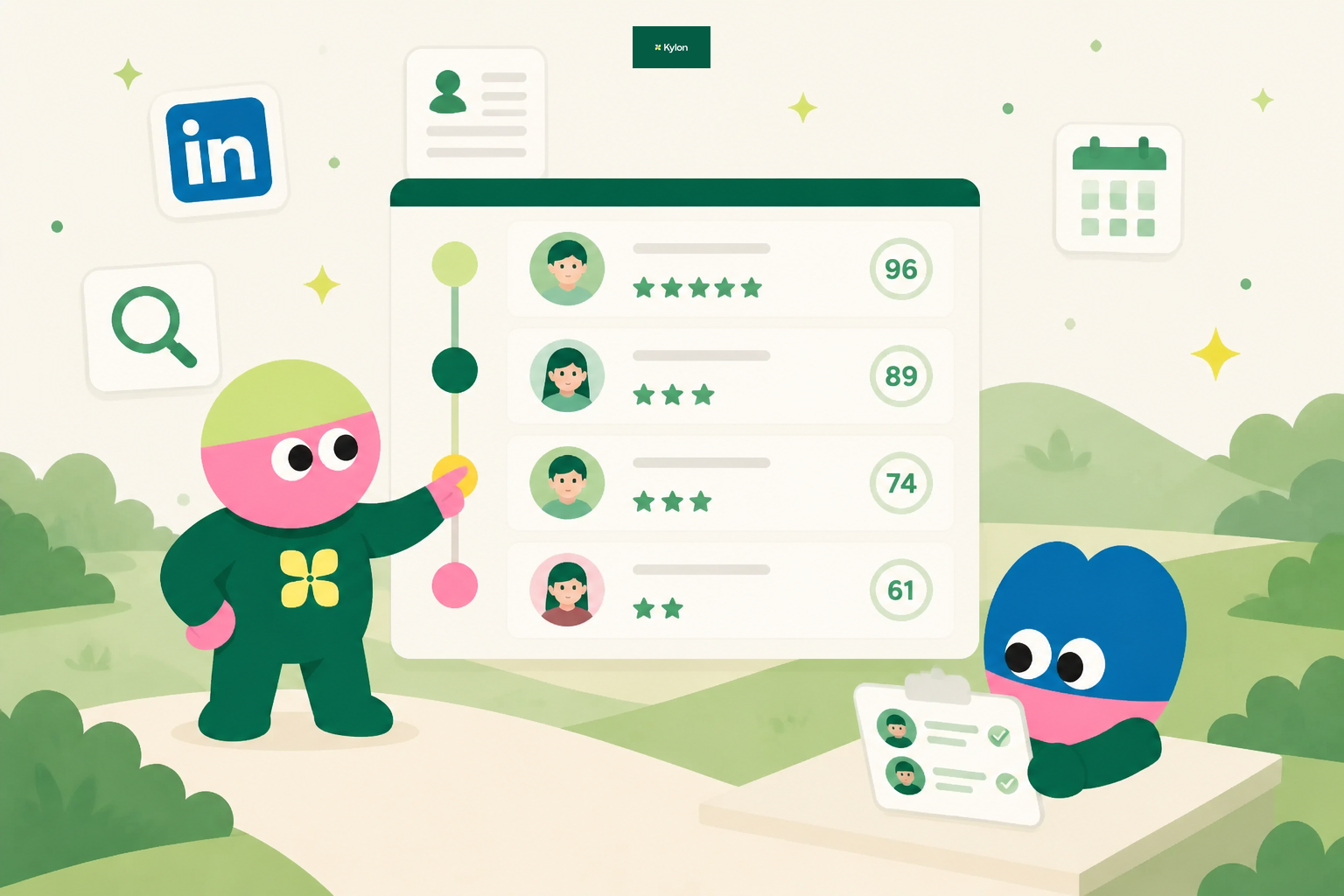
How an AI Startup Automated Talent Sourcing with Kylon
A growing AI startup built a recruiting system where agents parse resumes, score candidates against open roles, and manage outreach, all from one room with a structured database.