How a Product Team Moved From Discussion to a Delivery Plan
Turn discussions, meeting conclusions, email, and documents into reviewable requirements, decisions, dependencies, and a working delivery plan.
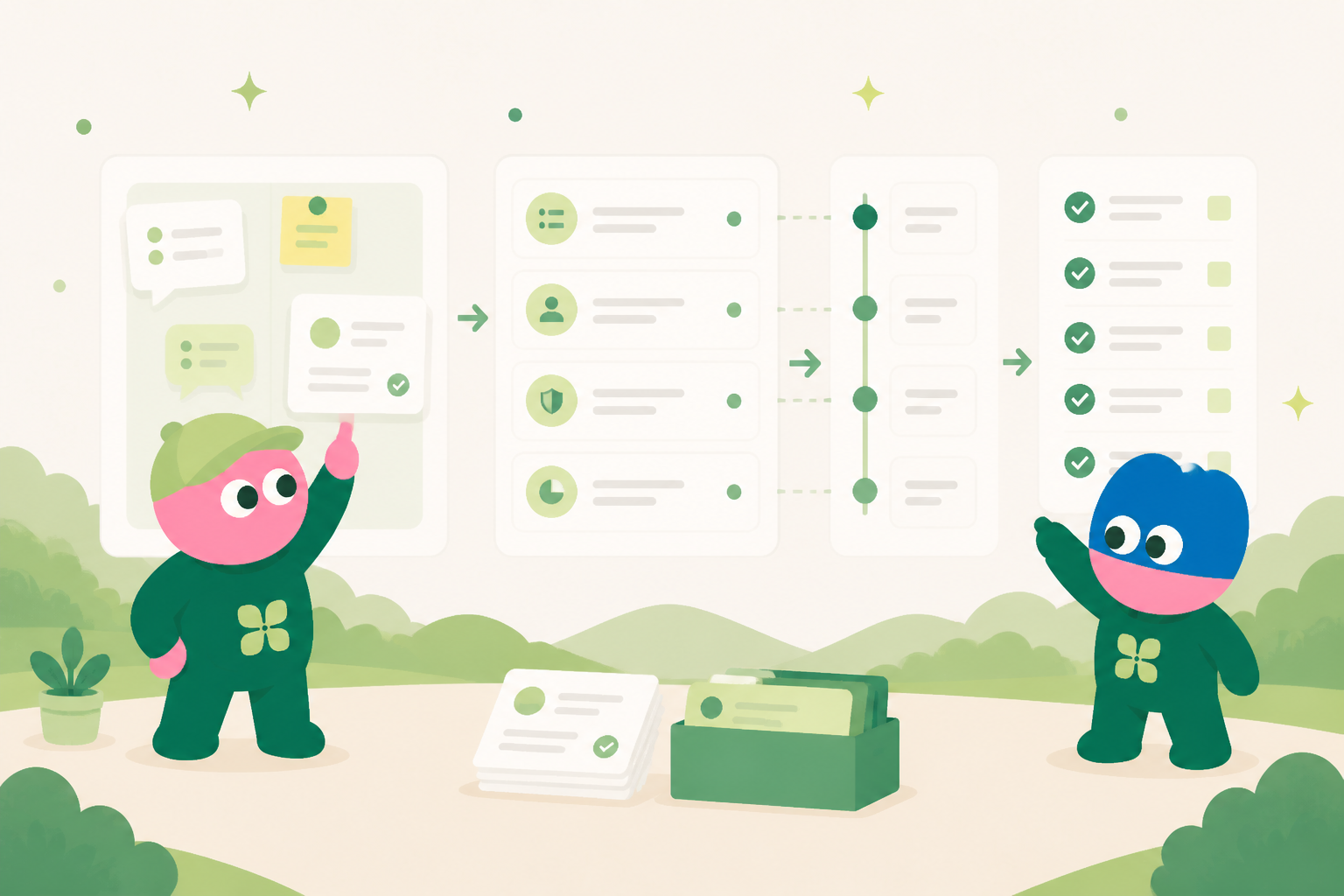
The important decision is often buried in the conversation
A workshop or product discussion can contain a customer promise, scope change, technical question, or dependency. When notes and plans live apart, the team must reconstruct what was agreed and why.
Propose records from source material
Meeting notes, emails, and documents sit beside a requirements app. The agent can prepare reviewable records for requirements, assumptions, questions, and dependencies while retaining links back to the source.
Separate commitments from open questions
Each requirement can show the requested outcome, acceptance notes, owner, priority, dependency, and decision status. The team confirms what is agreed before treating it as work.
Keep the delivery plan current
A shared view groups confirmed requirements into milestones, owners, blockers, and next review dates. It is an internal system people can inspect and revise, not a summary that is stale after one meeting.
Align externally from confirmed records
When the team needs a scope recap or next-steps message, the agent drafts it from the approved records. A responsible person reviews and confirms the external communication.
Turn scattered product feedback into a delivery plan the team can work from
Product feedback rarely arrives in a clean sequence. A customer may describe a blocked workflow in a call, a support teammate may add a related note days later, and sales may surface a similar objection while preparing a proposal. The important signal is often distributed across those moments. Kylon gives the team one working space to collect the original context, distinguish an observation from a request, and shape the material into requirements that can be reviewed together. This is not a promise that every request becomes a feature. It is a way to make the reasoning visible. Product, customer-facing, and delivery teams can see which problem was reported, who experiences it, what evidence supports it, what assumptions remain open, and what a practical next step could be. The result is a requirements record that retains the customer language without treating every message as a final specification.
Separate the reported problem from the proposed solution
A useful intake begins with the source material. Teams can bring call notes, linked messages, issue reports, screenshots, and account context into a single discussion. An agent can organize the material around recurring fields such as user role, current process, impact, requested outcome, evidence, urgency, and unanswered questions. It can also point out where two comments describe the same underlying friction or where a proposed feature may be only one of several possible responses. The team then reviews the draft together. A product lead may add a constraint, an implementation teammate may flag a dependency, and the account owner may clarify whether the feedback came from a broad pattern or a single account. Kylon keeps that review beside the evidence rather than relocating it into an isolated document. This matters when a requirement changes. Later readers can understand what changed, why it changed, and which source material informed the decision.
Move from a reviewed requirement to accountable delivery work
Once the problem statement is ready for review, the same workspace can turn it into a delivery plan. A database app can serve as an internal requirements and launch system, with records for the problem, target users, acceptance conditions, owner, priority, dependencies, decision date, and delivery status. It is usable by the operating team, not merely a static report. Views can show items waiting for clarification, work scheduled for a release, or decisions that need a named owner. Workflows support the operating rhythm around that system. They can collect new feedback into an intake queue, ask designated reviewers to assess an item, and remind owners when a decision or follow-up is overdue. When an update needs to go outside the organization, Kylon can prepare an email draft from the linked context. A person must explicitly review and confirm it before any external send. That confirmation step keeps account communication with the people responsible for the relationship.
- Capture feedback with the original source, customer context, and a concise problem statement.
- Review evidence, assumptions, scope, and alternatives before a request becomes planned work.
- Use an internal database app to track requirements, owners, dependencies, acceptance conditions, and delivery status.
- Let workflows collect submissions, route items for review, and remind the right owner at the right point.
- Prepare stakeholder updates from the reviewed record, with explicit human confirmation required before external email is sent.
“In an anonymized product-feedback review, several customers appeared to ask for different features. Reading the linked conversations together showed a shared problem: handoffs lacked a clear owner and current status. The team planned a smaller first release around that workflow, documented what it would and would not cover, and kept the original feedback attached for the next review.”
What the team keeps in the internal system
The exact fields differ by workflow, but the system keeps the source context, current status, accountable owner, decision history, related documents, relevant email thread, next internal action, and review date together. That structure gives people and agents a reliable starting point whenever work changes hands.
Start with one repeated workflow
Teams do not need to replace every tool at once. Start with the repeated work that currently requires people to copy information between conversations, inboxes, documents, and spreadsheets. Build a shared record, connect the people who own it, and use a workflow to support the review rhythm. The system becomes more useful as its context and decisions accumulate.
See how Kylon can help your team turn recurring work into a shared operating system.
Talk to KylonYour first company harness. Where humans and agents run your business together.
More Use Cases
View all
How a US Hospitality Firm Built an AI Sales Pipeline with Kylon
A US-based hospitality company used Kylon to automate 1,000-contact outreach, AI reply scoring, and lead routing.
How an AI Startup Automated Talent Sourcing with Kylon
A growing AI startup built a recruiting system where agents parse resumes, score candidates against open roles, and manage outreach, all from one room with a structured database.