From scattered files to finished tasks.
A new client signs and the plan needs files from three people. The agent finds them in Drive and Notion, drafts the plan in Google Docs, turns the client call into Asana tasks, and brings only the stuck task to the person who can fix it.
Fernwood Studio, Northgate Coffee and everyone in the video are fictional, and so are the links and numbers. All six films on YouTube
What each tool does here.
Each person signs in to their own account. The agent works with what that account can already see.
 Steps 02 and 07
The agent finds the team's files, whoever saved them, and shares the finished kit.
 Step 03
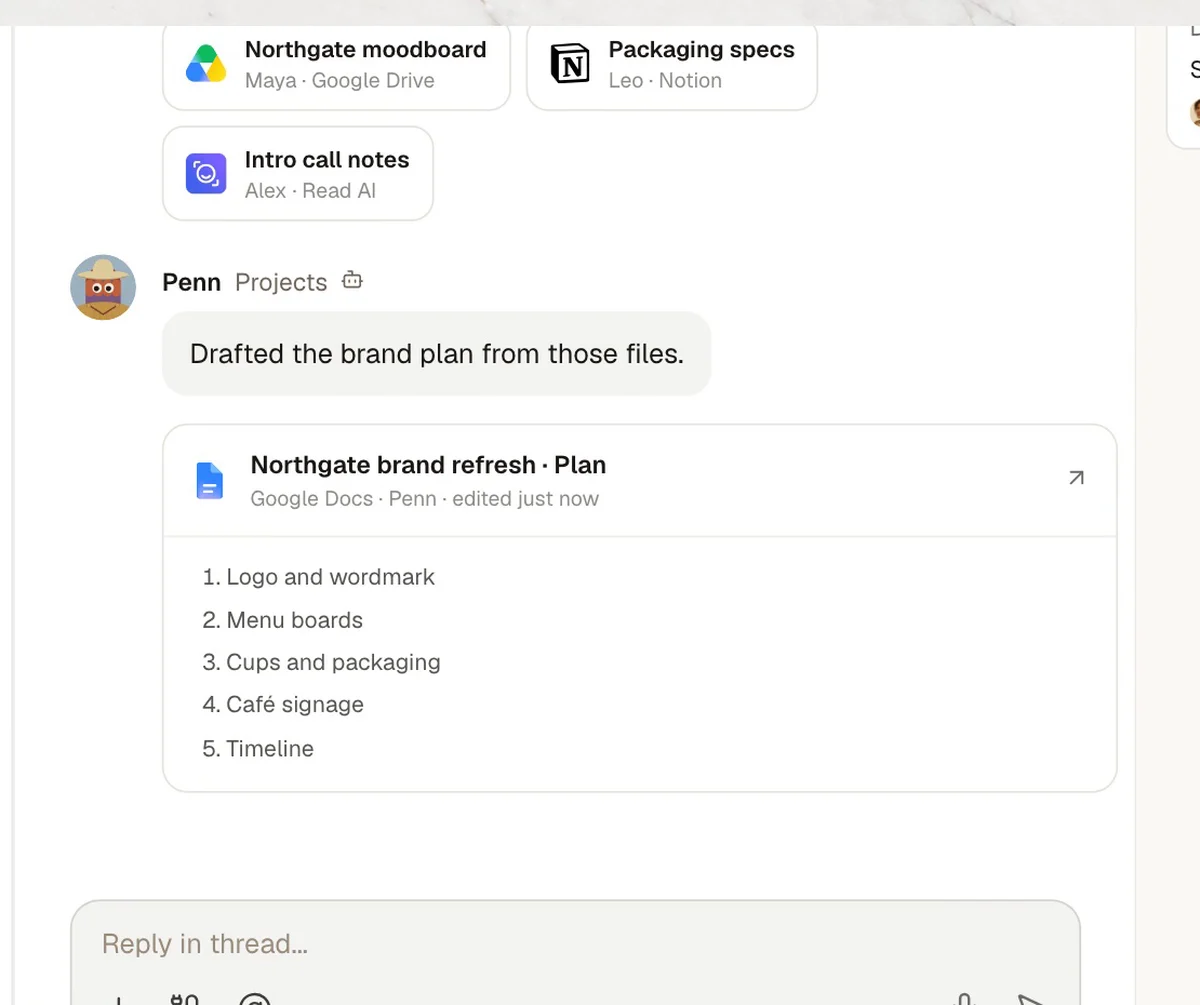
The plan is drafted in Google Docs. The team gives notes right in the thread.
 Step 05
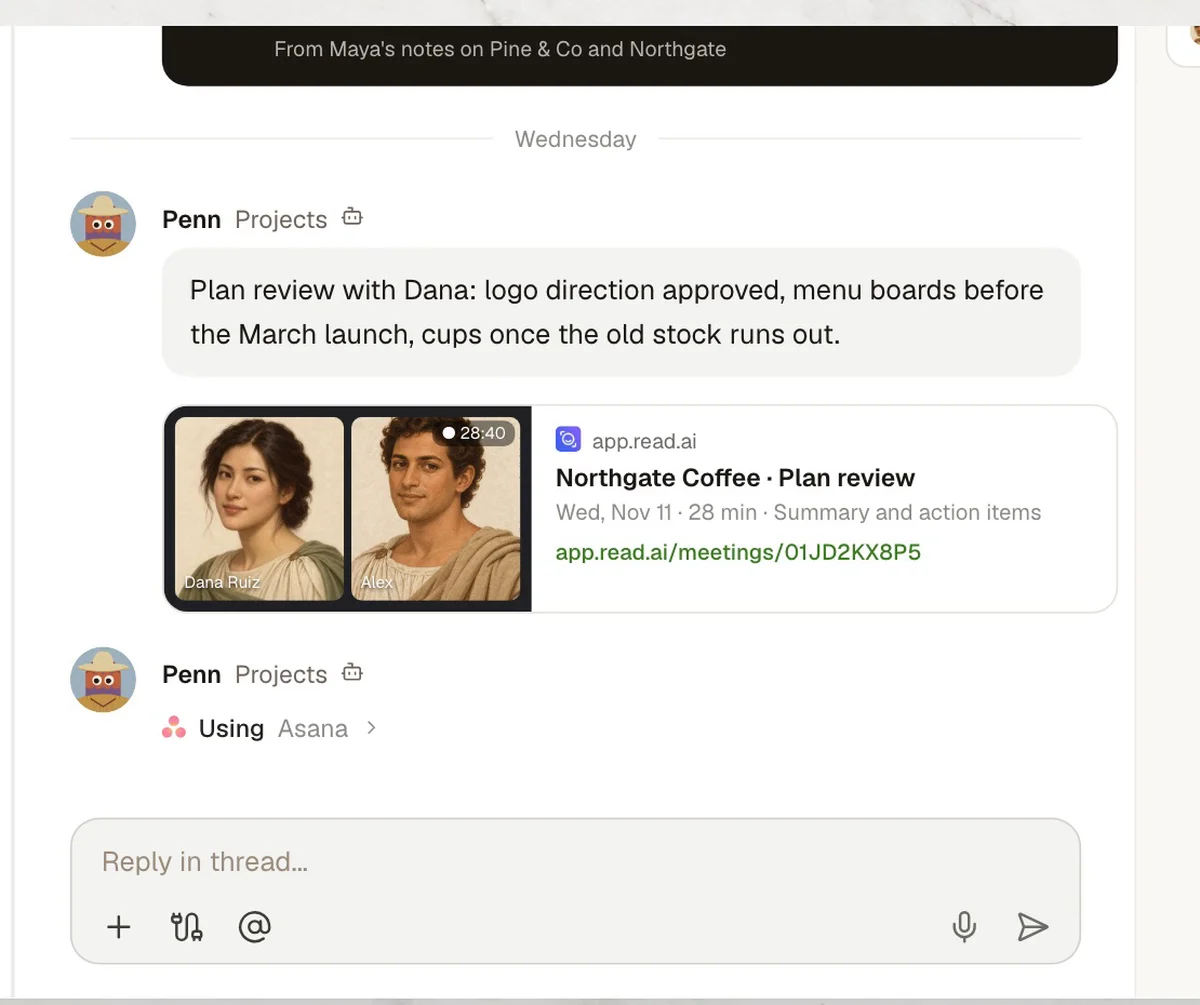
After the client call, the decisions from the Read AI report go into the thread.
 Step 06
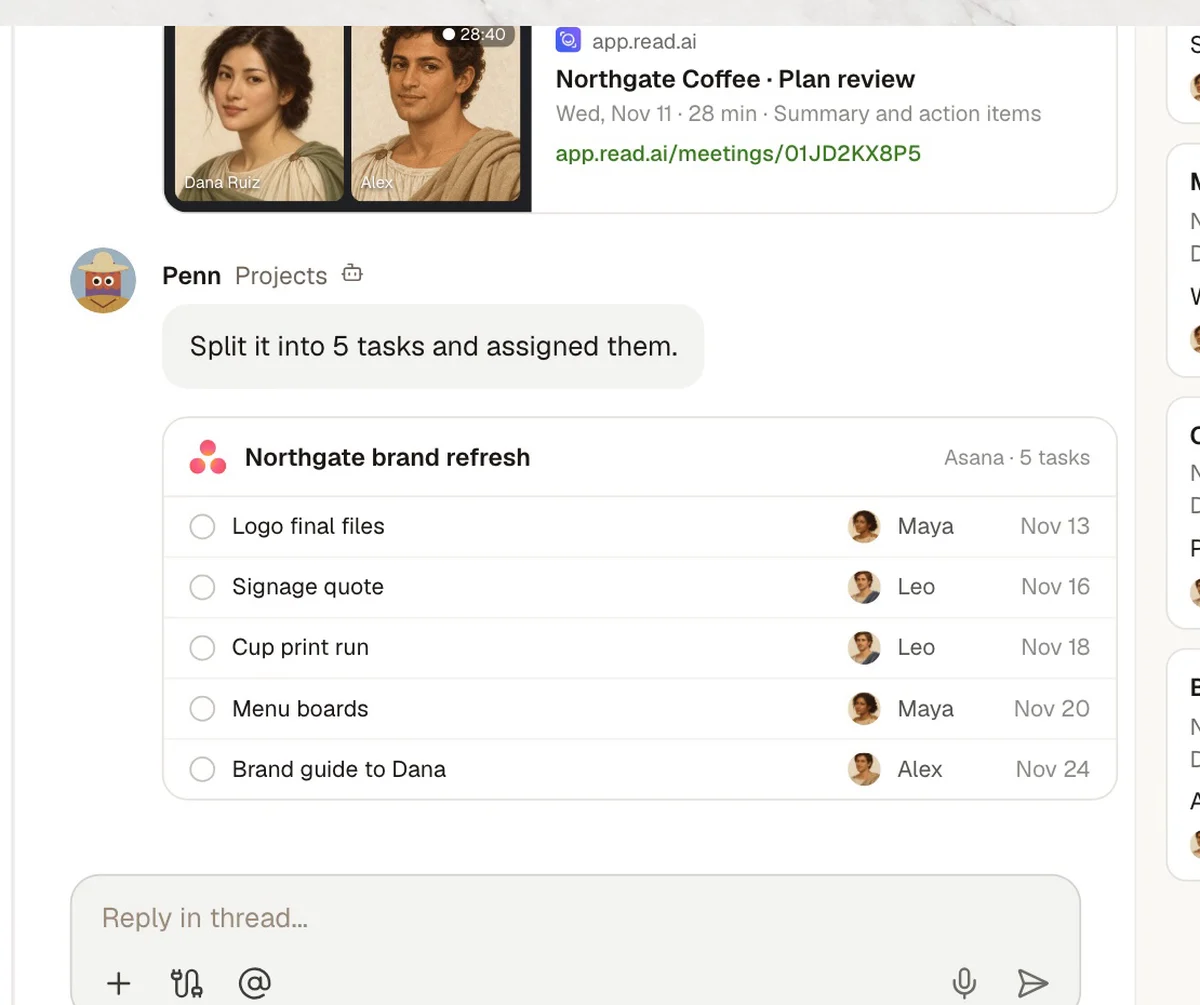
Each decision becomes an Asana task with an owner and a date.
7 steps, one Room.
The same steps as the film. Each one shows what the agent does in the Room and, where it matters, who signs it off.
- 01Kickoff
Project kickoff
- In Kylon
- PennAlex asks for the plan in the Room.
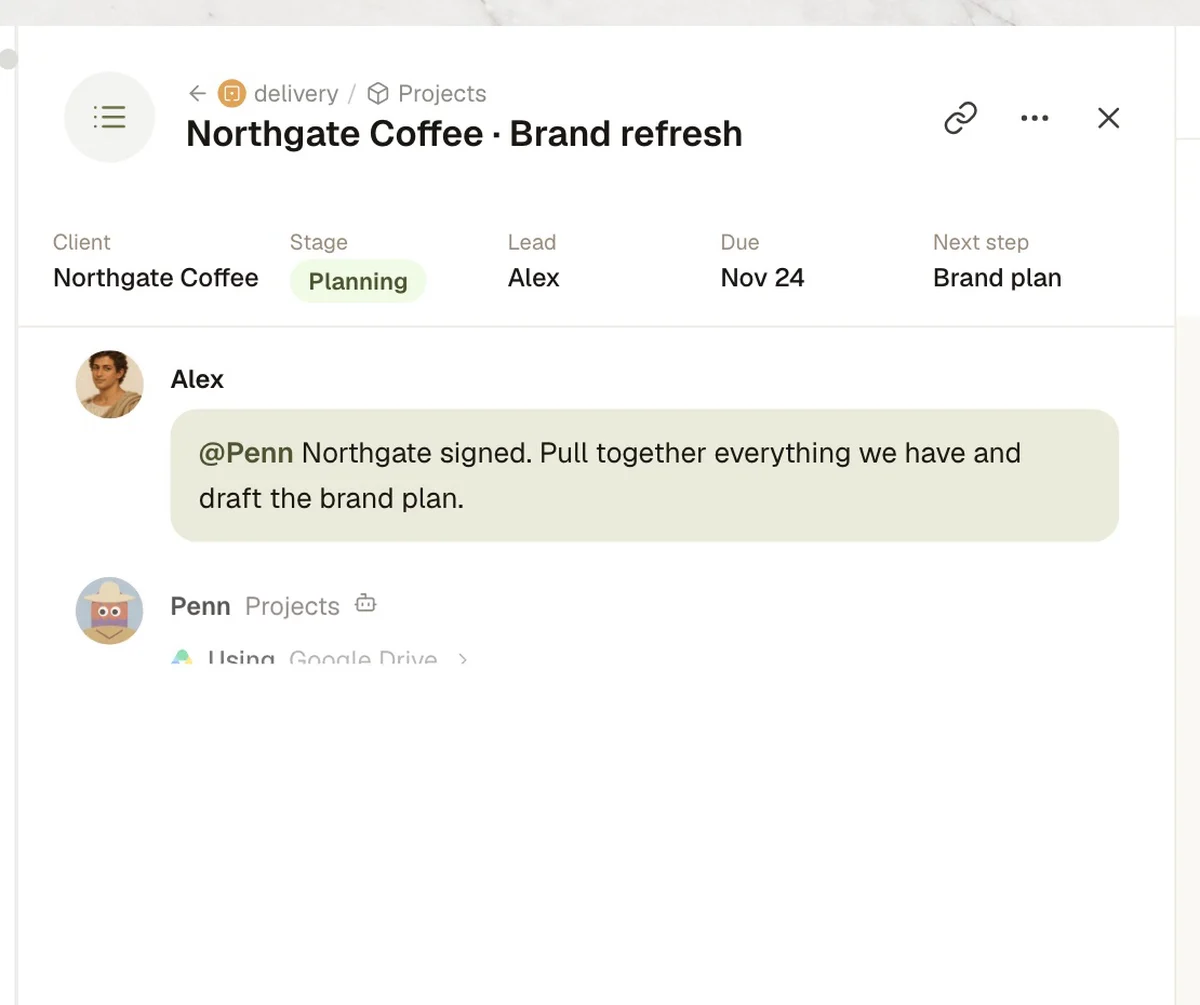
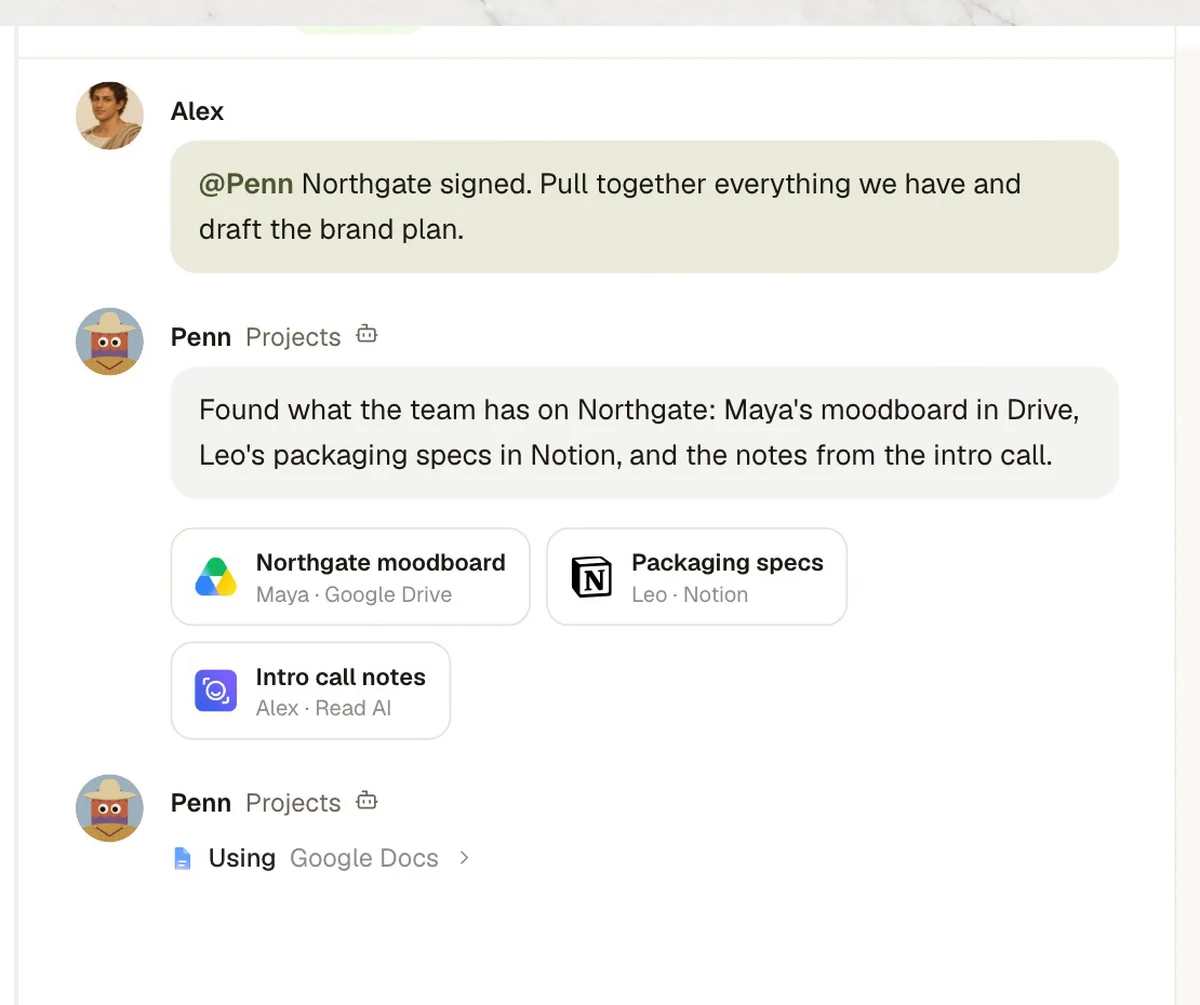
- 02Files
Files found
- In Kylon
- Penn
 In Drive and Notion, whoever saved them.
- 03Draft
Plan drafted
- In Kylon
- PennIn Google Docs, from those files.
- 04Review
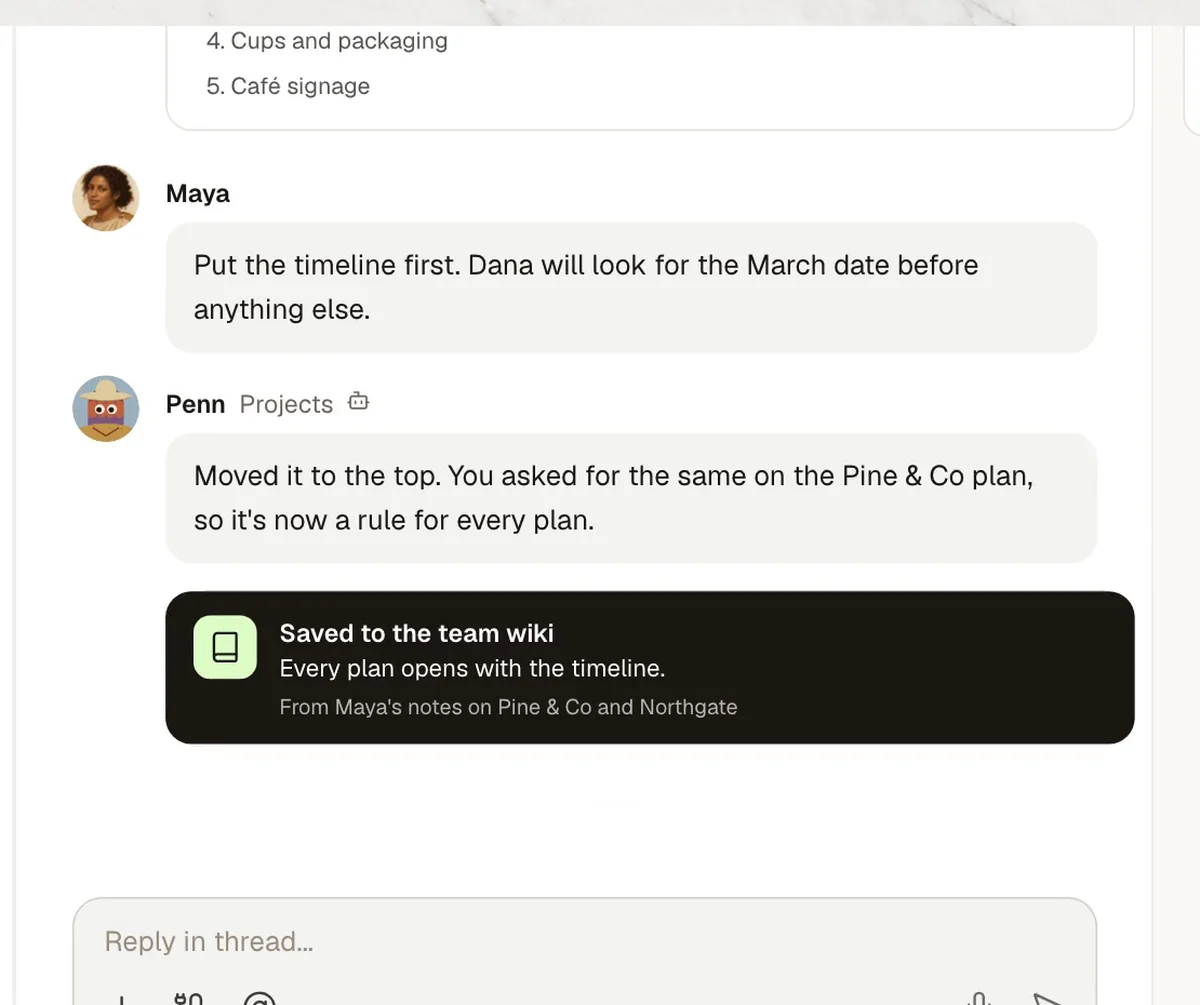
Team review
- In Kylon
- PennNotes come in right in the thread.
- Who decides
- Timeline goes first. Saved as a rule for every plan.
- 05Client call
Client call
- In Kylon
- PennDecisions from the Read AI report.
- 06Tasks
Tasks assigned
- In Kylon
- PennFive Asana tasks with owners and dates.
- Who decides
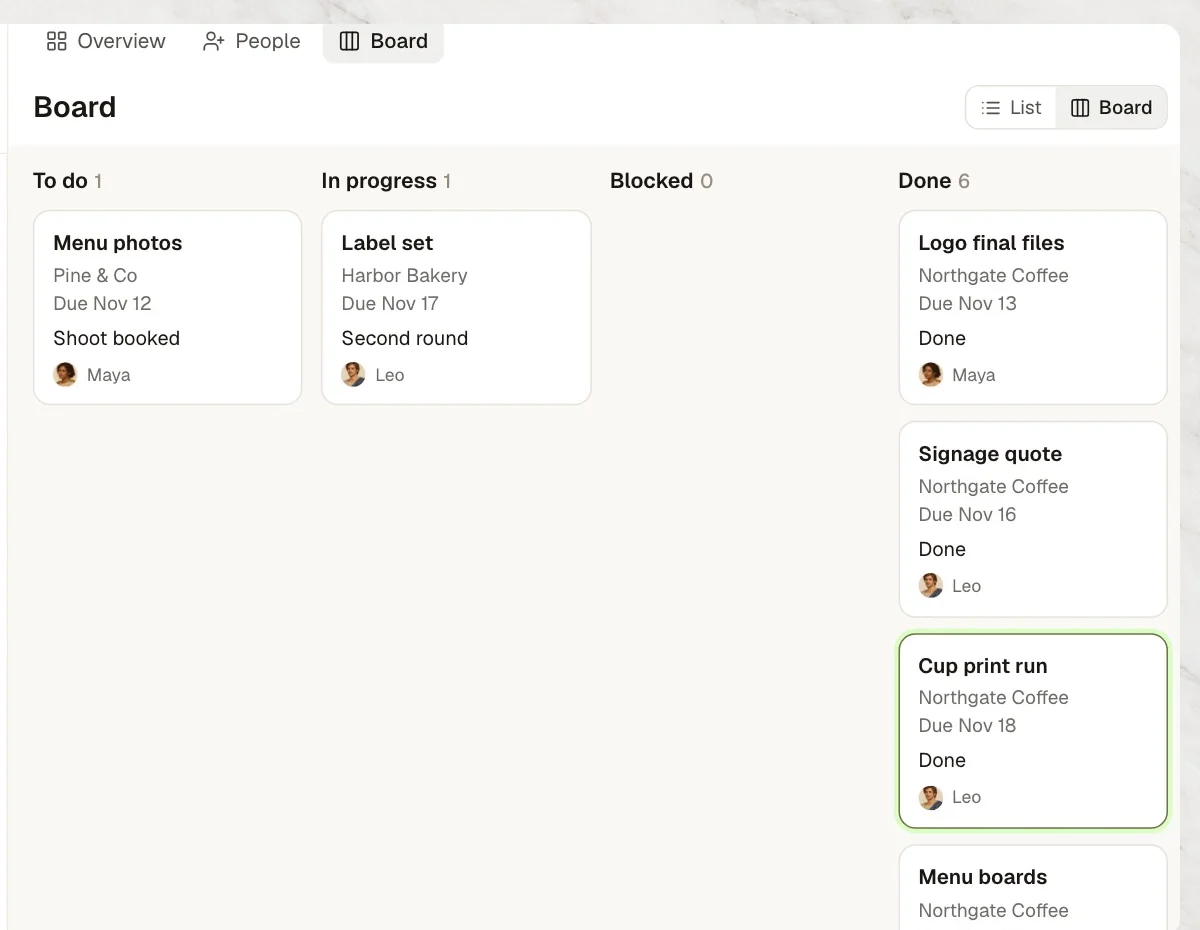
- Asks the one person who knows. Maya's answer goes to the printer and the task moves again.
- 07Delivered
Delivered
- In Kylon
- PennThe brand kit is shared with the client.
Four steps to your own version.
- 1Connect your toolsIn Connections, sign in to Google Drive, Notion, Google Docs, Read AI and Asana.
- 2Open a project RoomAdd your agent and the people who deliver the work.
- 3Paste the set-up promptThe agent asks for your rules one at a time.
- 4Review the first planGive your notes in the thread. Anything you ask twice becomes a rule.
Set up our project delivery workflow in this Room. 1. When I post that a client has signed, find everything we have on them in Google Drive and Notion and list it here. 2. Draft the project plan in Google Docs from those files and post it for notes. 3. After each client call, post the decisions from the Read AI report. 4. Turn each decision into an Asana task with an owner and a date. If a task is stuck, ask the person who can unblock it. Before you start, ask me for our rules one at a time.

Run it in your own workspace.
Connect the tools you already use, add your team, and paste the prompt. Your agent asks before anything goes out.