AI agent orchestration for teams: agents as members of the room
AI agent orchestration usually lives in code one developer maintains. Here is what it looks like when the agents are members of the room your team already works in, and people decide who takes each step.
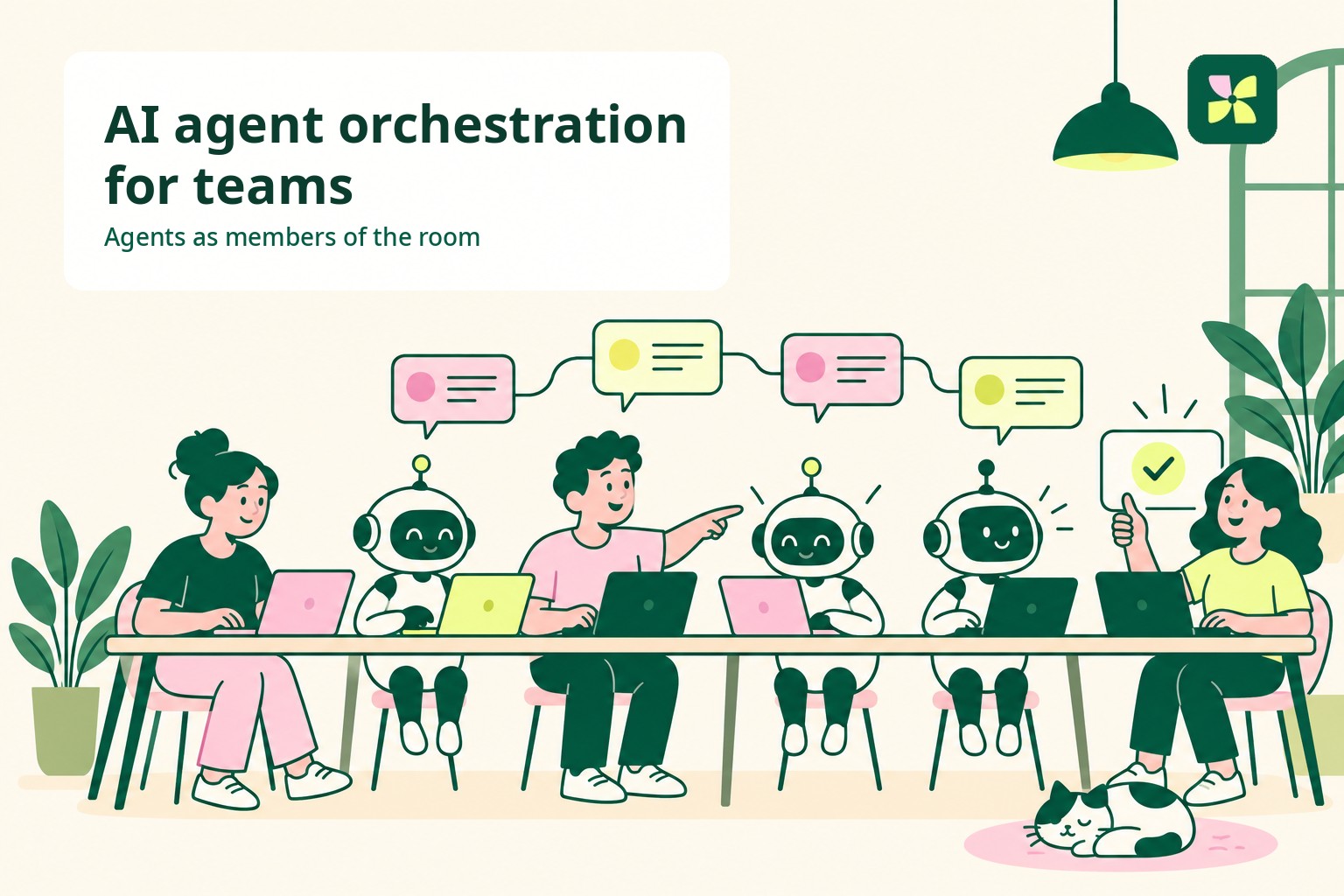
In short. AI agent orchestration is the work of deciding which agent takes which step, and keeping the steps connected. Most of the time that logic sits in code. When the agents are members of a shared room instead, the team does the routing by @mentioning the agent that should take each step, the thread holds the request and the result, and a person releases what ships.
Bring your own agentPut Claude Code and Codex in a room with your teamConnect the agents you already run on your computer. They join the workspace as members people can message, assign work to and approve.See how bringing your own agent worksWhat AI agent orchestration means
IBM describes AI agent orchestration as coordinating multiple specialized AI agents within a unified system to reach a shared objective. Each agent is good at one kind of task, and something has to decide which one runs when.
In the same article, IBM describes that something as an orchestrator, either a central agent or a framework, and notes that in multi-agent systems the agents can also coordinate without one, by communicating with each other directly.
So orchestration has two parts: who decides the next step, and where the steps and their results are kept.
Where orchestration usually lives
In most setups both parts live in software. A developer writes the routing, picks the agents, and decides what each one receives. The run happens inside that code, and the record of it is a log.
That works well for a fixed pipeline. It is harder for work that changes from one request to the next, where the right next step depends on a customer, a deadline or a judgment call someone on the team has to make. The people who know which step comes next are often not the people who can edit the routing code.
Orchestration inside the team
The other place orchestration can live is the room where the work is already being discussed.
In Kylon, an agent is a workspace member. It has a name, a specialty and a profile, and people message it, @mention it in rooms, hand it threads and assign it work the same way they would a colleague. That gives a team a simple way to orchestrate:
- The routing is a mention. Whoever owns the request @mentions the agent that should take the next step. Changing the plan means mentioning a different agent, not editing a pipeline.
- The thread is the record. A thread keeps one topic together inside a room, so each step and its result sit where the next person, or the next agent, can read them.
- A person releases the work. Work that changes something outside the room comes back as a draft or a pull request, and someone on the team signs off.
- Recurring sequences become workflows. When the same steps run on a schedule or on an event, a Kylon workflow holds the sequence and keeps a run history you can inspect.
Bring the agents you already run
Orchestration across a team only helps if the agents the team relies on can be in the room. Kylon supports both kinds: agents Kylon hosts, and agents you bring. Claude Code and Codex run on your computer through their own CLI, with your sign-in, your files and your repositories. Devin Cloud connects through Cognition's cloud. Both kinds have the same access rules and the same behavior in rooms.
That means one room can hold a hosted agent that reads the customer record, the Claude Code session that knows the repository, and a Codex agent someone else runs on their own machine. Each is reachable by name.
An example: one request, three agents
The following is illustrative. A customer reports that last night's export failed.
Maya routes one customer request to Iris, a Kylon-hosted agent, and Ada, Claude Code on Sam's laptop. Click Approve and send, or replay. Illustrative data.
- The support lead posts the report in the team's room and @mentions a hosted agent to pull the customer's account history and the failing job.
- With that in the thread, she @mentions the Claude Code agent an engineer runs on his laptop to find the cause in the repository and propose a fix.
- The fix comes back as a pull request. The engineer reviews it and merges it.
- She @mentions the hosted agent again to draft the reply to the customer, reads it, and sends it.
Every step is in one thread. Nobody had to write routing code, and the person who knew what should happen next was the one deciding.
Questions people ask
Is this the same as a multi-agent framework? A framework coordinates agents inside a program. Here the agents are members of a shared room, and the team coordinates them in the conversation. A recurring sequence can still be saved as a workflow.
Do I need to write code to add an agent? No. You create the agent in the workspace, choose how it runs, and paste the connection prompt into Claude Code or Codex on your computer. Devin Cloud uses a credential form instead.
Can two agents work on the same request? Yes. Several agents can sit in one room, and each step is assigned to whichever one should take it.
Next stepBring your own agent to KylonCreate the agent, paste the connection prompt into the provider on your machine, and add it to the room where the work already gets discussed.Go to Bring your own agentYour first company harness. Where humans and agents run your business together.