How Shift Teams Kept the Full Story Intact at Handover
Turn frontline notes, email updates, documents, and operational records into a handover system the next person can run.
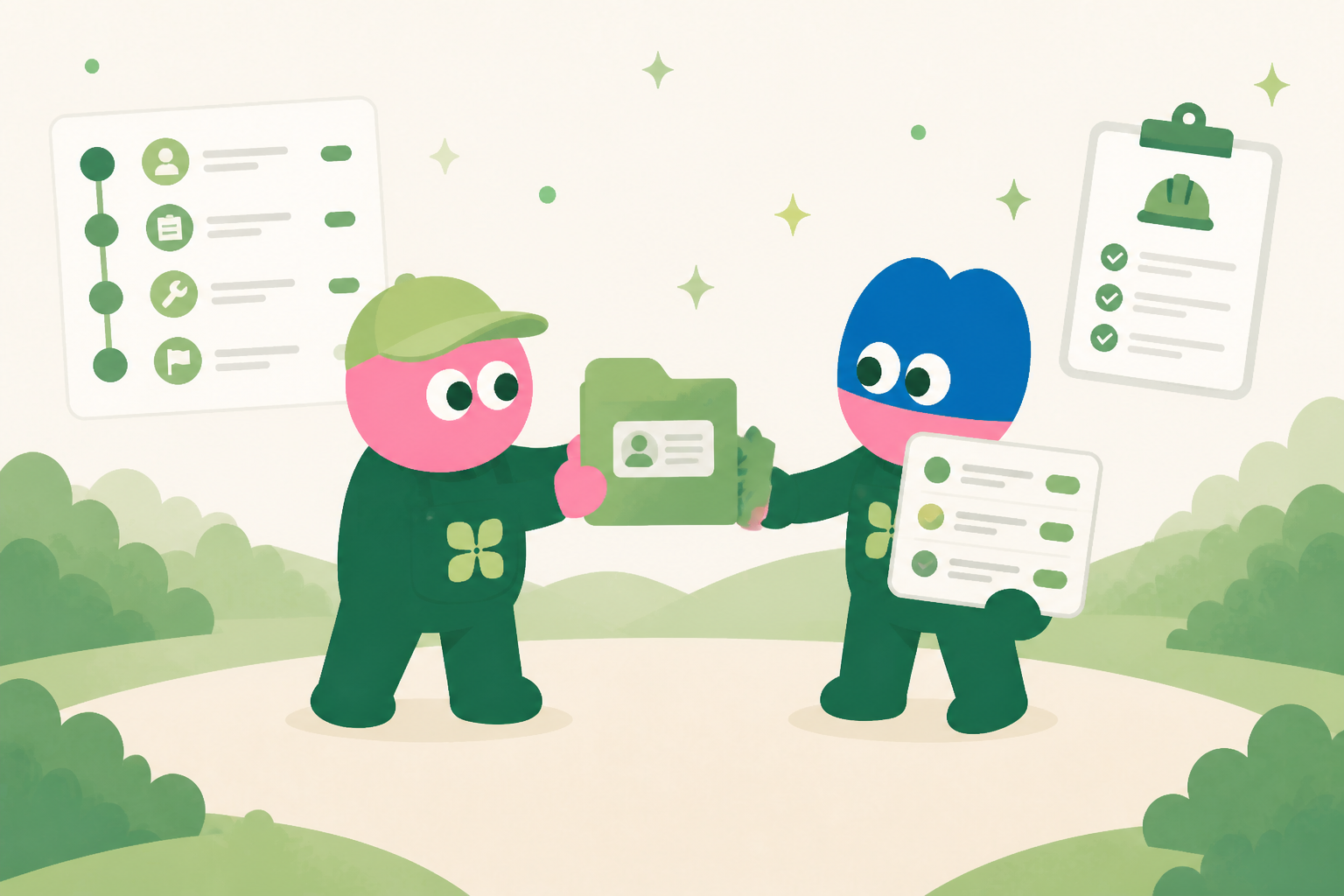
The shift changes. The context should not.
A handover can be scattered across chat, a quick call, an inbox, and someone’s memory. Kylon brings active work, supporting documents, open questions, and the next owner into one shared operating view.
Give each handover item a working record
The internal app can capture the current state, customer impact, source emails, related documents, responsible person, priority, and next action. People and agents work from the same record instead of rebuilding the story.
Keep evidence beside the summary
Attach a customer email, call note, procedure, or database record to the handover item. The incoming shift can see why a decision was made, not only a short summary of it.
Prepare follow-up without removing human control
When an external update may be appropriate, an agent prepares a reply using the linked context. A teammate reviews, edits if necessary, and confirms before it is sent.
Make handover a repeatable workflow
A workflow can collect open items near the end of a shift, prompt owners for missing details, and prepare a review-ready list. The result is a working system rather than a one-time prompt.
Make every handover a visible operating record
Shift work moves quickly, but the information needed for the next shift is often scattered across chat messages, personal notes, spreadsheets, and verbal updates. Kylon gives each handover a shared place to begin. The outgoing team can record what happened, what remains open, which customers or sites need attention, and what evidence supports the update. The incoming team sees the same context in one workspace rather than reconstructing it from several chat threads. This is useful for frontline operations, support desks, facilities teams, logistics coordinators, and any group where work continues after one person signs off. A handover becomes a working record that can be reviewed, clarified, and improved over time.
Capture the decision, not only the status
A useful handover explains more than whether a task is open or closed. It records the decision already made, the reason for it, the source material, the owner for the next action, and the time at which follow-up is needed. In Kylon, a structured handover form or database app can keep those fields consistent while linked files, conversations, and prior updates remain available beside the record. Team members can add a short explanation in their own words without losing the operational fields needed for reporting. That balance matters when an incident, exception, or customer request carries into the next shift and the next person needs enough context to act responsibly.
Build a repeatable rhythm around the shift change
The handover process can be adapted to the way a team already works. A workflow can collect updates near the end of a shift, gather records that still need review, and remind the designated lead when a response or acknowledgment is due. Supervisors can review exceptions in a single view instead of asking each employee for a separate summary. Database apps can serve as usable internal systems for handover logs, issue tracking, and trend review, with fields that reflect the team’s own operating process. The aim is not to replace judgment with a form. It is to make the facts, decisions, and pending work visible enough that the next shift can start from a reliable baseline.
When a handover requires an external update, Kylon can prepare an email draft from the linked record and its context. The draft remains for a person to check, edit if needed, and explicitly confirm before any external send. This protects the team from treating a summary as a final customer or partner communication. It also makes the approval point clear: internal information can be collected and organized automatically, while the person responsible retains control of what leaves the organization. Over time, the handover history provides a practical source for coaching, capacity planning, and process improvements because recurring delays and unclear ownership are easier to see in the record.
What the team keeps in the internal system
The exact fields differ by workflow, but the system keeps the source context, current status, accountable owner, decision history, related documents, relevant email thread, next internal action, and review date together. That structure gives people and agents a reliable starting point whenever work changes hands.
Start with one repeated workflow
Teams do not need to replace every tool at once. Start with the repeated work that currently requires people to copy information between conversations, inboxes, documents, and spreadsheets. Build a shared record, connect the people who own it, and use a workflow to support the review rhythm. The system becomes more useful as its context and decisions accumulate.
See how Kylon can help your team turn recurring work into a shared operating system.
Talk to KylonWhen the handover starts from a recorded call, an agent can read the transcript first. See Kylon for tl;dv users.
Your first company harness. Where humans and agents run your business together.
More Use Cases
View all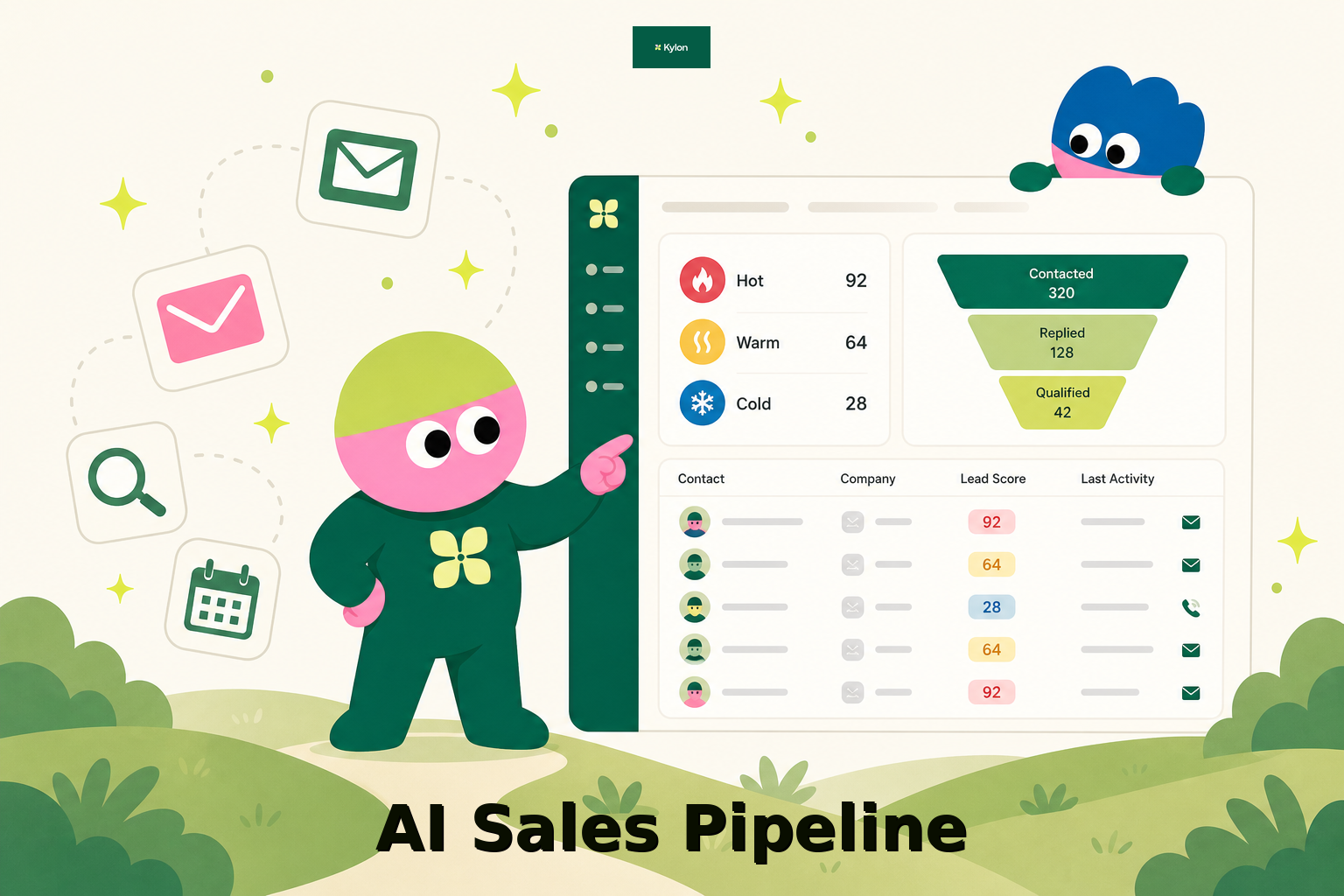
How a US Hospitality Firm Built an AI Sales Pipeline with Kylon
A US-based hospitality company used Kylon to automate 1,000-contact outreach, AI reply scoring, and lead routing.

How an AI Startup Automated Talent Sourcing with Kylon
A growing AI startup built a recruiting system where agents parse resumes, score candidates against open roles, and manage outreach, all from one room with a structured database.