How a Team Turned Customer Feedback Into a Product Loop
Connect customer conversations, support email, call notes, evidence, product decisions, and follow-up in one shared system.
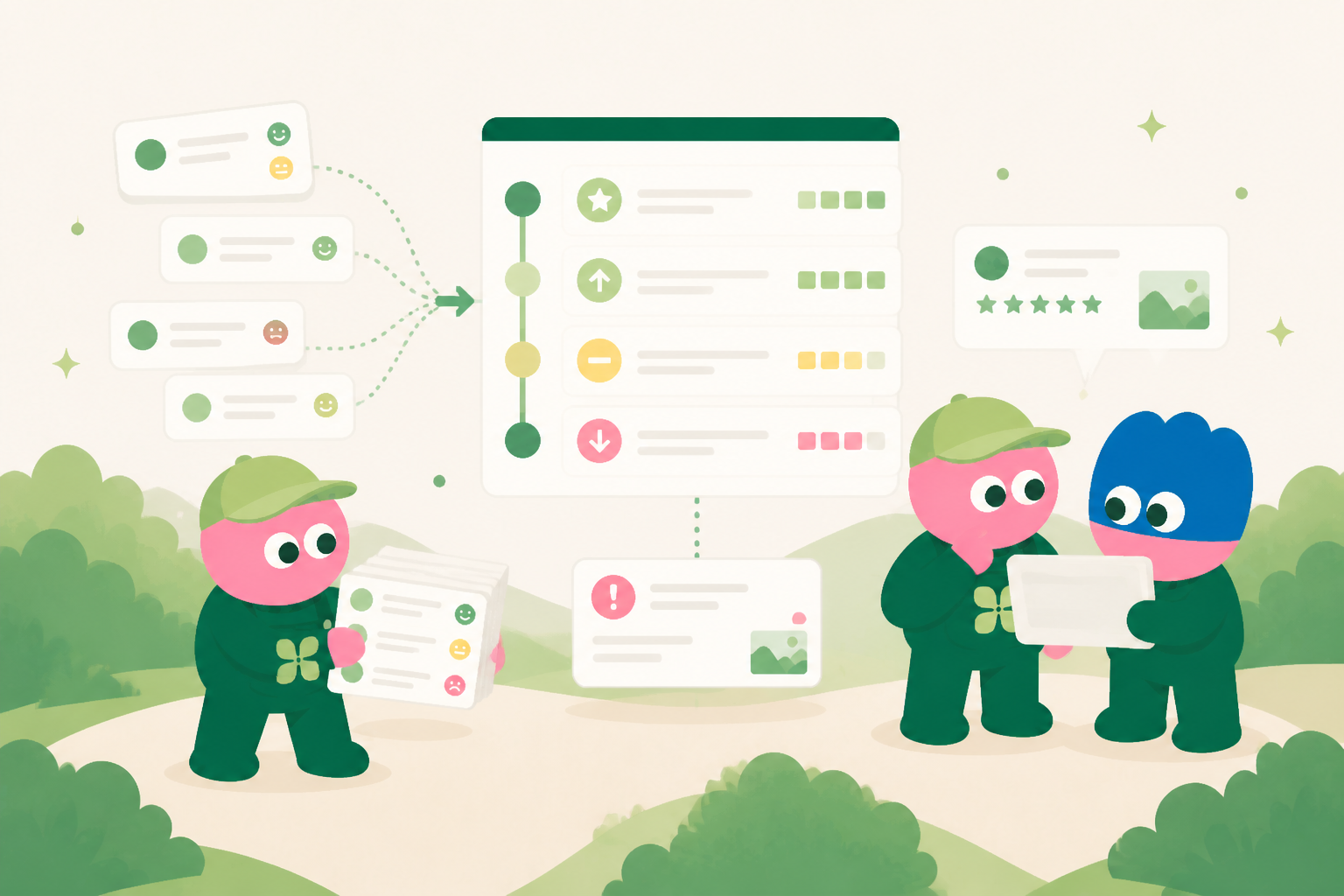
Customer signals should not end in an inbox
A call note or support message can reveal a bug, feature request, onboarding gap, or message worth testing. The customer record keeps the original evidence beside the account context and previous requests.
Turn conversations into reviewable inputs
The team creates linked records for feedback, possible bugs, feature requests, and go-to-market insights. Each item has a source, owner, status, and decision history so a pattern is not reduced to an unsupported summary.
Find recurring themes with context
When several customers describe the same friction, the shared system can group the related evidence for product review. Teams see both the pattern and the conversations behind it.
Coordinate product and customer follow-up
A workflow can route an item to the right product, support, or go-to-market owner. Once the team agrees a response, an agent prepares a customer update as a draft for human confirmation.
Build a learning engine, not a feedback archive
Customer records, insights, product work, documents, and follow-up stay connected. The next decision starts with what the team already learned.
Give customer feedback a route into product decisions
Customer feedback is most valuable when it can travel from the original conversation to a decision without losing its source, context, or urgency. In one anonymized power-user CRM workflow, a team captures call notes, customer requests, support observations, and account context in a structured internal system. Kylon brings those inputs together so product, customer-facing, and operational teams can review the same evidence. The goal is not to treat every request as a roadmap commitment. It is to make recurring signals easier to examine, compare, and discuss. A single comment may describe one situation. A pattern across customer calls, feedback records, and product usage discussions can provide a stronger basis for prioritization.
Start with the original voice and the account context
The anonymized CRM is designed around the details a team needs to interpret feedback responsibly. Each record can retain the call notes, the customer’s stated problem, the feature or workflow involved, the account segment, the stage of the relationship, and links to follow-up conversations. This prevents product discussions from being driven by a short paraphrase that has detached from the original issue. Team members can distinguish between a request for a specific feature, a friction point in an existing process, and a broader outcome the customer is trying to achieve. Linked context also helps reviewers see whether the matter has already been discussed or whether a similar signal appears in another account.
Move from individual notes to recurring insights
The useful unit for product planning is often not the individual feedback record but the recurring insight that emerges across records. Kylon can help teams review related notes in a consistent format, identify themes that appear across calls, and assign an owner to investigate the pattern further. A workflow can gather newly submitted feedback, request review from the appropriate people, and remind a designated owner to update the finding before a planning discussion. Database apps are usable internal systems for maintaining the evidence, the current interpretation, and the status of follow-up work. Teams can then separate confirmed observations from open questions, helping product discussions stay grounded in what has actually been heard.
The loop closes when the team can connect an insight to a decision, an experiment, a product change, or a customer follow-up, while preserving the reason for that action. If an external response is appropriate, Kylon can prepare an email draft using the linked customer context and the approved internal update. A person must still review the draft, edit it where necessary, and explicitly confirm before it is sent outside the organization. This keeps automated preparation separate from external communication responsibility. Over time, the anonymized power-user CRM becomes more than a collection of call notes. It becomes a reference for recurring customer needs, product trade-offs, and the evidence behind earlier decisions.
What the team keeps in the internal system
The exact fields differ by workflow, but the system keeps the source context, current status, accountable owner, decision history, related documents, relevant email thread, next internal action, and review date together. That structure gives people and agents a reliable starting point whenever work changes hands.
Start with one repeated workflow
Teams do not need to replace every tool at once. Start with the repeated work that currently requires people to copy information between conversations, inboxes, documents, and spreadsheets. Build a shared record, connect the people who own it, and use a workflow to support the review rhythm. The system becomes more useful as its context and decisions accumulate.
See how Kylon can help your team turn recurring work into a shared operating system.
Talk to KylonYour first company harness. Where humans and agents run your business together.
More Use Cases
View all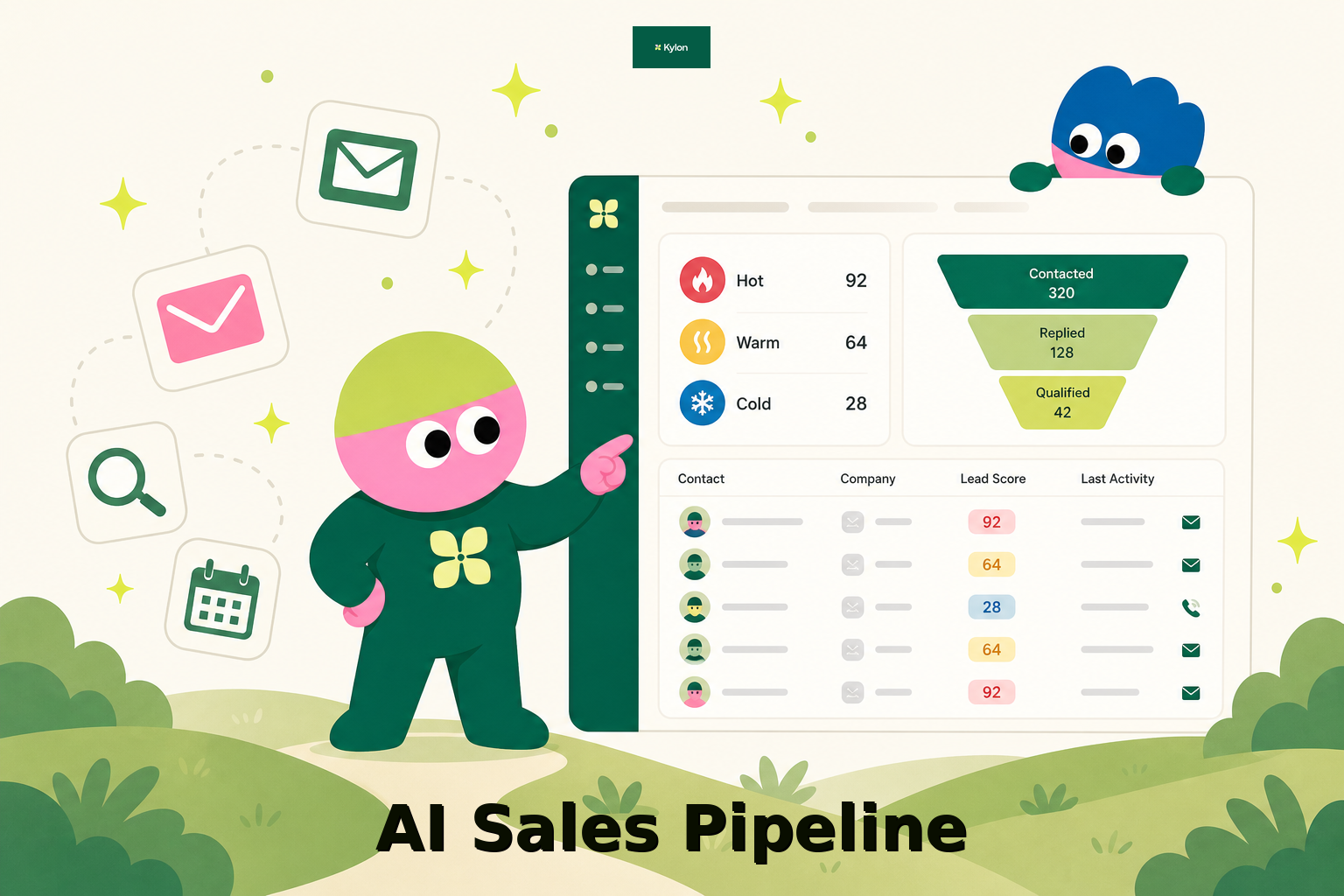
How a US Hospitality Firm Built an AI Sales Pipeline with Kylon
A US-based hospitality company used Kylon to automate 1,000-contact outreach, AI reply scoring, and lead routing.
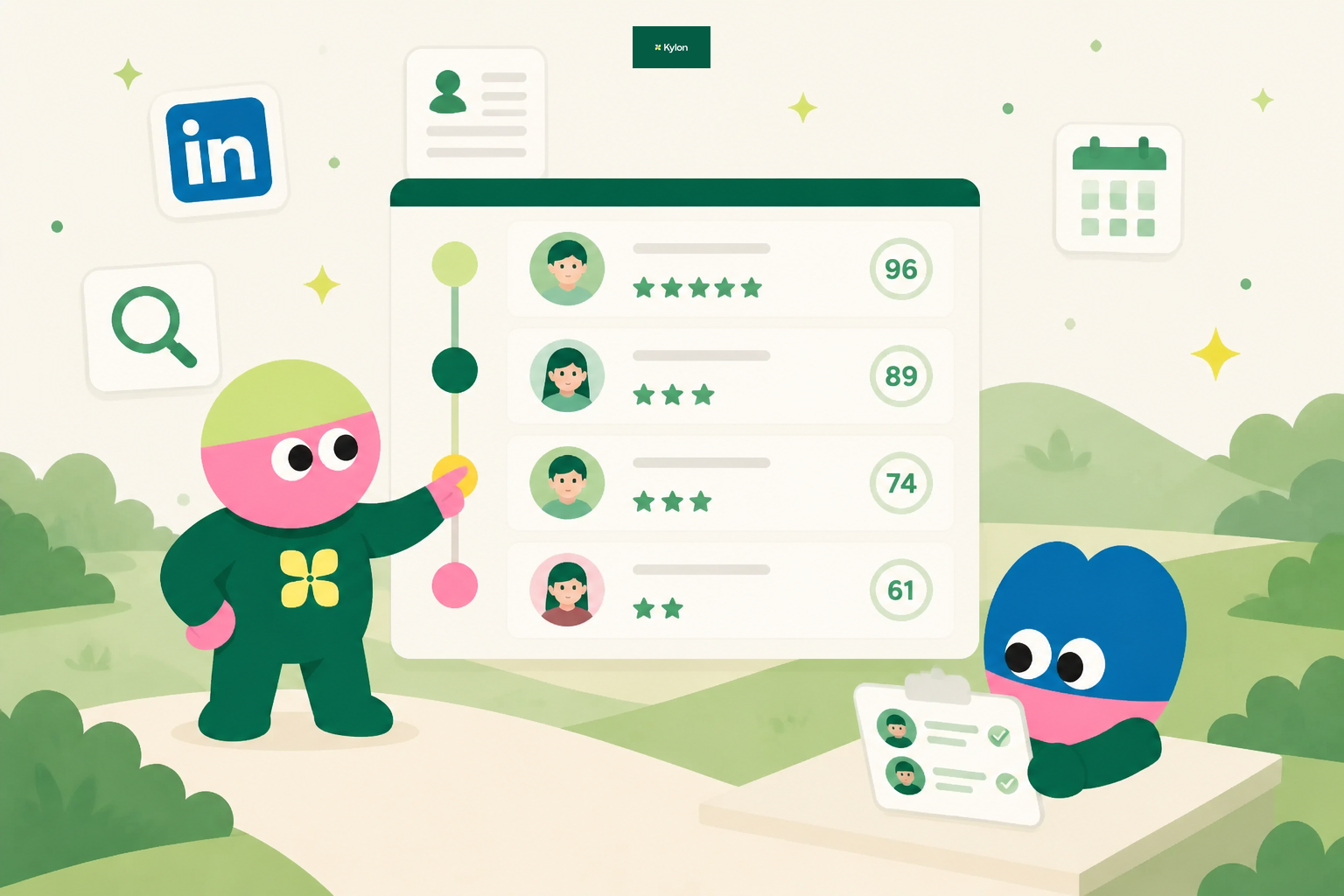
How an AI Startup Automated Talent Sourcing with Kylon
A growing AI startup built a recruiting system where agents parse resumes, score candidates against open roles, and manage outreach, all from one room with a structured database.