Claude can now send Gmail replies, while Cowork expands to paid plans
Anthropic has expanded Claude's Google Workspace connector so it can send, reply to, and forward Gmail messages, while Claude Cowork is available across web, desktop, and mobile surfaces for paid plans. Here is what changed and where the approval boundary remains.
The short version
Anthropic has moved Claude's Gmail connector beyond reading messages and preparing drafts. Claude can now send, reply to, and forward Gmail messages. Approval is still required by default, while Team and Enterprise owners can decide whether members may allow certain actions to run without asking each time. Anthropic's Google Workspace documentation is the source for these permissions.
Anthropic has also expanded Claude Cowork across desktop, web, mobile, and the Claude in Chrome side panel. Cloud sessions and files stay with the Claude account, so a task can be started on one surface and resumed on another. Anthropic's Cowork documentation describes the current surfaces and beta limitations.
What changed in Gmail
The Google Workspace connector can now send, reply to, and forward email from Gmail. This is a meaningful change from generating a suggested response. The connector can complete the delivery step after the user asks Claude to perform it. Anthropic documents the three Gmail actions here.
The default boundary remains explicit approval for each action. On Team and Enterprise plans, an owner decides whether members can allow certain actions to run without asking every time. Anthropic's permission description does not mean that every account can remove the approval step.
Why the approval setting matters
Sending an email is an external side effect. A system that summarizes an inbox and a system that sends a message should be evaluated differently. Teams should define which recipients, message types, and account contexts can be handled without another review step. The available approval controls are described in Anthropic's Google Workspace documentation.
A practical rollout can start with drafts or explicit approval, then measure corrections, wrong-recipient attempts, duplicate sends, and escalation volume. Those measures are operational recommendations, not claims about Anthropic's product behavior.
What changed in Cowork
Claude Cowork is available on desktop, web, mobile, and in the Claude in Chrome side panel. The web and mobile experience is in beta, and the documentation lists connectors, skills, plugins, scheduled tasks, projects, and file previews among the supported capabilities across surfaces. See the current feature table.
Cloud Cowork runs on Anthropic's servers rather than the user's computer, and sessions and files are saved to the Claude account. Local file access, browser use, and computer use have surface-specific requirements, so teams should not treat mobile or web access as identical to desktop access. Anthropic explains these limitations.
Availability and plans
Anthropic's Cowork help page says Cowork is available on paid plans, with availability varying by surface and organization settings. The web and mobile experience is available for Pro, Max, and Team plans, and Enterprise availability depends on administrator enablement. Anthropic's plan and surface guidance is the source for this scope.
The Google Workspace connector documentation does not present a separate per-message price for Gmail actions. The relevant cost is the Claude plan and any organization-level controls attached to it. Check the account's current plan and administrator settings before designing a production workflow.
Where a shared workspace handles email differently
Claude's update expands what one assistant can do with a connected mailbox. For a team, the harder question is not whether the assistant can press send. It is whether the review, the prior correspondence, and the work that repeats every week all sit somewhere the rest of the team can see.
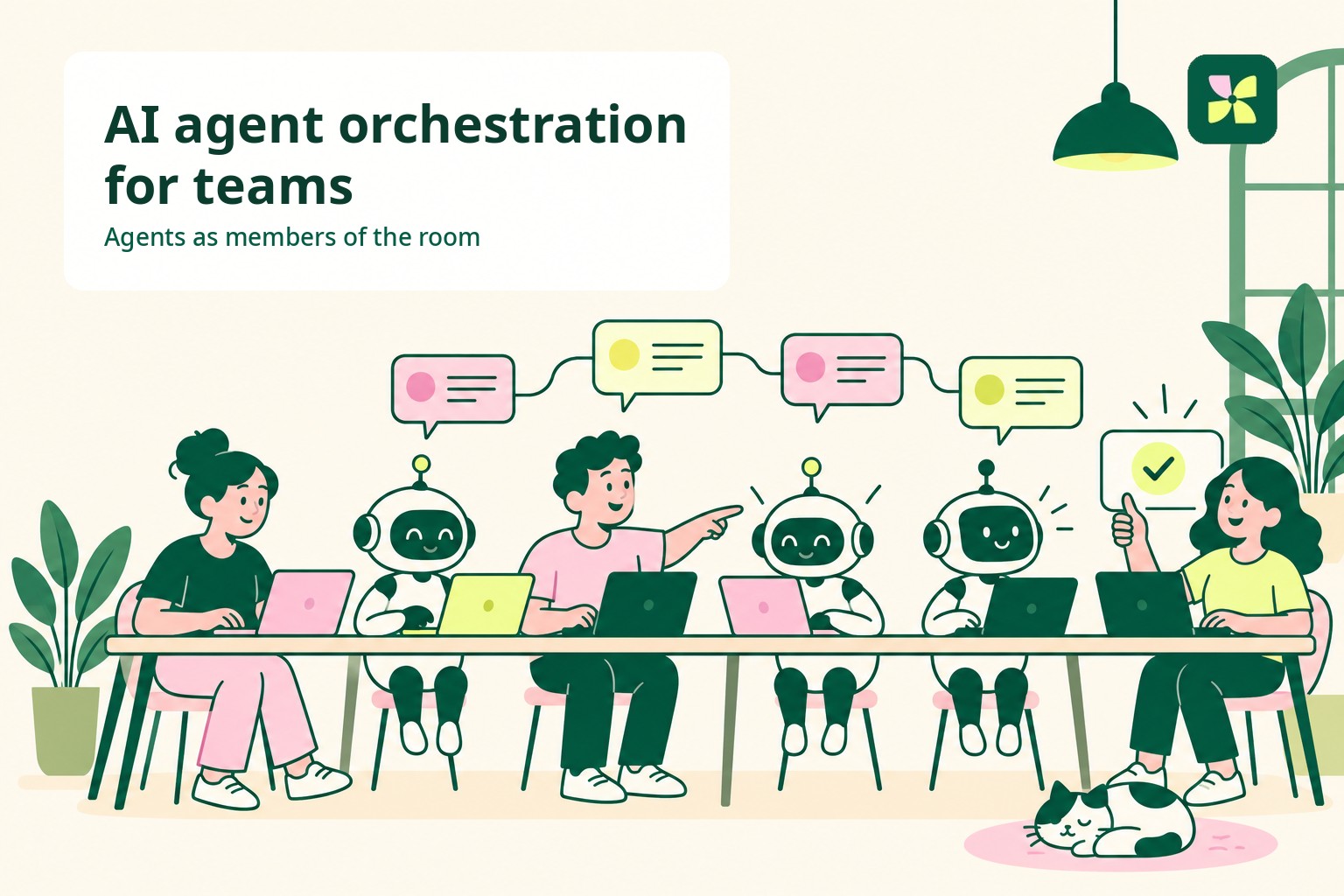
Kylon connects Gmail and Outlook the way it connects any other tool, and email work then behaves like the rest of the workspace.
Every outbound message starts as a draft the team can see. When an agent writes an email in Kylon, it does not go out. It appears in the room as a draft card showing recipient, subject, and full body. A person reads it, edits it in place, and approves it. Because the draft sits in a room instead of one person's assistant window, the reviewer does not have to be the mailbox owner, so a colleague can catch a wrong recipient before the message exists.
The agent reads the correspondence before it writes. A connected mailbox keeps its message history in the workspace, so an agent can search what was already said to this person, quote the exact inbound message it is answering, and keep the reply in the same thread. The team can read that history too, which is what makes an account transferable when the person who owns the relationship is away.
Recurring email work becomes a workflow rather than a repeated request. Triage rules, scheduled inbox checks, chasing unanswered threads, and drafting a reply when an external event arrives can all run as workflows in the same room, each with its own run history. Nobody has to reopen a chat and re-explain the task every morning.
| Question | Single assistant with a mailbox connector | Kylon |
|---|---|---|
| Who approves a send | The person holding the session, action by action, in their own client | Anyone in the room with access to that connection, on a draft card the team can see |
| What context the reply carries | The current conversation plus whatever the connector fetches | Stored mailbox history, plus the room, files, and decisions around the request |
| What remains afterwards | The assistant transcript | The draft, the approver, the thread, and the run record in the workspace |
| Work that repeats | Ask again | A workflow on a schedule or a trigger, with its own run history |
None of this is an argument against Claude's connector. It is a note about where accountability lives once an assistant can act outside your own account. Kylon's integrations page lists the tools an agent can connect, and what Kylon is covers how rooms, agents, and workflows fit together.
What teams should test first
- Start with a narrow mailbox, a defined recipient group, and explicit approval.
- Record the source thread, proposed message, final message, and approving person.
- Add checks for sensitive information, external recipients, and duplicate sends.
- Compare the time to a completed task, not only the time to a generated draft.
- Expand permissions only after the review path is reliable.
Bottom line
Claude's Gmail connector now crosses the line from drafting to sending, while Cowork expands the surfaces where a task can be started, steered, and reviewed. The product change is significant because the main design question becomes permission and accountability, not only writing quality. Anthropic's Gmail documentation and Cowork documentation should remain the source of truth as availability changes.
Your first company harness. Where humans and agents run your business together.