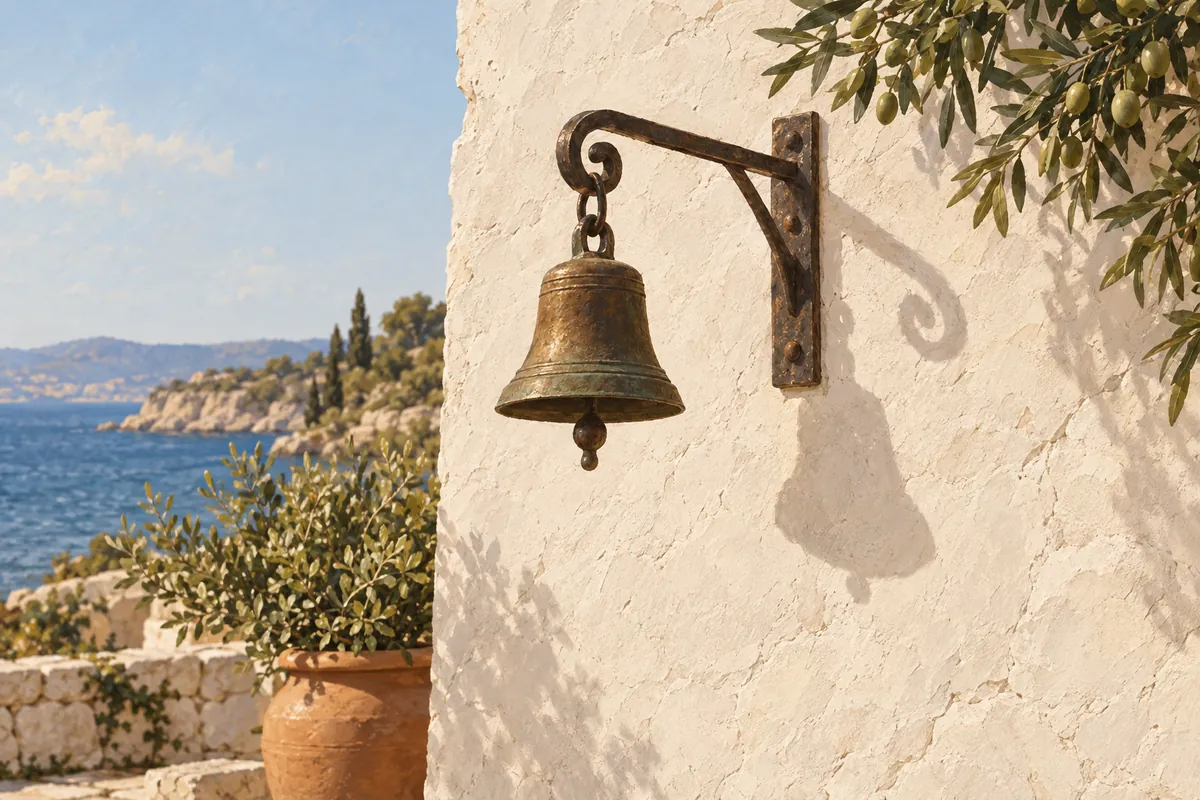
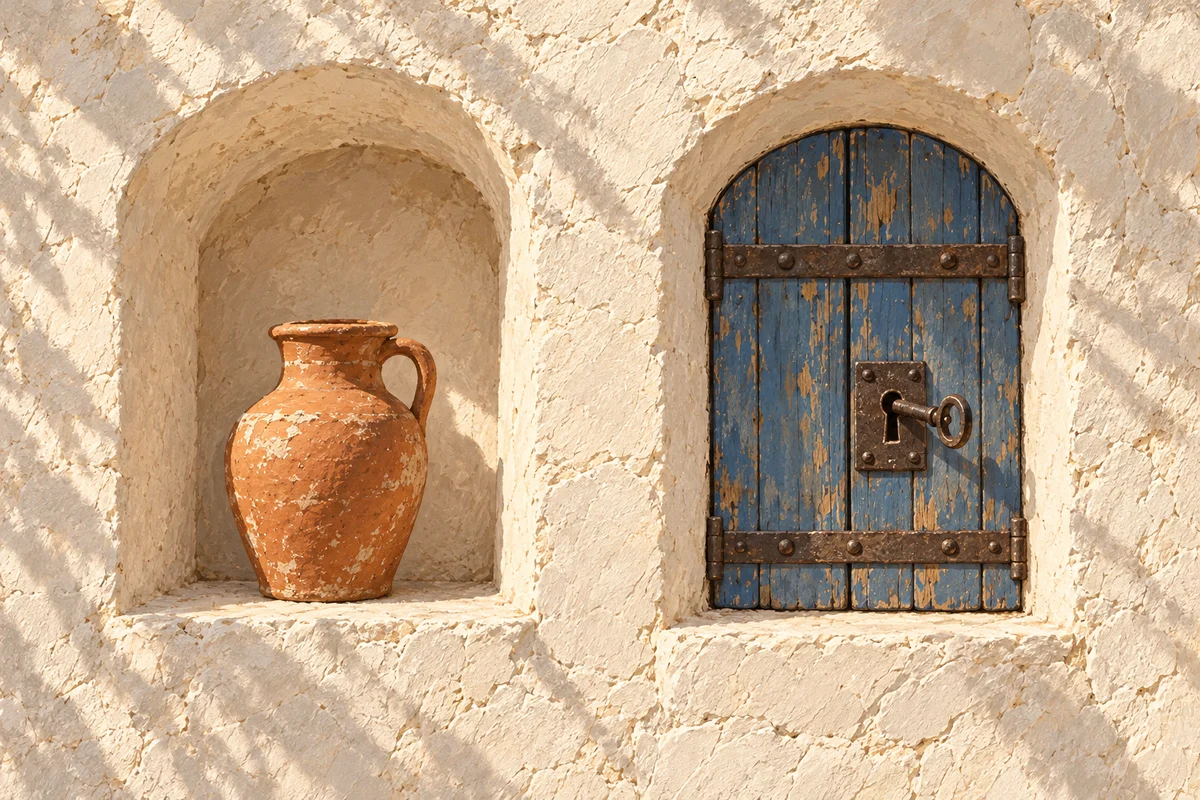
GPT Image 2.5 vs GPT-Image-2: our day one numbers from inside Kylon
GPT Image 2.5 became the default image model for every Kylon agent on launch day. We then ran the same prompts through GPT-Image-2, 2.5 Flare, and 2.5 Sunburst and measured what actually changed.
The short version
OpenAI released ChatGPT Images 2.5 on September 8, 2026, along with two new API models, GPT-Image-2.5 Flare and GPT-Image-2.5 Sunburst, as described in OpenAI's announcement.
Kylon picked it up the same day. GPT Image 2.5 is now the default image model behind every agent in your workspace. Nobody has to connect an OpenAI account, paste an API key, or move a workflow. The prompt you used yesterday runs on the new model today, and what your workspace pays for image generation did not change.
What OpenAI shipped
The release is aimed at the part of image work that actually takes the time, which is the second, third, and fourth version of the same asset. OpenAI describes better preservation of subjects from reference photos, more reliable multi-turn editing, more accurate real-world detail, and support for complex layouts and transparent backgrounds. OpenAI
For developers there are two models. GPT-Image-2.5 Flare is, in OpenAI's words, "the default choice for most applications, delivering higher-quality images than GPT-Image-2 at 50% lower latency". GPT-Image-2.5 Sunburst trades generation time for tighter control across edits and is meant for production creative. Both are documented with quality levels from low through max and output sizes up to 4K in OpenAI's image prompting guide, and the model snapshots are listed on the GPT-Image-2.5 Flare and Sunburst model pages.
We wrote up the launch itself in more detail in ChatGPT Images 2.5 launches with faster generation and more precise editing.
What changed inside Kylon
Three things, all of them on the platform side rather than yours.
The default model moved. Every agent that generates an image now calls GPT Image 2.5. Existing skills, workflows, and scheduled jobs inherit it without an edit.
Generation got noticeably quicker. On our own prompts at high quality, one image went from about 86 seconds on GPT-Image-2 to about 30 seconds on 2.5. The measurements, the side by side images, and the caveats are in the next section.
The price did not move. Image generation is part of the platform, billed the way it was before. There is no per-image credit to top up and no separate OpenAI subscription to buy.
What we measured
We ran the comparison ourselves on 11 September 2026, from an agent inside Kylon, because the launch material reports a latency improvement but says nothing about our own prompts.
Three briefs, chosen because they are the image jobs this team actually runs: a brand illustration for a blog cover, an ad card that has to render specific copy, and a product interface mockup. Each brief ran on GPT-Image-2, GPT-Image-2.5 Flare, and GPT-Image-2.5 Sunburst at the same output size and the same high quality setting, twice per model. A fourth test took each model's own illustration and asked it, in one instruction, to change only what the screen shows.
- GPT-Image-2
- GPT-Image-2.5 Flare
- GPT-Image-2.5 Sunburst
Brand illustration, 1536 x 1024
Ad card with copy, 1024 x 1536
Product mockup, 1536 x 1024
One targeted edit, 1536 x 1024
Measured end to end from a Kylon agent on 11 September 2026. Same output size and the same high quality setting for every model. Generation rows are the mean of two runs, the edit row is a single run. Times include network and proxy overhead, and the three prompts ran concurrently, so they read higher than a raw model benchmark.
Averaged across the three generation briefs, GPT-Image-2 took 86.3 seconds per image, Flare 29.7 seconds, and Sunburst 33.5 seconds. That is roughly a third of the old wall clock time, which is a larger gap than the 50% latency reduction OpenAI describes in its announcement. Read our numbers as an order of magnitude rather than a precise figure: two runs per cell, three prompts running concurrently, and network plus proxy overhead included in every bar.
The images themselves
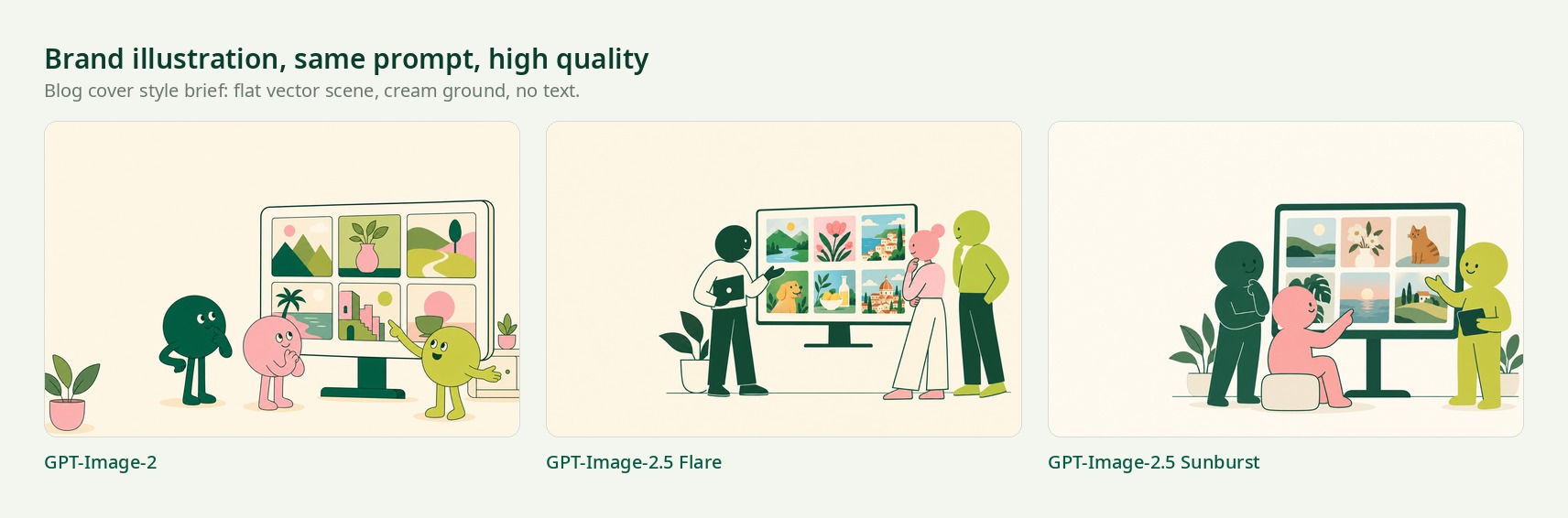
On a clean brand illustration, all three models produce something usable. The difference is in how literally the brief is followed, not in whether the output is presentable.
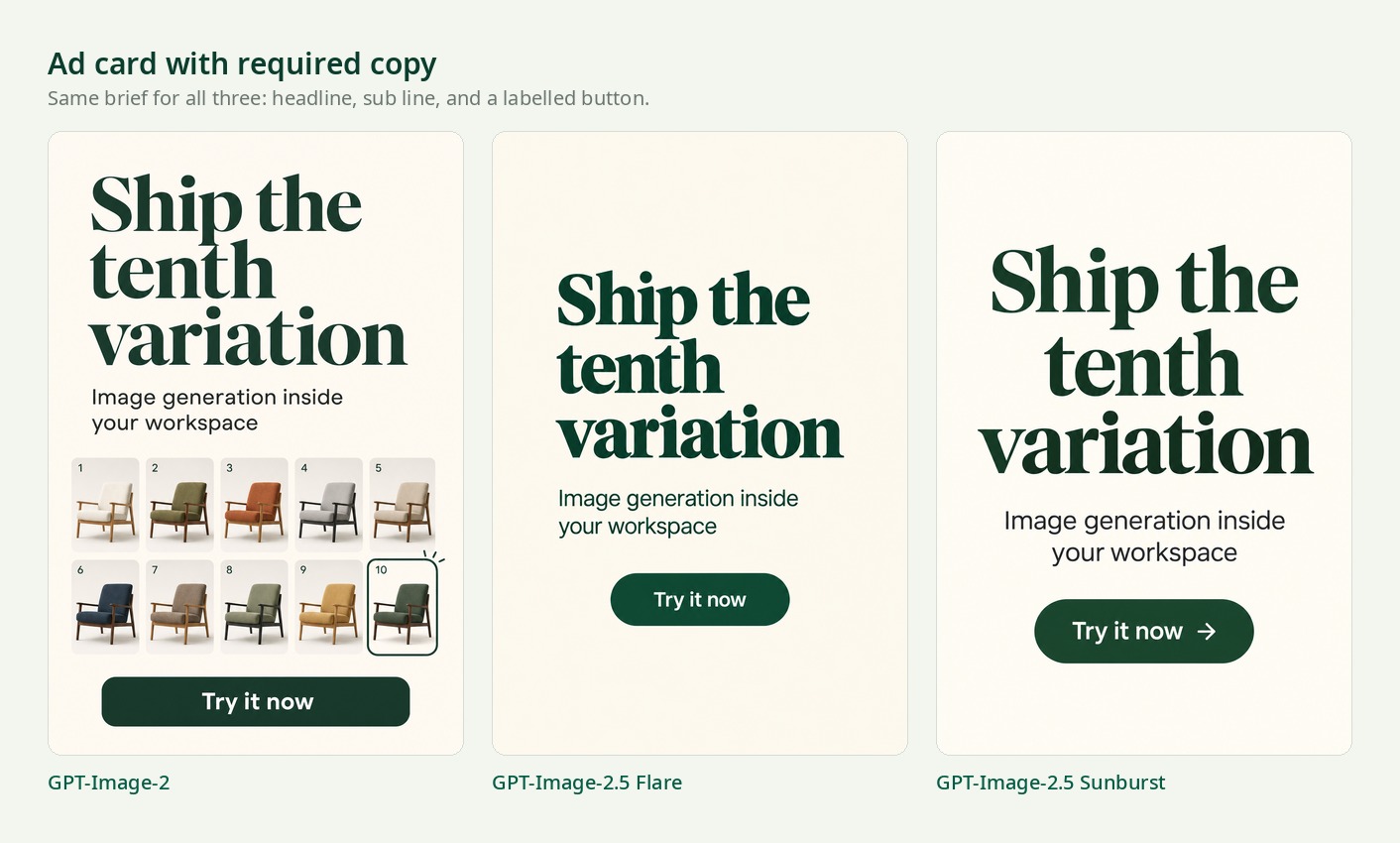
The ad card is the harder test, because the copy has to come out right. All three rendered the headline, the sub line, and the button label correctly at this size. GPT-Image-2 filled the empty space with a product grid nobody asked for, while both 2.5 models kept the layout close to the brief.
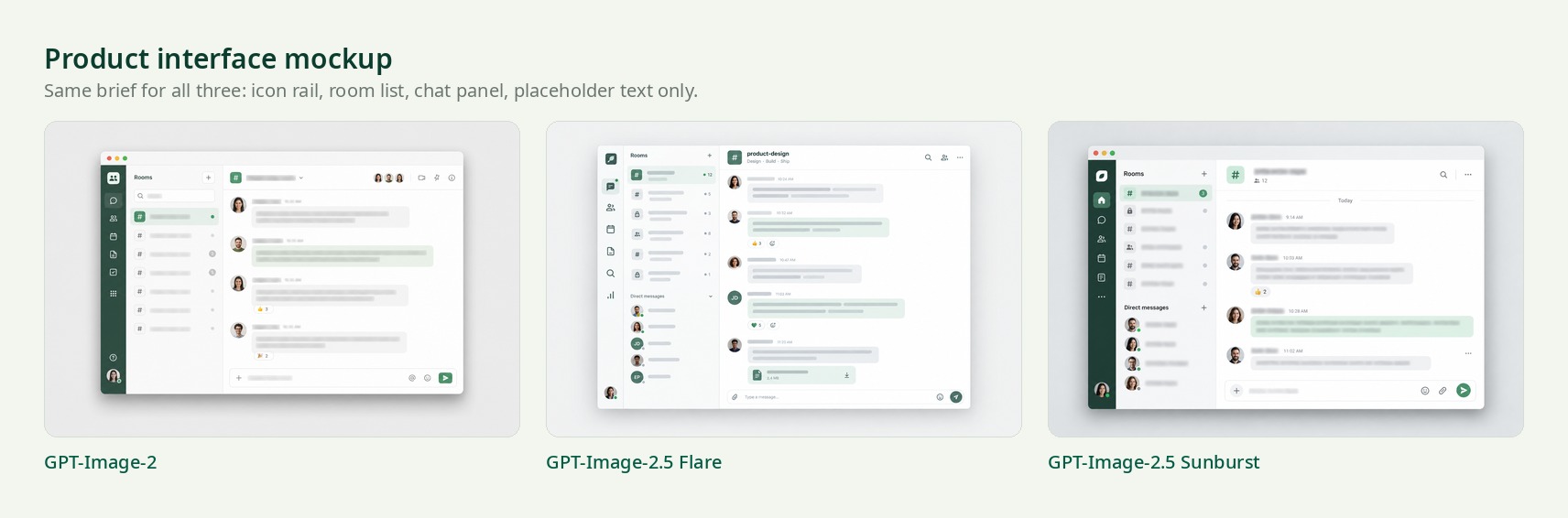
Where the gap is obvious
The clearest difference is the second pass, which is where production time actually goes. Each model received its own image back with one instruction: change only what the screen shows to a bar chart, keep everything else identical.
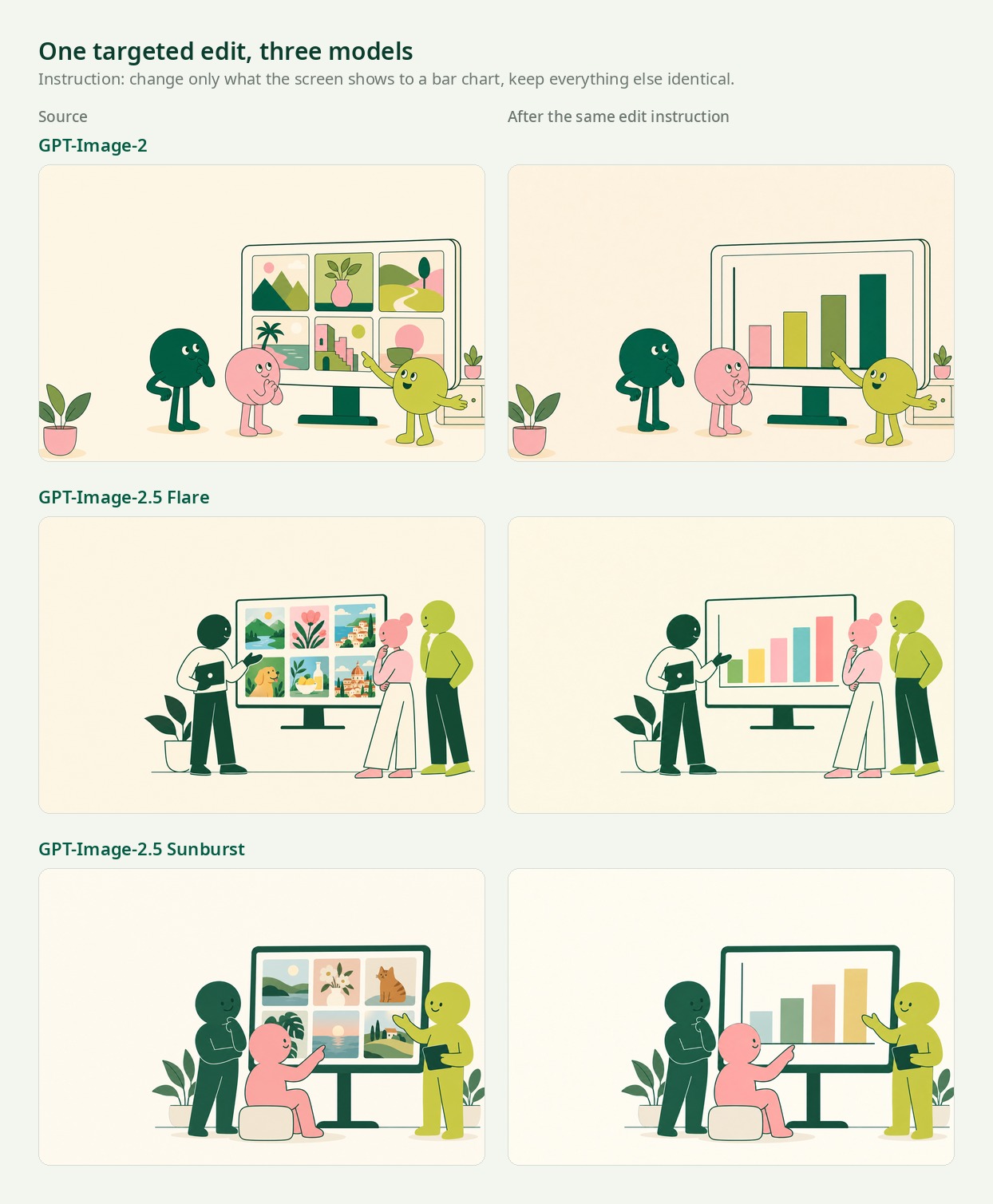
GPT-Image-2 rebuilt the scene around the change. The characters shift position, the screen grows, the plant moves. Both 2.5 models swapped the screen content and left the rest of the frame where it was. That is the behaviour that decides whether the sixth revision of an ad set is a revision or a restart.
What we are not claiming
This is four tasks on one afternoon, not a benchmark suite. We did not test transparent backgrounds, 4K output, multi-reference composition, or text-heavy layouts at small sizes. Cost per approved asset, which matters more than any single number here, depends on how many rounds your reviewer needs. If you are choosing between image models, run your own briefs and your own edit sequence.
Why day one matters more than the model
A new model is only useful once it reaches the place where the work happens. In most stacks that is a migration: someone updates a model string, someone else re-tests the prompts, and the marketing team waits.
In Kylon the model sits behind the agents, so the upgrade lands in the room where your team already works. The agent that writes your blog covers, the workflow that produces ad variations every Monday morning, the skill that builds product mockups for a use case page: all of them were on the new model within hours of the announcement, with no ticket and nothing to redeploy.
That is the same reason your agents get new language models, new video models, and new connectors without a rollout plan. The platform carries the upgrade so your workspace does not have to.
What teams do with it
The pattern that pays off is not a single hero image. It is the tenth variation of an image that still looks like your company made it.
Content visuals. A cover, a social card, and in-article diagrams from one brief. Every cover on this blog, including the one at the top of this article, is produced this way.
Ad creative in sets. Ask for six variants at feed and story sizes, change one headline, keep the treatment. Multi-turn editing is where 2.5 earns its keep, because the sixth edit still respects the first five.
Product and pitch visuals. Mockups, concept art, and deck illustrations that hold one visual language across thirty slides.
If your workspace has a brand system saved, agents read it before they generate: colors, type scale, logo rules, and the patterns to avoid. Logos are composited from your real files rather than drawn by a model, which is the only way a wordmark survives contact with image generation. More on that in the GPT-Image integration page.
Try it in your own workspace
Open a room, ask an agent for the image you need, and describe the change you want next. No key, no credits, no new tab.
Start a workspace or book a demo if you would rather be walked through it.
Or walk around first. This is Kylon Land, the same workspace as a place you can step into.
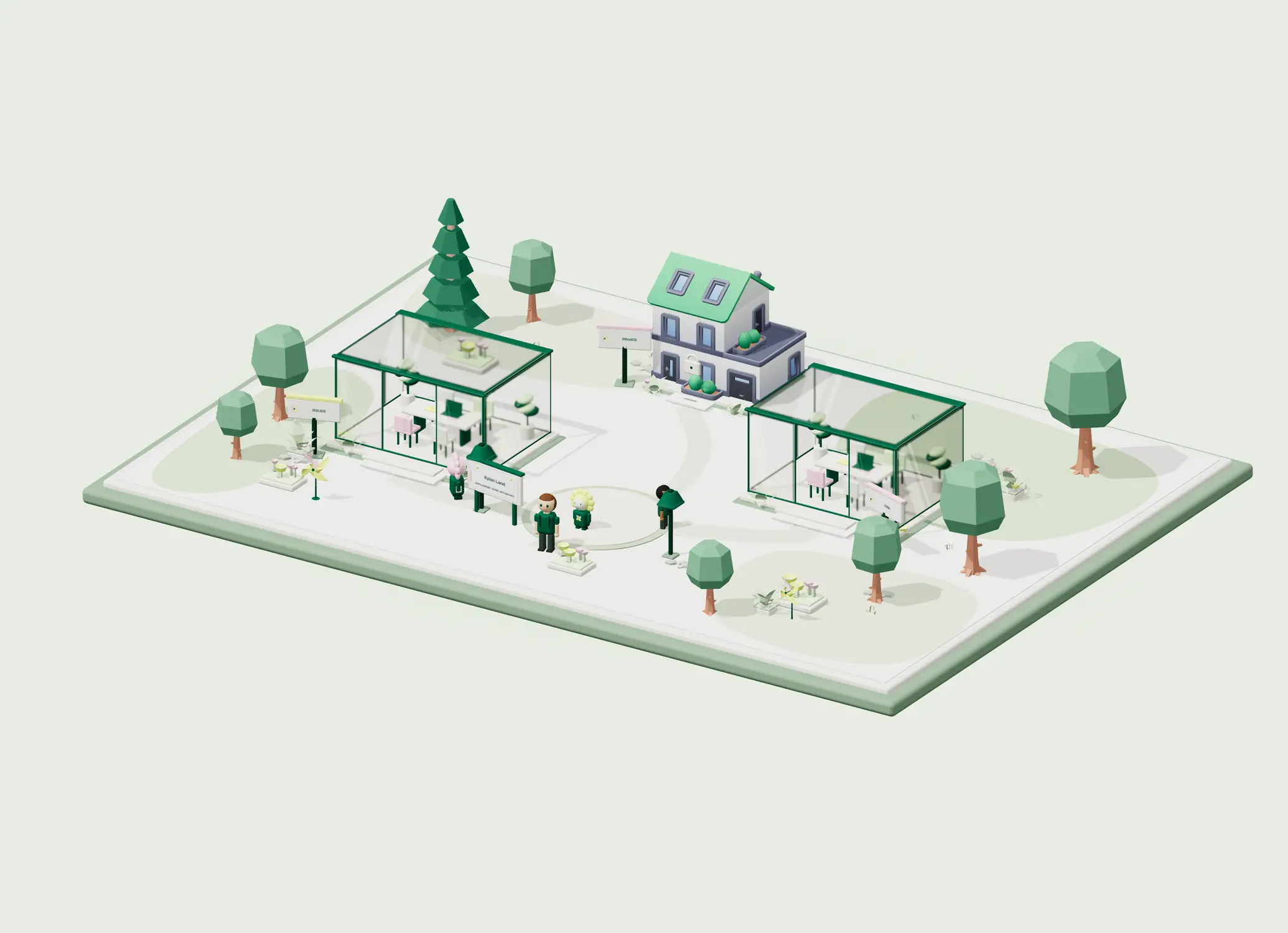
Your first company harness. Where humans and agents run your business together.