Ecommerce / App template
TikTok Shop sampling desk
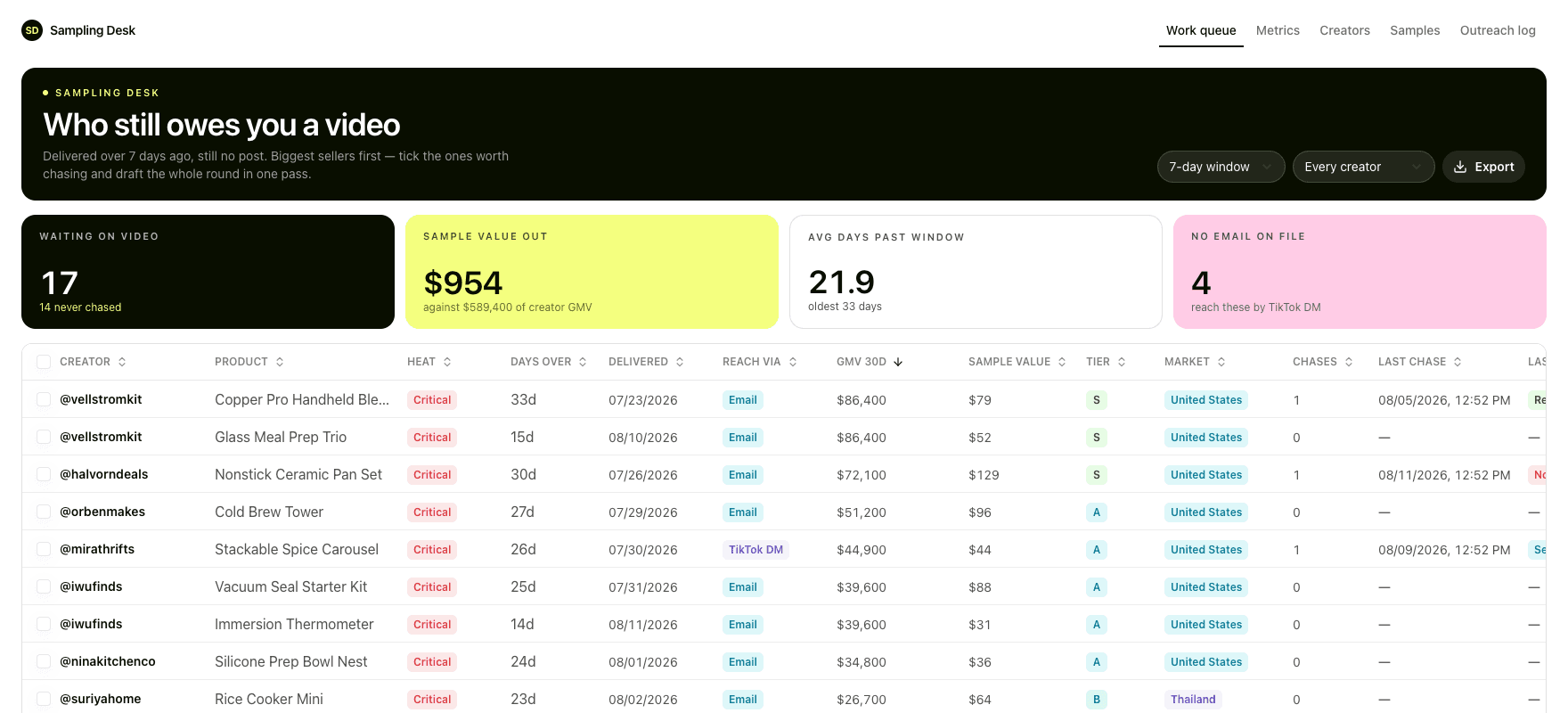
Every seeding programme reaches the point where nobody can say which creators still owe you something, so the ones worth chasing get chased last. This template keeps one queue that answers it: delivered past the posting window, still silent, biggest seller first, with the chase already written against that creator's own product and dates.
What it puts on screen
01
A sample goes out
Product, value, carrier and tracking against one creator, so the cost of the programme is itemised rather than estimated at the end of the quarter.
02
Delivery starts the clock
Not dispatch. The posting window runs from the day it landed, because that is what you agreed with the creator.
03
The queue ranks by size
Overdue and silent, biggest seller first. A 33 day silence from an $86K creator is not a $5K problem, and the list says so before anyone opens a spreadsheet.
04
Chases you read before they go
Tick the rows, pick an escalation, and each message renders against that creator's own product and dates. Marking a row replied is what moves the next message on.
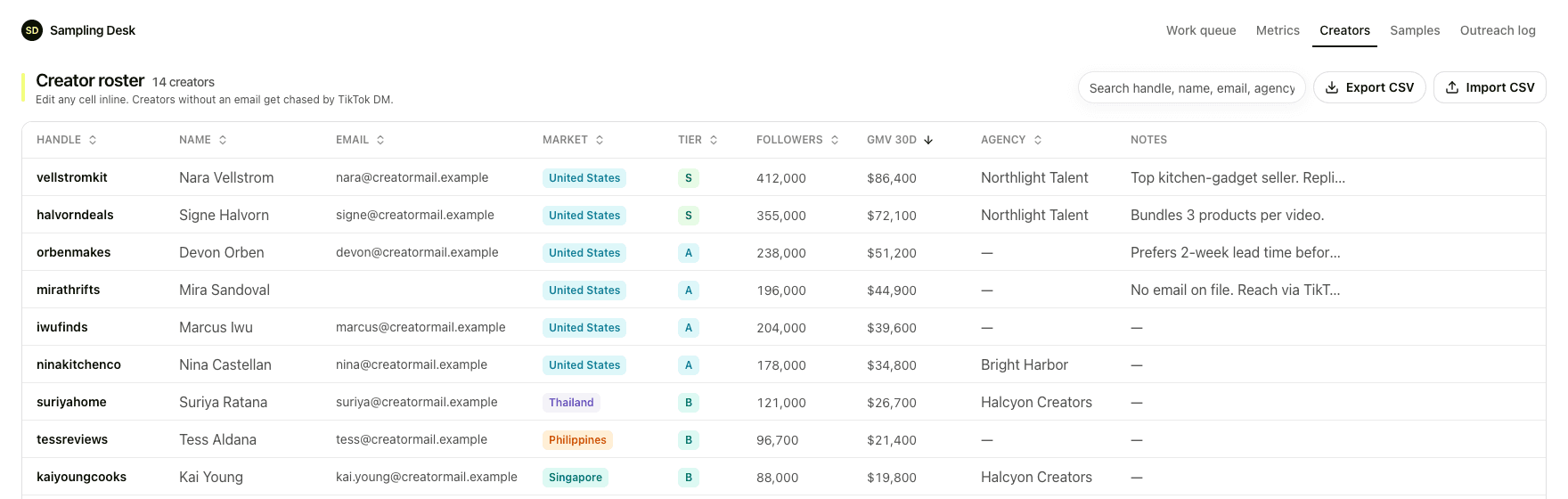
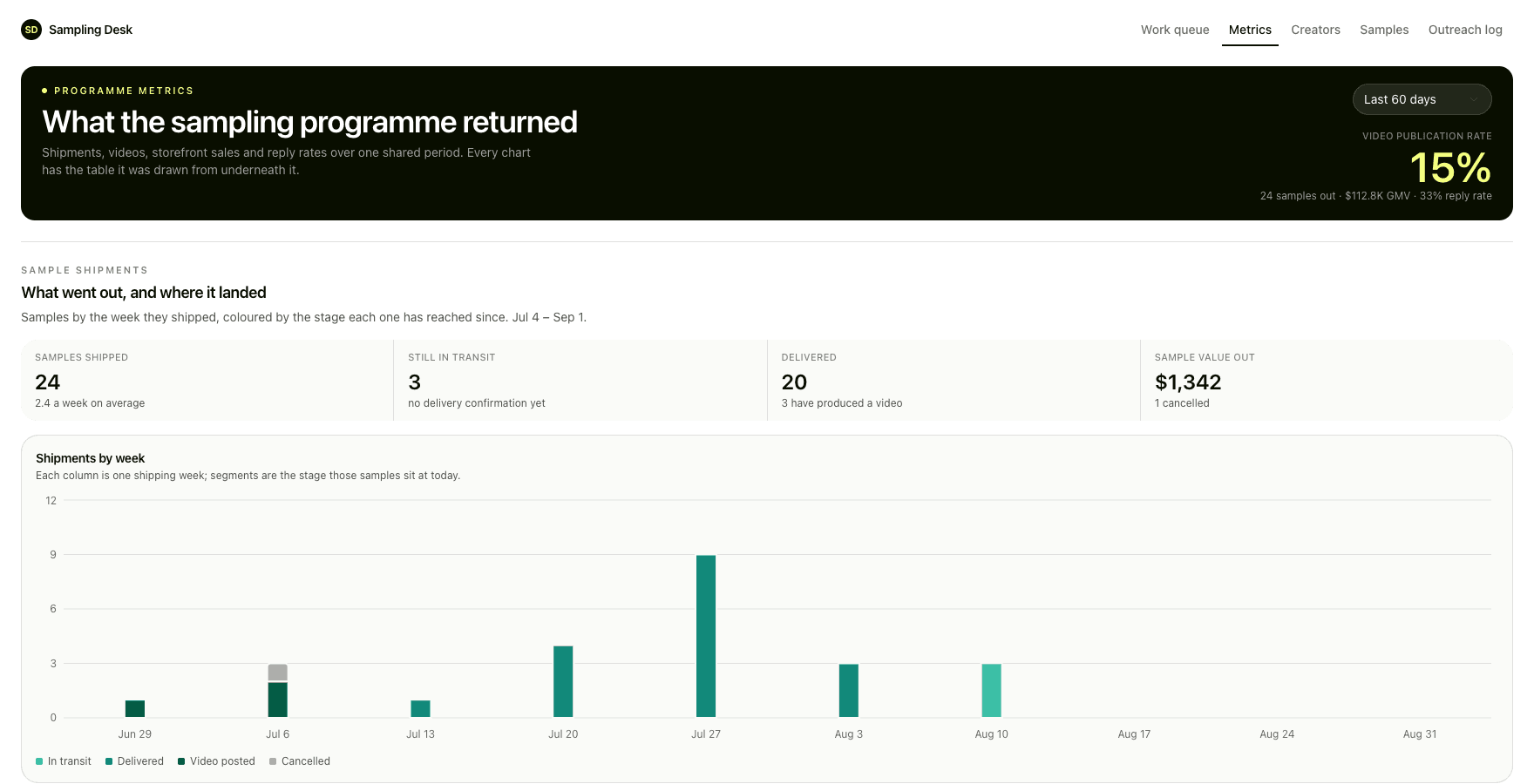
The screens

Three things the template leaves to you
- How long the posting window runs before a sample counts as overdue.
- What each step of the escalation says, and whether it goes by email or by DM.
- Which of the three automations you turn on once the desk is holding real rows.
The setup guides inside the archive walk your agent through each one.
Paste this at your agent
The demo rows are invented, the addresses sit on a reserved .example domain and the video links resolve to nothing, so the first screen is safe to show anyone. The instruction stops before the agent touches a real creator.
Download https://sampling-desk-template.kylon.app/sampling-desk-app-template.zip and build me a TikTok Shop sampling desk from it. Unpack it, read README.md and setup/01-build-the-app.md, and follow them: create the App, provision its database, copy app/. into the checkout, replace the placeholder app id and hosting slug, then push a draft and send me the link. Never run SQL by hand. db/migrations applies itself, and the last file seeds 14 invented creators and 24 samples so the work queue has a real backlog on the first open. Leave those rows in. Then stop. Do not import anything real, do not create the workflows, and do not set CHASE_WEBHOOK_URL. Ask me whether to start loading our own creators and samples.
Prefer to read it first? Download the archive. sampling-desk-app-template.zip. The App source with its migrations, five setup docs, and three automation briefs with what each one costs to run.
More in the gallery
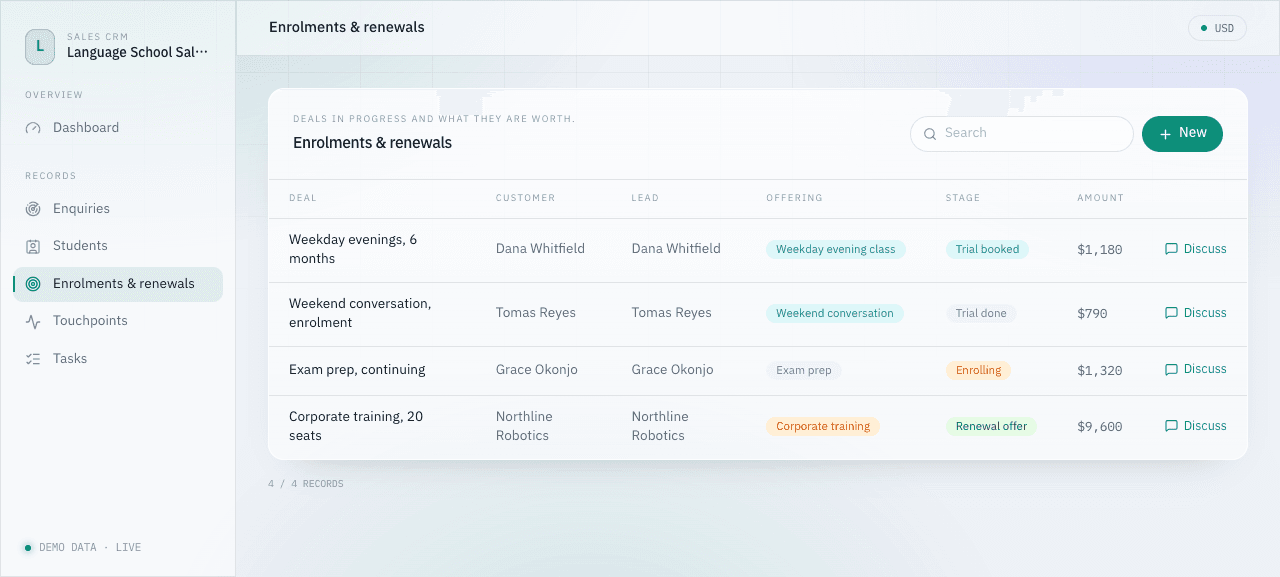
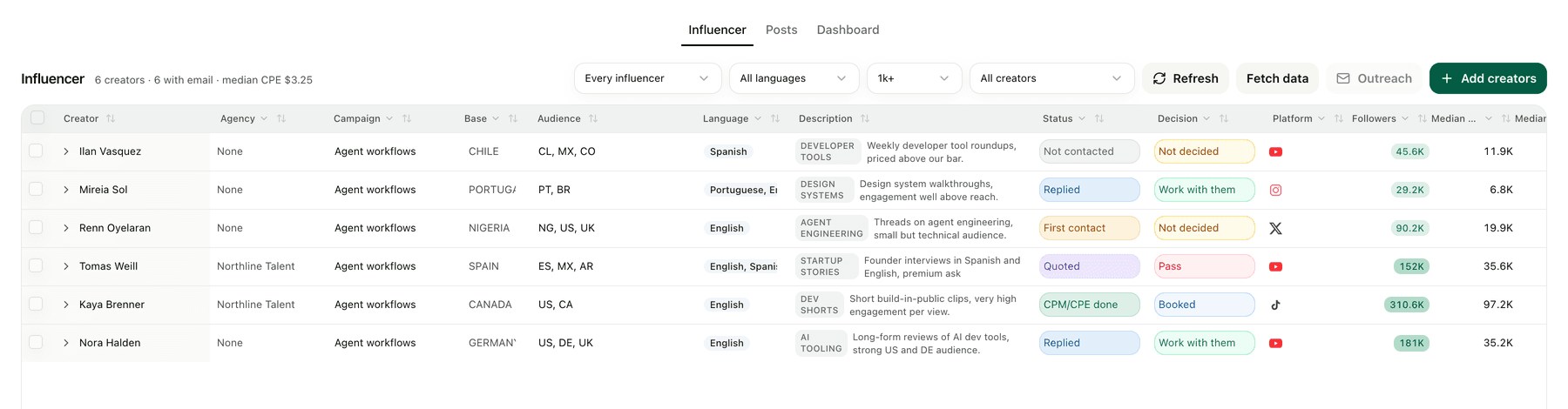
Yours will not look exactly like this.
That is the point. The template gives your agent a running start, then the two of you change it until it matches how the work actually goes.